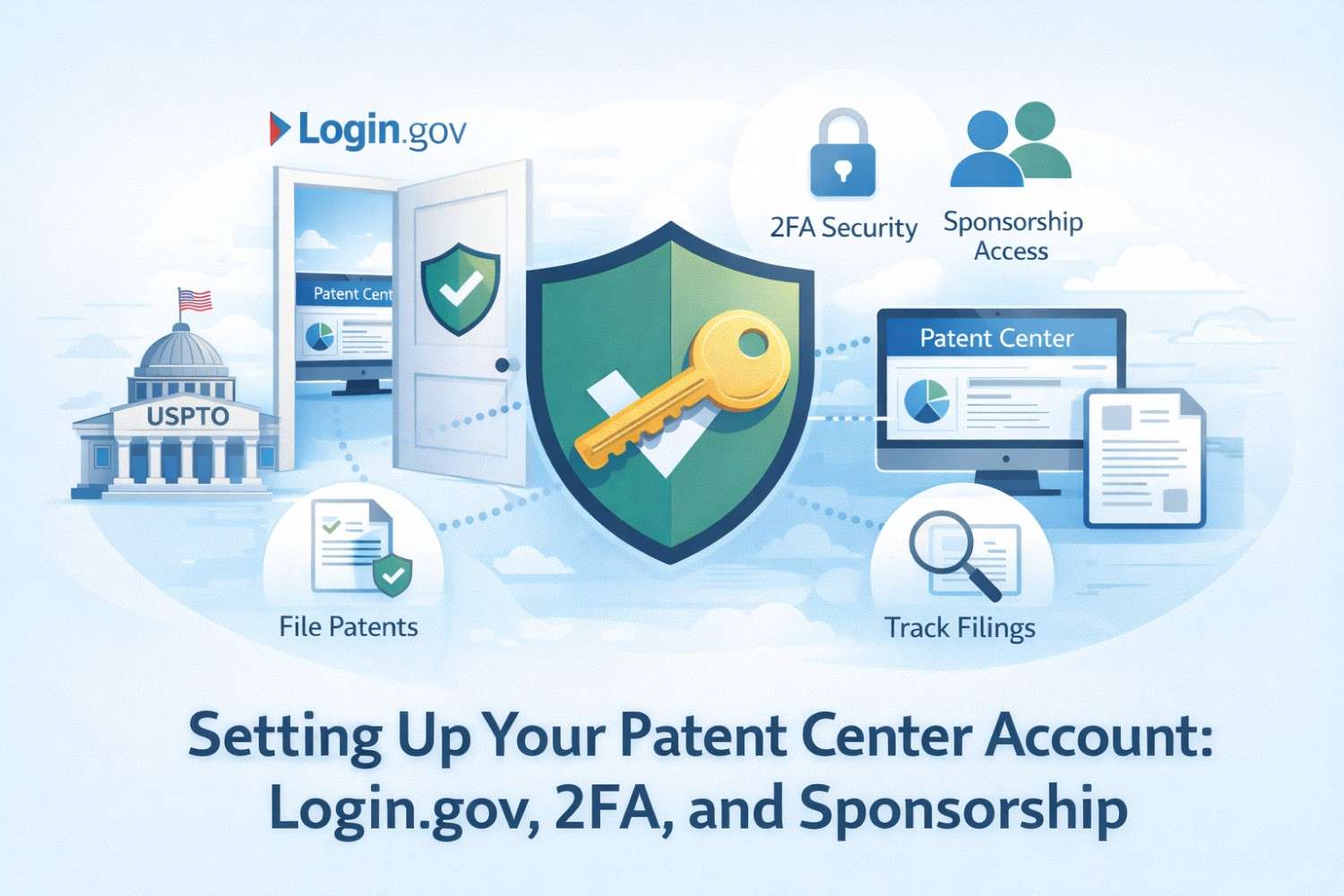
If you are serious about protecting what you are building, this is a step you cannot skip. The USPTO now runs on something called Patent Center, and if you want to file, manage, or even touch a patent application, you need to get this set up the right way from day one. No shortcuts. No guessing. No fixing it later when things break. This guide walks you through exactly how to set up your Patent Center account using Login.gov, how two-factor security works, and how sponsorship fits into the picture. We will keep this simple, direct, and practical. No legal talk. No filler. Just what matters.
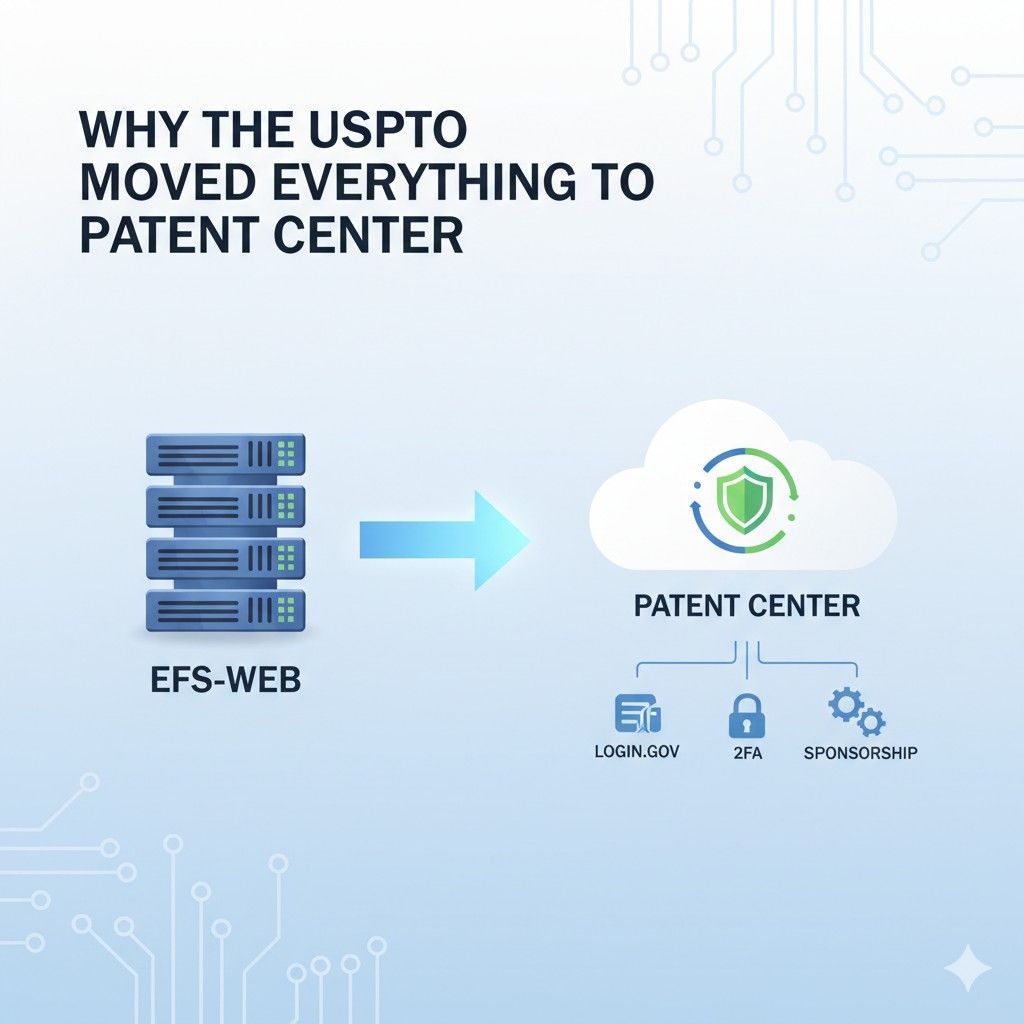
Why the USPTO Moved Everything to Patent Center
The shift to Patent Center was not random and it was not cosmetic. It was a response to years of broken systems, slow filings, and rising risk for businesses that depend on speed and clarity.
For founders and companies, this move changes how control, access, and timing work in the patent process. Understanding why this happened helps you make smarter choices and avoid delays that quietly kill momentum.
The Old System Could Not Keep Up With Modern Innovation
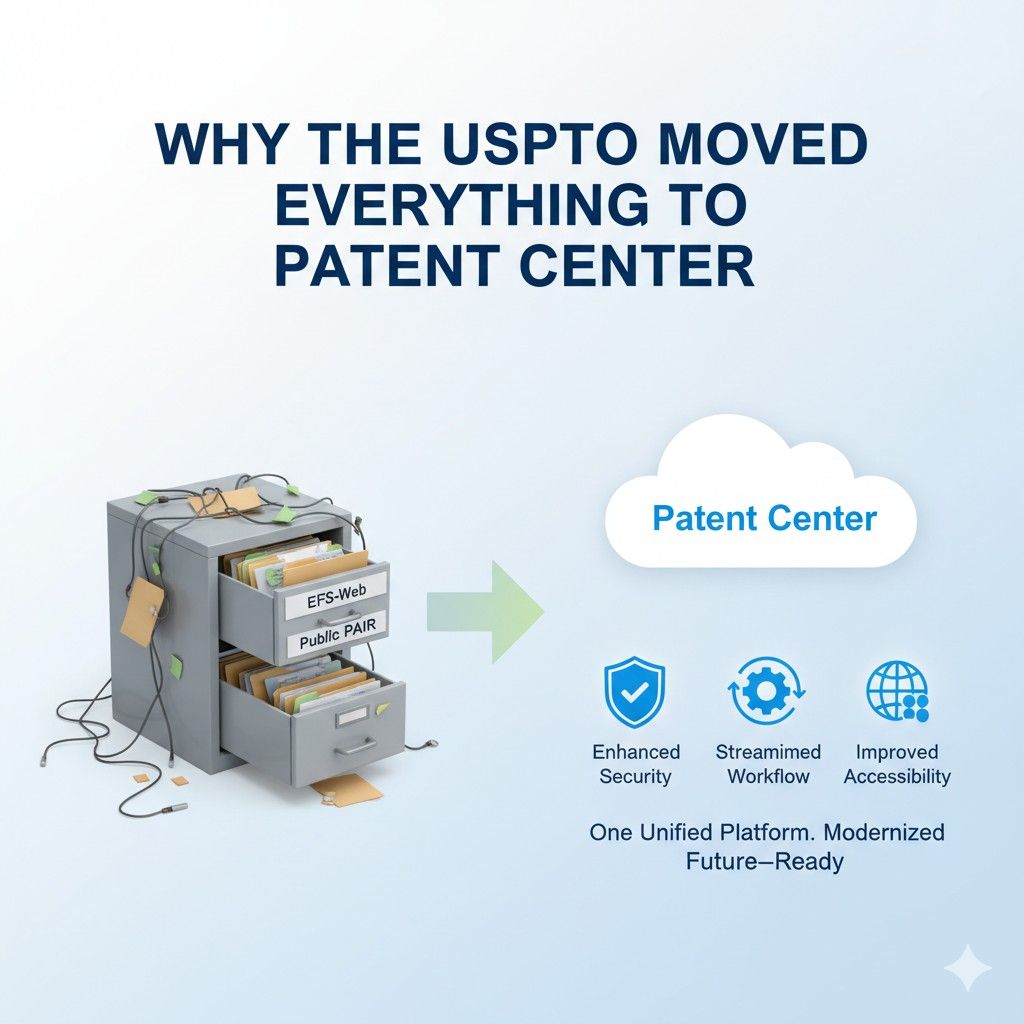
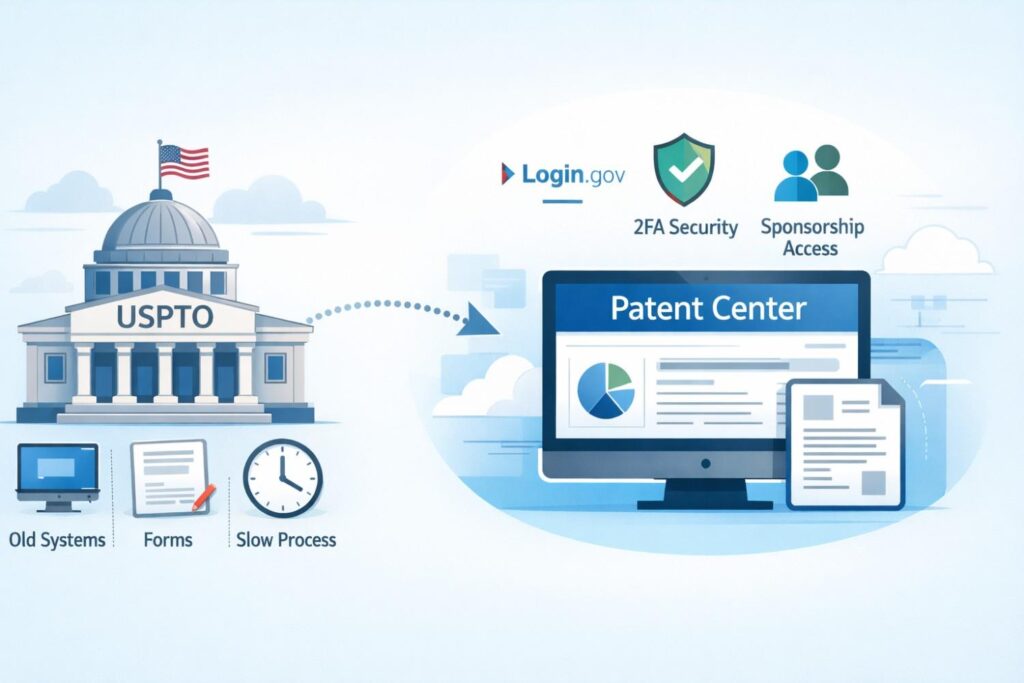
Before Patent Center, the USPTO ran on multiple systems that did not talk to each other well. Filing lived in one place, checking status lived somewhere else, and managing users was messy and unclear.
This worked fine when innovation moved slowly. It completely failed once software, AI, and fast-moving startups became the norm.
For businesses, this meant wasted hours, missed notices, and confusion around who could see or edit an application.
The USPTO knew this was a problem, especially as more startups began filing without big law firms. Patent Center was built to support speed, not paperwork.
The actionable move here is simple. Treat Patent Center as a core business system, not a side admin task. The earlier you align your team to it, the fewer surprises you will face later.
Patent Center Is Built Around Identity, Not Paperwork
One of the biggest changes is that everything now starts with who you are, not what you file. Patent Center is tied to Login.gov, which means your personal identity is the key that unlocks access.
This shift matters because patents are no longer tied loosely to email addresses or firm accounts. They are tied to verified people.
For companies, this reduces risk but increases responsibility. If the wrong person sets things up, control can end up in the wrong hands. If the right person leaves the company, access can disappear overnight.
A smart move is to decide early who owns patent access inside your company. This should not be an intern or a temporary contractor. It should be someone trusted who understands the long-term value of the IP.
Security Became Non-Negotiable
The USPTO handles some of the most valuable ideas in the world. For years, the security level did not match that value. Password-only systems are easy to break, reuse, or steal.
Patent Center fixes this by forcing stronger login rules and two-step security.
This is not about making your life harder. It is about preventing silent disasters. If someone gets into your account, they can see filings, deadlines, and private data. In some cases, they can even change who controls the application.
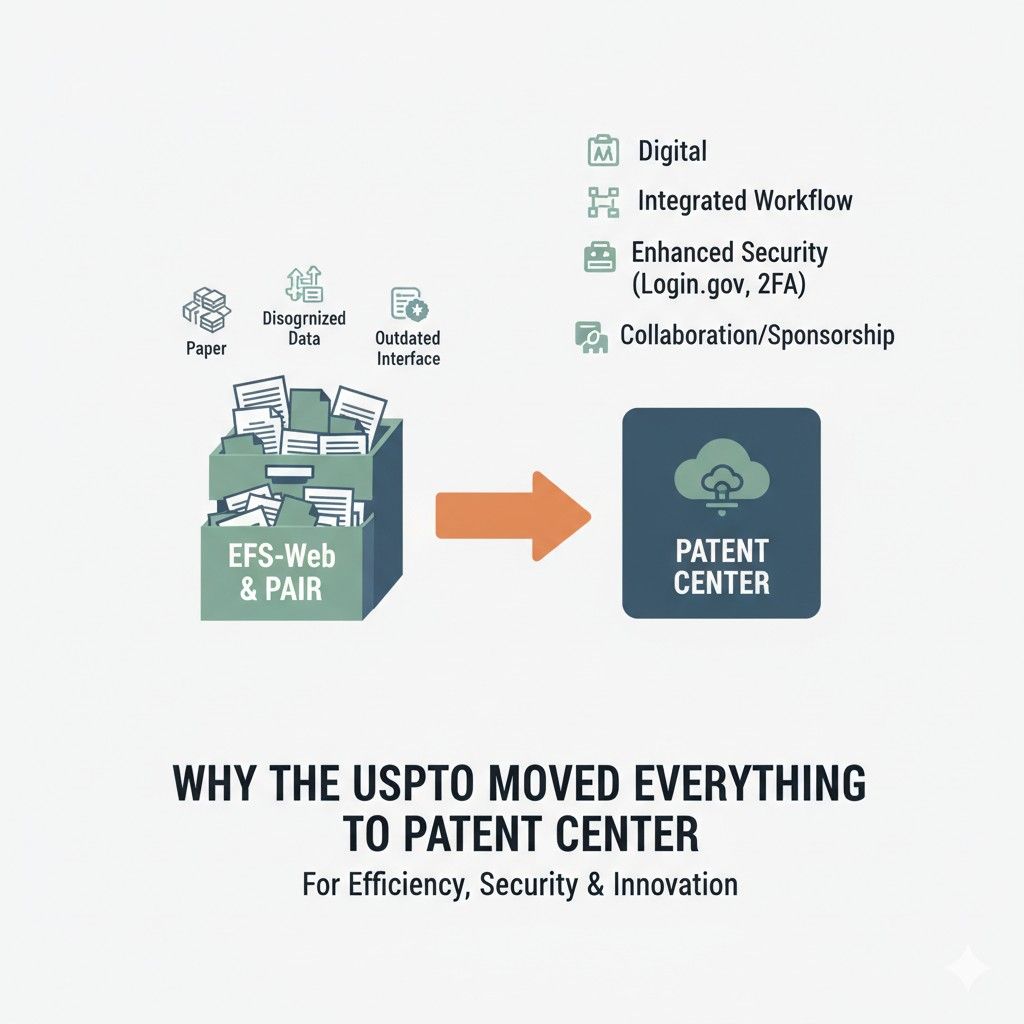
From a business angle, this means you should treat patent access like financial access. Use company-owned devices when possible. Keep recovery codes safe. Do not share logins. These small habits prevent big losses later.
Centralization Was Meant to Reduce Cost and Confusion
Patent Center brings filing, review, payments, and document tracking into one place. This matters because scattered systems increase mistakes. When teams miss a deadline, it is often because they were checking the wrong system or relying on outdated alerts.
For startups, fewer systems means fewer handoffs and fewer chances to drop the ball. It also makes it easier to onboard new team members or outside help without exposing everything.
A practical step here is to schedule regular check-ins with Patent Center, even when nothing urgent is happening. This keeps your team familiar with the interface and catches issues early.
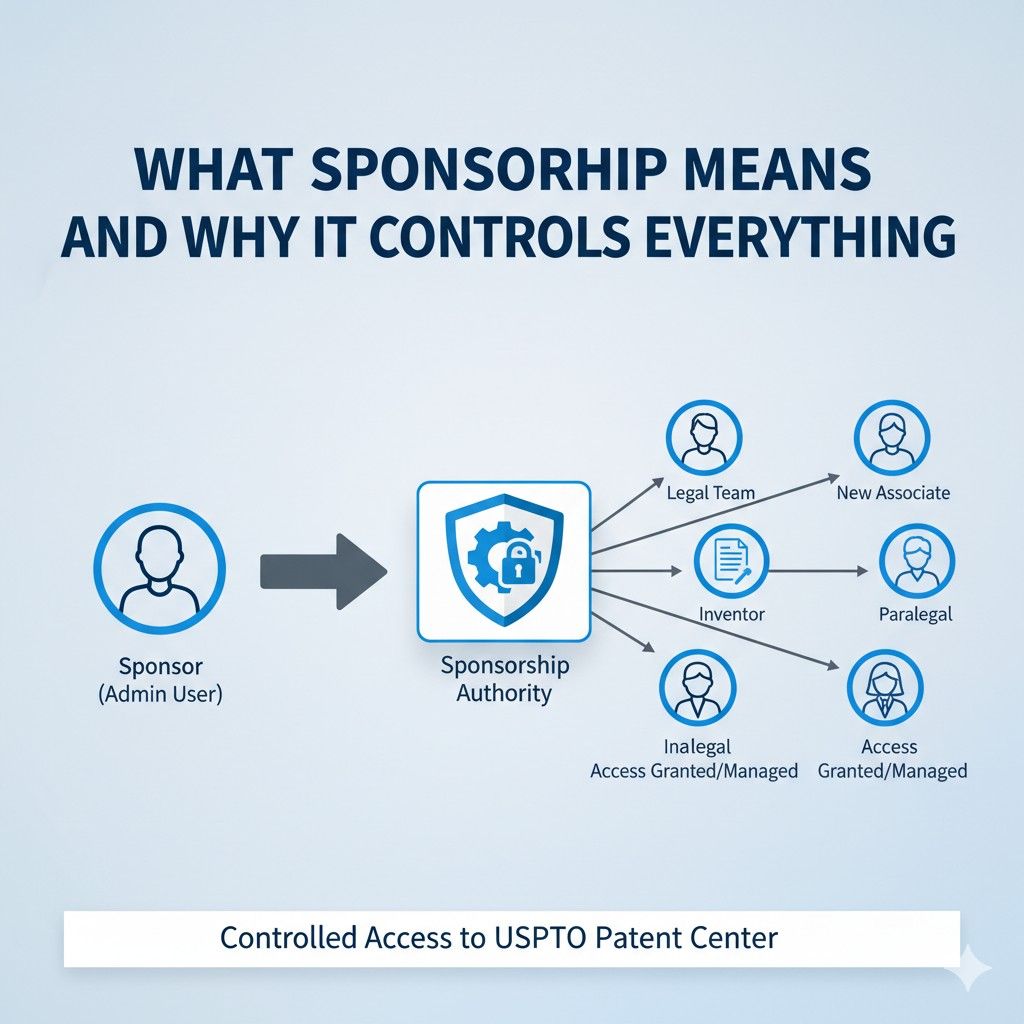
Sponsorship Replaced Informal Access
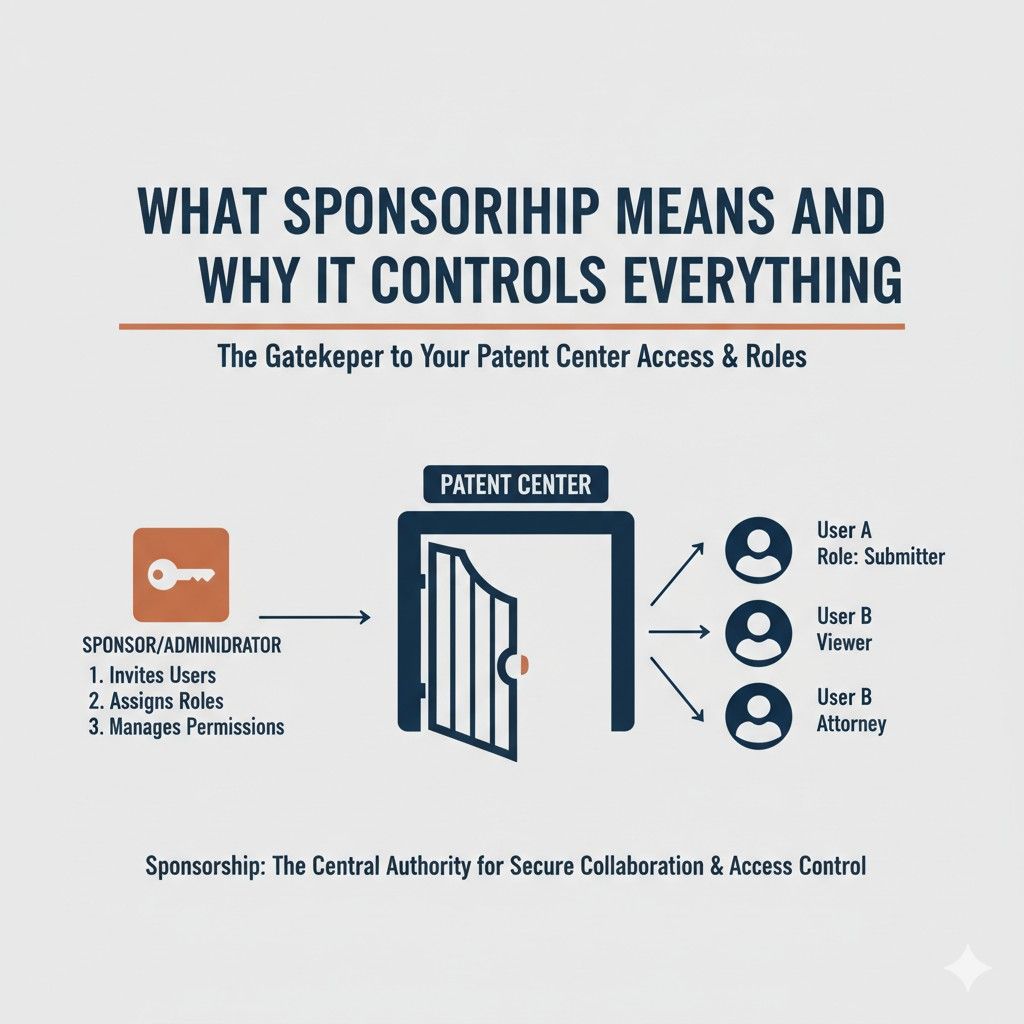
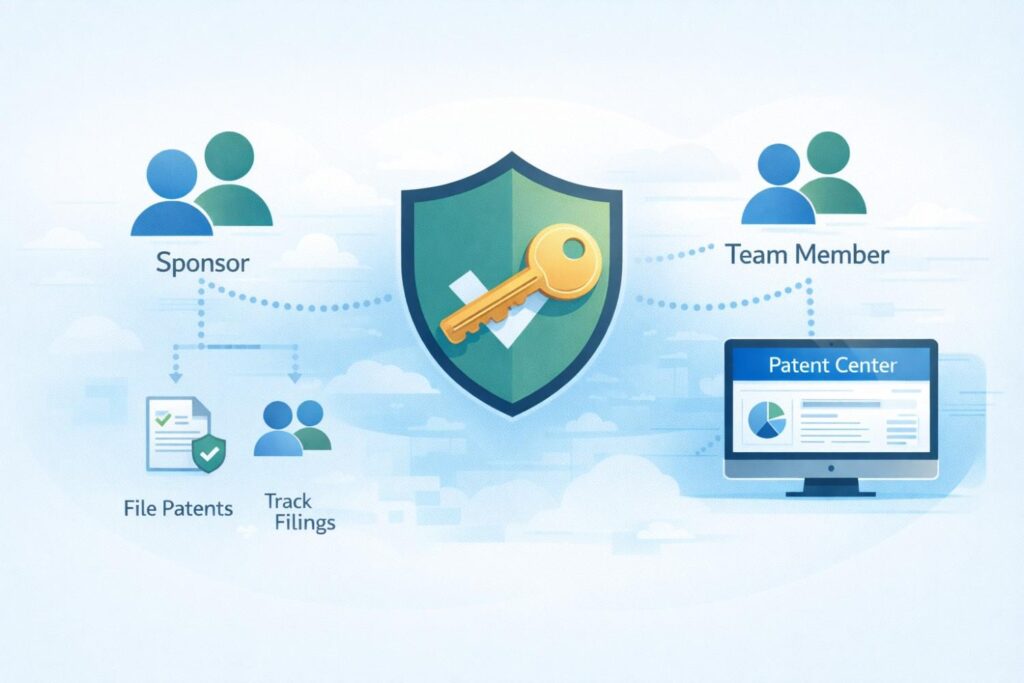
In the past, access to patent files could be vague. Firms handled everything. Founders often had no idea who had control. Patent Center introduced sponsorship to make access clear and intentional.
Sponsorship means someone with authority explicitly grants access to another person. Nothing is assumed. Nothing is automatic. This protects companies but also means you need to be proactive.
The business takeaway is to map sponsorship to roles, not people. When someone joins or leaves, sponsorship should change immediately. This avoids lockouts and keeps ownership clean.
The USPTO Is Preparing for More Self-Filers
Another quiet reason for Patent Center is that more founders are filing earlier and more often. The USPTO expects this trend to grow.
Patent Center is designed to support people who are not patent experts but still need a reliable system.
This is good news for startups, but only if you take the time to learn the system. Those who rush through setup often get stuck later when deadlines are close and stress is high.
A strong move is to set up your account long before you plan to file. Test access. Explore the dashboard. Make sure sponsorship works. This turns filing day into a formality instead of a fire drill.
Patent Center Forces Better Ownership Decisions
Because everything is tied to verified users, Patent Center forces companies to answer hard questions early. Who owns the patents. Who manages filings. Who approves payments. Who talks to attorneys.
This clarity is uncomfortable at first, but it saves months of cleanup later. Many disputes around IP start with unclear access and control.
If you are building a company, treat patent ownership decisions like equity decisions. Write them down. Revisit them as the company grows. Do not wait until investors ask.
How PowerPatent Fits Into This Shift
Patent Center is powerful, but it is not friendly. It assumes you know what you are doing. This is where many teams lose time and confidence. PowerPatent was built to sit on top of this system and guide you through it with real human oversight.
Instead of guessing how sponsorship works or worrying about account setup mistakes, PowerPatent helps founders move fast while staying protected. You keep control, but you are not alone.
If you want to see how this works in practice and avoid learning the hard way, you can explore the full process here: https://powerpatent.com/how-it-works
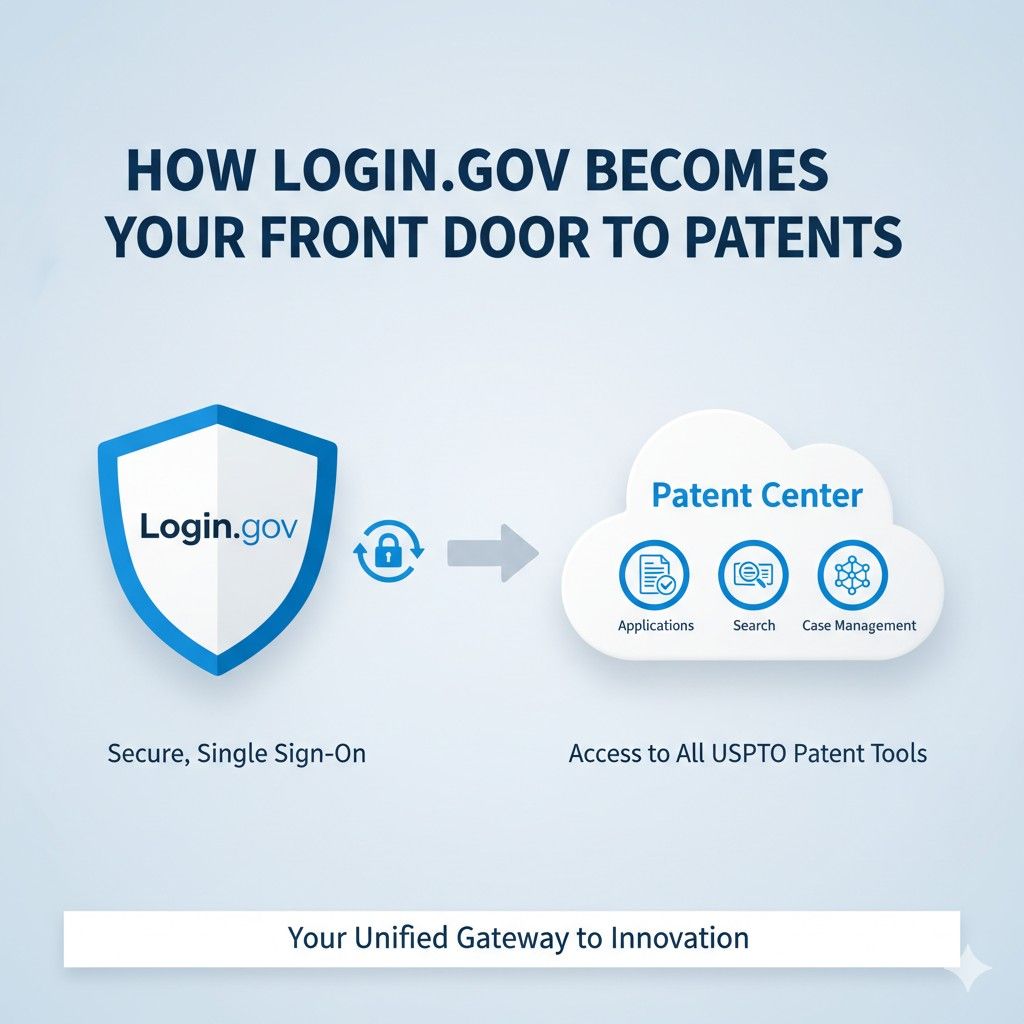
How Login.gov Becomes Your Front Door to Patents
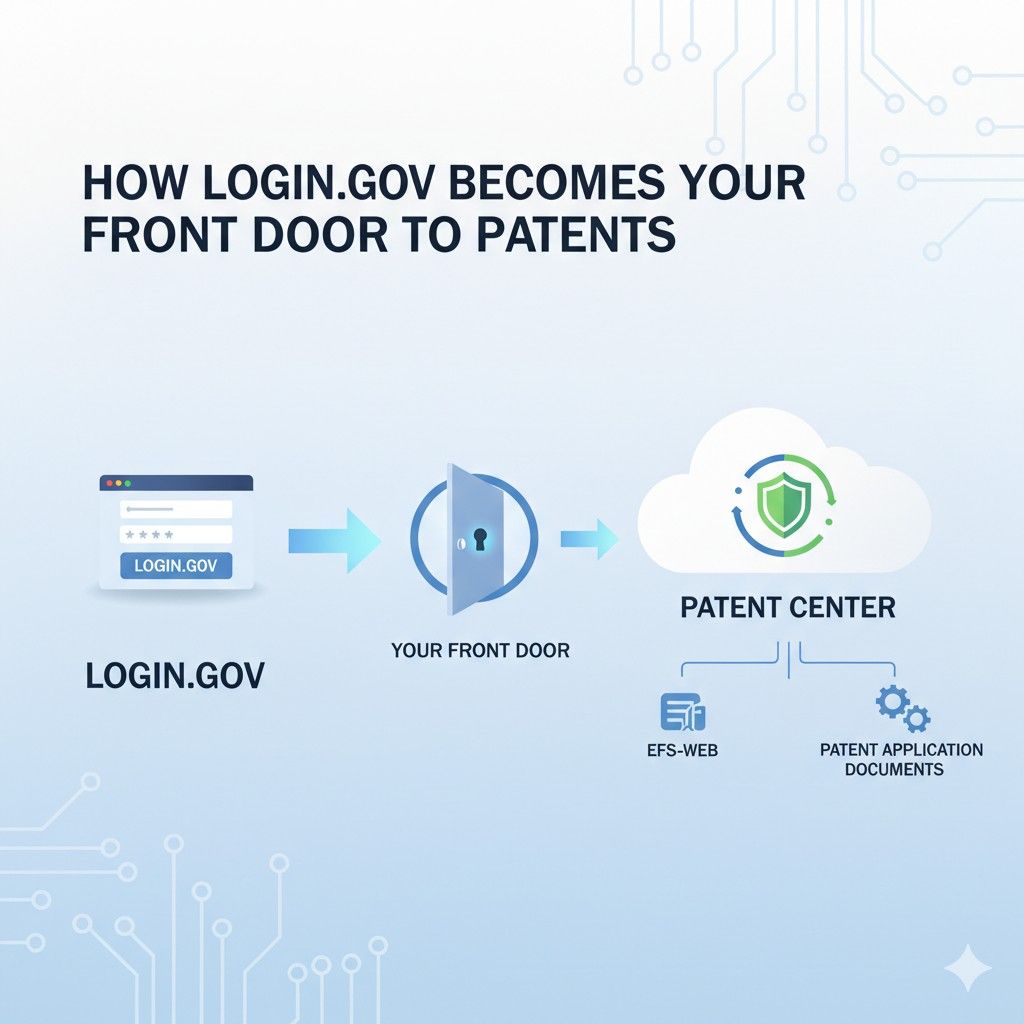
This is where most founders get surprised. You do not create a Patent Center account first. You create a Login.gov account first.
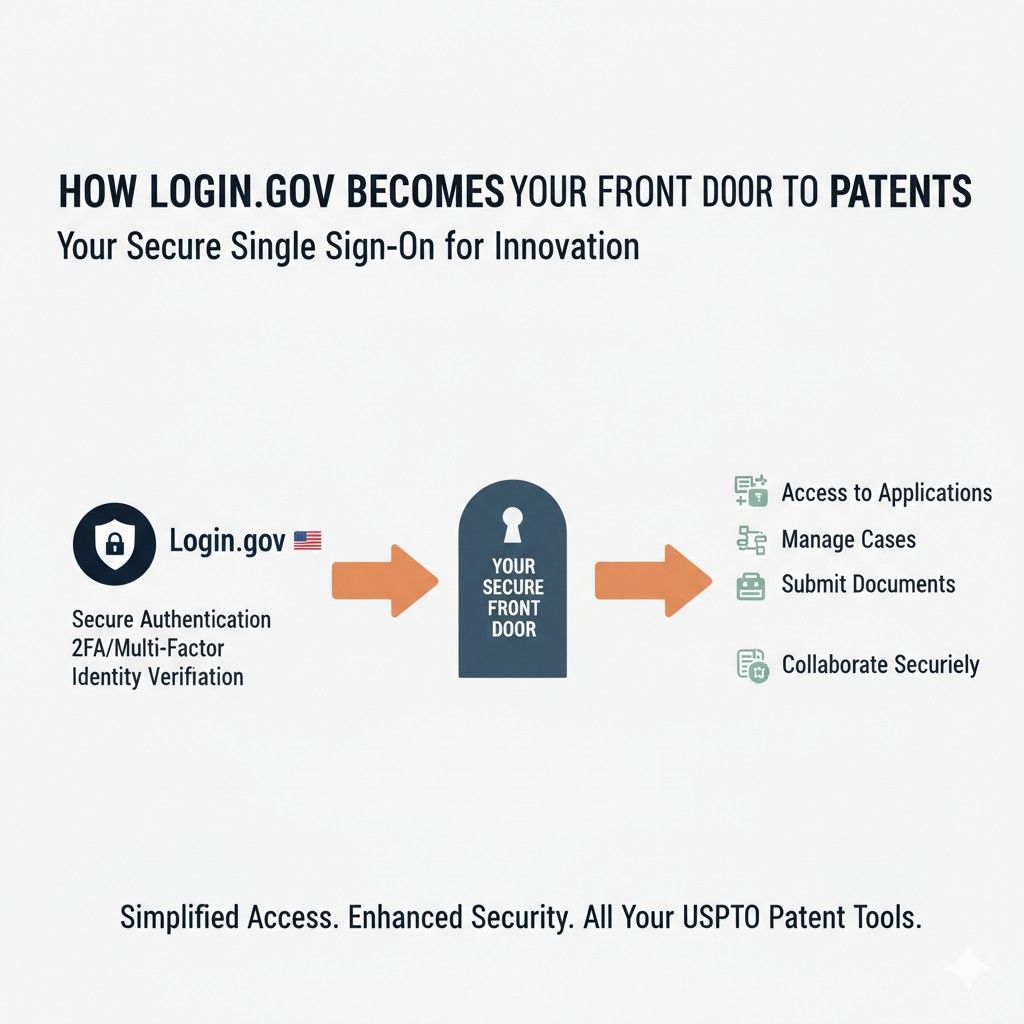
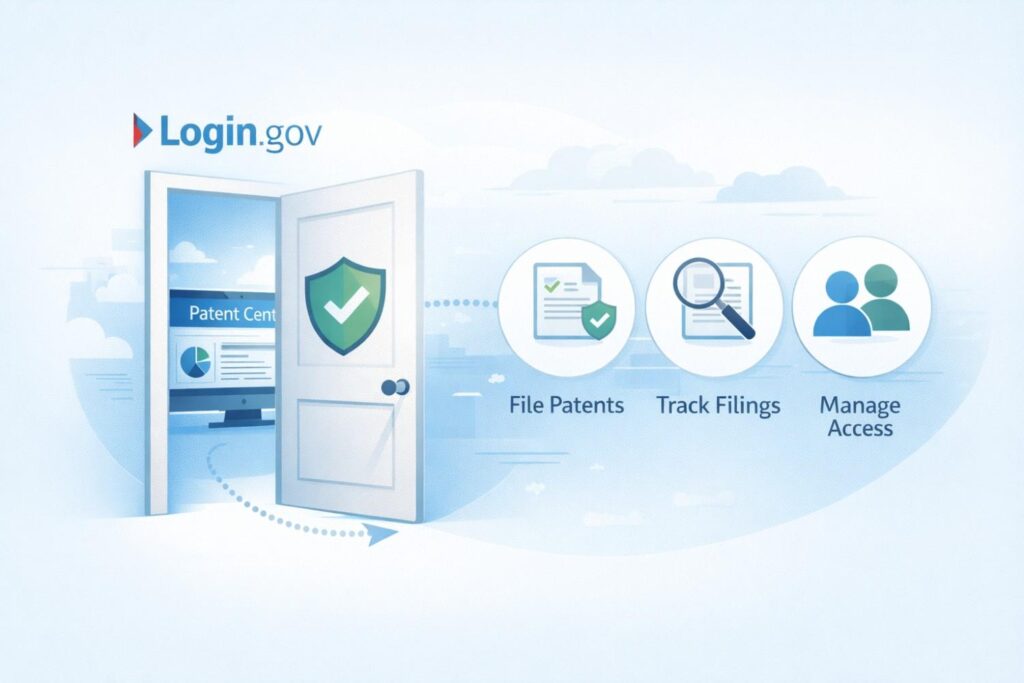
That single decision by the USPTO changes how access, ownership, and long-term control really work. For businesses, this is not just a login step. It is the front door to your patents.
If this door is set up wrong, everything behind it becomes harder to manage. If it is set up right, the rest of the process becomes calm, predictable, and far less risky.
Login.gov Is Not a USPTO Tool, and That Matters
Login.gov is a government-wide identity system. It is used for taxes, benefits, and many other federal services. The USPTO chose it because it is strict, verified, and hard to fake. That choice was intentional.
For businesses, this means your patent access is now tied to a real person, not a shared company email. This removes ambiguity but creates a new rule. Whoever owns the Login.gov account owns the starting point of access.
A smart move is to avoid personal emails that might disappear or change. Use a stable, long-term email that the company controls or that is tied to a permanent role. This small decision prevents painful access issues years later.
Why Shared Logins Are a Silent Risk
Some teams are tempted to share one Login.gov account to save time. This is dangerous. Login.gov is built to detect unusual behavior, and shared use often triggers lockouts at the worst possible moment.
More importantly, shared logins destroy accountability. If something changes in Patent Center, you will not know who did it. That lack of clarity becomes a problem during audits, funding, or disputes.
From a business view, every person who needs access should have their own Login.gov account. This feels slower upfront but is far faster in the long run.
Identity Verification Is Not Optional
Login.gov requires identity checks. This may include personal information, phone verification, and sometimes document checks. Many founders see this as friction. In reality, it is protection.
This step ensures that only real, verified people can touch patent data. For startups, this reduces the risk of outsiders or former contractors accessing sensitive filings.
The actionable advice here is to complete identity verification early, not the night before a filing. Verification delays are common, and they always show up at the worst time.
Your Login.gov Account Outlives Any Single Company
One overlooked detail is that a Login.gov account is personal and portable. You may use it across companies and roles. Patent Center then layers permissions on top of that identity.
This means you should be intentional about how you connect your identity to each business. Do not assume that access automatically transfers or disappears when roles change.
A strong habit is to review connected services inside Login.gov once or twice a year. This helps you spot old access that should be removed and confirms that current access is still correct.
How Login.gov and Patent Center Talk to Each Other
Login.gov handles who you are. Patent Center handles what you can do. When you sign in, Patent Center checks your identity and then checks what permissions are tied to it.
If permissions are missing or wrong, you will get partial access or no access at all. This is where many teams get confused and think the system is broken.
The key insight is that login success does not mean access success. These are two separate steps. Knowing this saves hours of frustration.
The First Login Sets the Tone
The first time you connect Login.gov to Patent Center is important. This is when roles, permissions, and sponsorship paths begin.
If you rush this step, you may lock yourself out of key actions later. If you slow down and confirm access, everything becomes smoother.
A practical move is to log out and log back in after setup to confirm what you can actually see and do. This simple check catches issues early.
Business Emails vs Personal Emails
Choosing which email to use for Login.gov is a strategic decision. Personal emails offer stability if you move between companies. Business emails offer control if the company grows or is acquired.
There is no single right answer, but there is a wrong one. Using a temporary or rarely monitored email creates risk.
For most startups, the best option is a business email tied to a founder or long-term leader, with clear internal rules about access and recovery.
Recovery Options Are Part of Your IP Strategy
Login.gov forces you to set up recovery options. Many people rush through this. They should not.
If you lose access and cannot recover, you may lose access to Patent Center at critical moments. Recovery is not instant and often requires manual steps.
Treat recovery codes like important documents. Store them securely. Make sure at least one trusted person knows where they are without having direct access.
Login.gov Makes Departures Cleaner if Done Right
When someone leaves a company, Login.gov makes it easier to cut off access cleanly. You remove sponsorship and permissions without touching the person’s identity.
This only works if access was set up properly from the start. If shared logins were used, cleanup becomes messy and risky.
For businesses, this means offboarding should include patent access review, just like code access or financial access.
The Hidden Cost of Getting This Wrong
Mistakes with Login.gov rarely show up immediately. They appear during filings, investor diligence, or disputes. At that point, stress is high and time is short.
Fixing access issues under pressure often leads to rushed decisions and missed deadlines. These mistakes are far more expensive than doing setup carefully.
The best time to fix access is before you need it.
How PowerPatent Reduces This Risk
PowerPatent helps founders understand how Login.gov fits into the bigger picture. Instead of guessing who should set things up or how access should flow, the process is guided and reviewed.
You stay in control, but you do not have to learn everything the hard way. This is especially valuable for teams moving fast with limited time.
If you want to see how PowerPatent supports this step without slowing you down, you can explore the process here: https://powerpatent.com/how-it-works
What Sponsorship Means and Why It Controls Everything
Two-factor security sounds like a small technical step. In reality, it changes who can hurt you, who can help you, and how exposed your ideas really are.
The USPTO added this requirement because patents are now digital assets that can be copied, delayed, or damaged with a single bad login. For businesses, this is not about compliance. It is about survival.
Two-factor security, often called 2FA, is now baked into Login.gov and therefore into Patent Center. You cannot opt out. The only real choice you have is whether you set it up carefully or rush through it and hope nothing goes wrong.
Why Passwords Alone Are No Longer Enough
Passwords fail quietly. They are reused, guessed, shared, and stolen without anyone noticing. For years, this was the weakest point in patent systems, and attackers knew it.
The USPTO saw that valuable inventions were being protected by the same level of security as basic email accounts. That gap was not acceptable anymore.
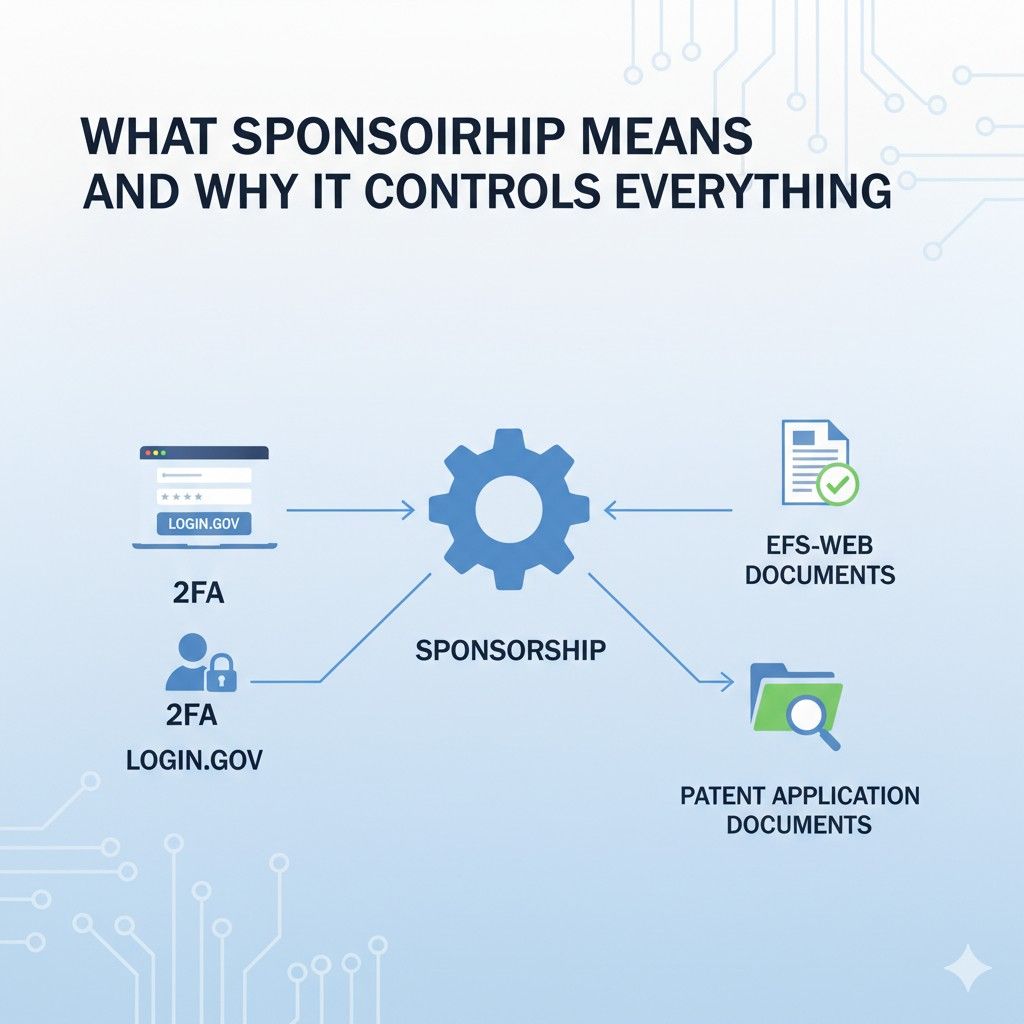
For businesses, the lesson is simple. If your patents matter, the lock on the door must be stronger than a single password. Two-factor security adds a second lock that is much harder to break.
What Two-Factor Security Actually Does
Two-factor security means you prove who you are in two different ways. Usually this is something you know, like a password, and something you have, like a phone or security app.
This matters because even if someone gets your password, they still cannot get in without the second factor. This single change blocks most real-world attacks.
From a business perspective, this dramatically lowers the risk of silent access. Silent access is the most dangerous kind because you do not know it happened until damage is done.
The Moment 2FA Matters Most Is Not When You Expect
Most founders think about security during filing. That is not when risk peaks. Risk peaks during transitions. A team member leaves. A phone is lost. A deadline is close. Stress is high.
This is when shortcuts happen and mistakes slip in. Two-factor security acts as a backstop when judgment is rushed.
A practical move is to test your 2FA setup during calm periods. Log in from a new device. Recover access. Make sure the process works before pressure is on.
Phone-Based Codes vs Authenticator Apps
Login.gov allows different types of second factors. Many people default to text messages because they feel easy. Easy is not always best.
Phones change, numbers get recycled, and texts can be delayed. Authenticator apps are more stable and work even without service.
For businesses that care about uptime and reliability, app-based authentication is usually the better choice. It reduces dependency on carriers and lowers the chance of lockouts.
One Device Is a Single Point of Failure
A common mistake is tying 2FA to one phone and stopping there. If that phone breaks or is lost, access becomes a problem very quickly.
Login.gov allows backup methods, but only if you set them up. Many people skip this step.
The business-smart move is to set at least two recovery paths. This might be a second device or printed recovery codes stored securely. This is boring setup work that prevents expensive downtime later.
How 2FA Protects Against Internal Risk
Security is not only about outsiders. It is also about insiders who no longer should have access.
When someone leaves a company, passwords often linger. Two-factor security reduces the chance that old credentials can still be used.
Combined with proper sponsorship management in Patent Center, 2FA makes offboarding cleaner and safer. This protects both the company and the individual.
The Cost of Getting Locked Out
Lockouts do not feel like security when they happen to you. They feel like failure. But most lockouts are preventable.
They usually happen because recovery options were skipped or rushed. When lockouts happen near deadlines, panic sets in and mistakes follow.
A simple habit is to schedule a yearly access drill. Confirm that recovery works. Confirm that devices are current. This turns lockouts into minor annoyances instead of emergencies.
Two-Factor Security and Investor Confidence
Investors rarely ask about 2FA directly, but they care deeply about operational maturity. When due diligence starts, they look for signs that a company treats IP seriously.
Clean access control, strong security, and clear ownership send a signal that the company is disciplined.
In contrast, shared logins and weak security raise quiet red flags. They suggest shortcuts and future risk.
How 2FA Fits Into a Larger IP Strategy
Two-factor security should not be seen as a checkbox. It is part of a larger posture that says your ideas are worth protecting properly.
When combined with early filing, clear ownership, and guided support, security becomes a strength instead of a burden.
This is where many startups struggle because they do not have time to think through all the moving parts.
How PowerPatent Helps Teams Get This Right
PowerPatent understands that security steps like 2FA are not intuitive for most founders. The platform helps teams set things up the right way without slowing progress.
Instead of reacting to lockouts or access issues later, founders can move forward with confidence knowing the basics are solid.
If you want to protect what you are building without getting buried in setup details, you can see how PowerPatent supports this process here: https://powerpatent.com/how-it-works
Wrapping It Up
By the time you reach this point, one thing should be clear. Setting up your Patent Center account is not an admin task. It is a control decision. Login.gov, two-factor security, and sponsorship are not technical hurdles. They are the system that decides who holds the keys to your ideas. Many businesses lose leverage not because their invention is weak, but because access and ownership were set up casually. The USPTO did not build Patent Center to slow founders down. It was built to force clarity early, before value is at stake and pressure is high.
Leave a Reply