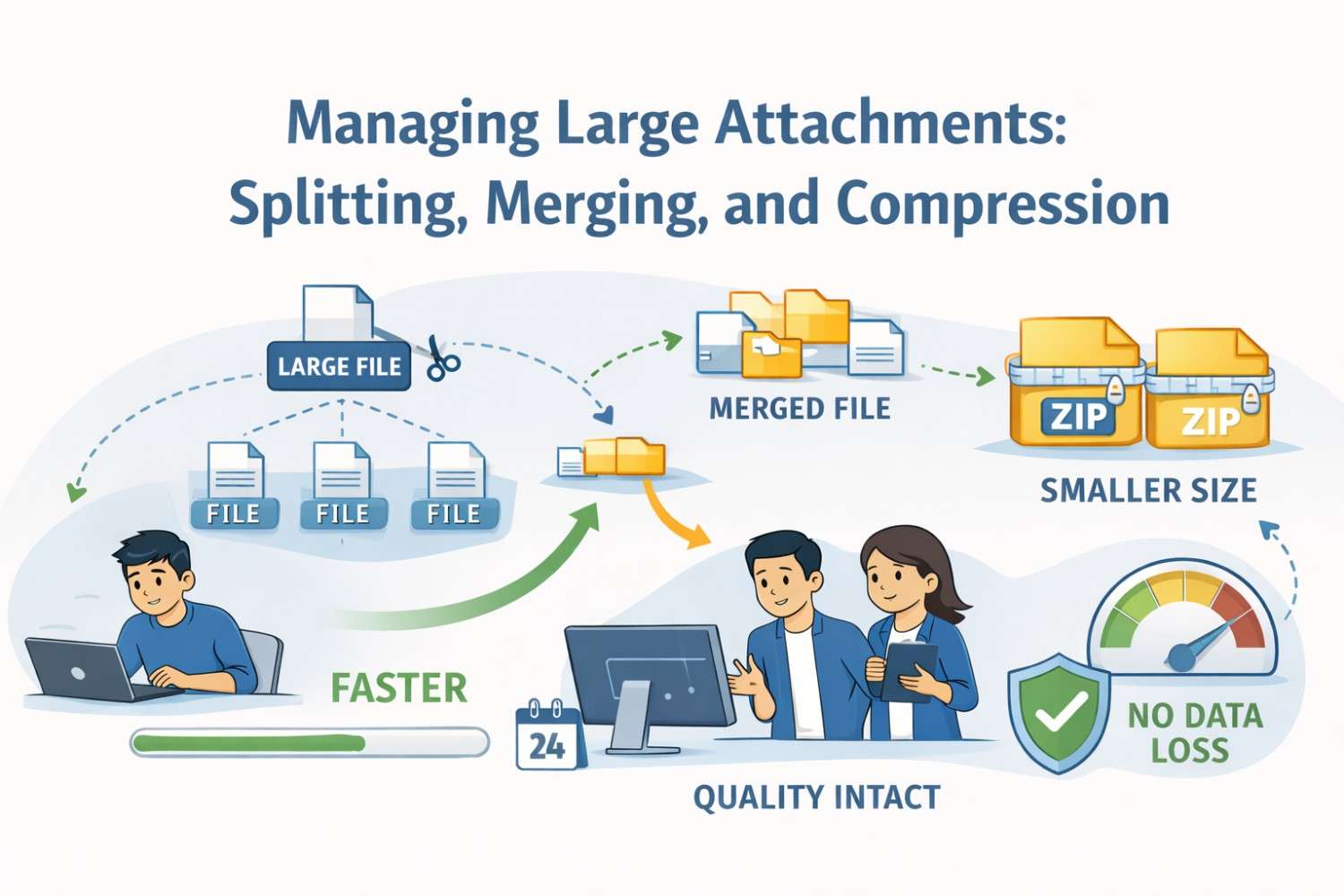
Big files break deals, slow teams, and quietly kill momentum. One oversized attachment can stop an email, delay a filing, or make a simple task feel heavy and risky. Founders, engineers, and fast-moving teams run into this problem all the time, especially when sharing designs, data, code, or patent materials. Managing large attachments is not about tools or tricks. It is about staying in control, moving fast, and making sure your work gets where it needs to go without stress. This guide goes straight into how splitting, merging, and compressing files actually works in the real world, why it matters, and how to do it cleanly and safely so nothing important slips through the cracks.
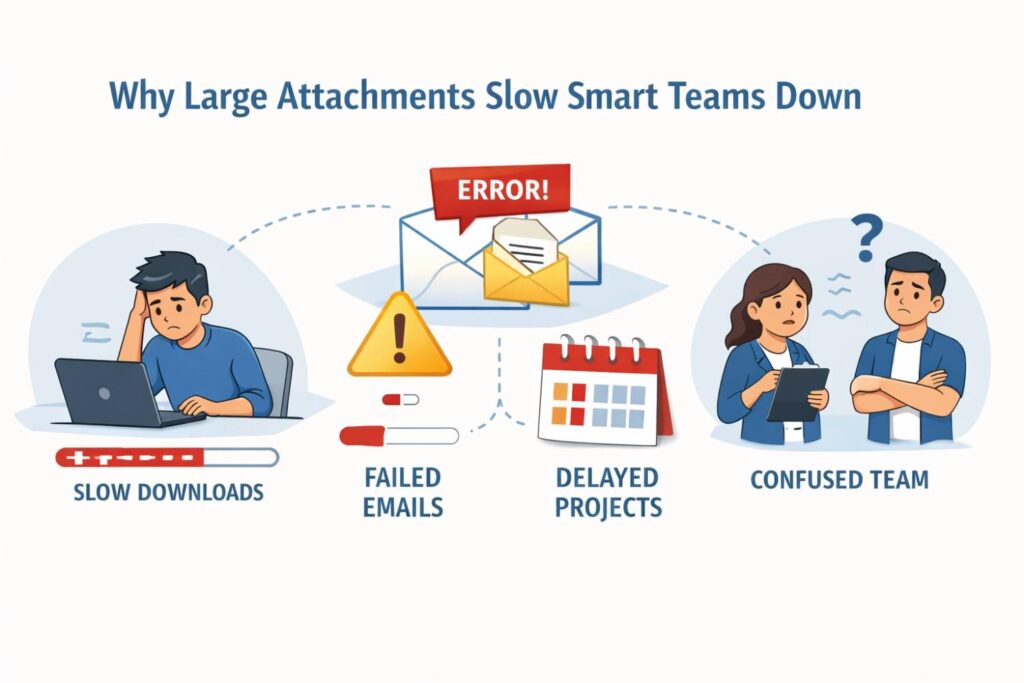
Why Large Attachments Slow Smart Teams Down
Large attachments rarely look dangerous at first. They feel like a simple side effect of doing real work. Files get bigger because products get better, designs get richer, and data gets deeper.
But over time, these attachments begin to slow teams in ways that are easy to miss and hard to fix later.
This section breaks down how that drag really happens inside modern businesses and what smart teams can do early to stay fast.
The Hidden Cost of Waiting
Every large attachment introduces waiting, even when it feels small. Uploads take longer. Downloads stall. Systems pause while files process. People sit and wait without realizing how much time slips away.
Across a company, those small waits stack up into hours and days of lost momentum.
The most actionable step here is to treat file size as a speed issue, not a storage issue.
Teams that set clear internal limits on attachment size and default to lighter sharing methods move faster without adding pressure. This single habit keeps work flowing instead of stopping at every send.
Email Was Never Built for Big Files
Email remains the most common way teams share important materials, yet it was never designed to carry large attachments. Mail servers block big files, security tools scan them slowly, and inboxes choke on repeated sends.
When a file fails to send, people resend it, rename it, or break threads, which creates confusion and version drift.
A smart move is to stop relying on email as the primary carrier of heavy files. Use email only as a pointer to where the file lives.
This simple shift reduces failures, keeps conversations clean, and lowers the risk of sending the wrong version to the wrong person.
Version Confusion Grows with File Size
Large attachments often cannot be edited live. They get downloaded, changed locally, and sent back. Each round creates another version. Soon no one knows which file is final.
Decisions get made on outdated data, and teams lose trust in what they are seeing.
The fix is not more naming rules. It is fewer copies. Keeping large files in a single shared location where changes are tracked removes the need to send them back and forth.
When only one version exists, clarity returns and mistakes drop fast.
Security Risk Hides Inside Attachments
Big files are harder to scan, harder to track, and easier to mishandle.
They often contain more than people realize, including internal notes, old data, or sensitive material that was never meant to leave the company. Once sent, they are almost impossible to pull back.
Businesses should assume that any large attachment carries extra risk. A practical step is to require a quick review before sending heavy files outside the company.
This is not about slowing work. It is about making sure only what is needed goes out, and nothing extra goes with it.
Tools Start to Break Under Load
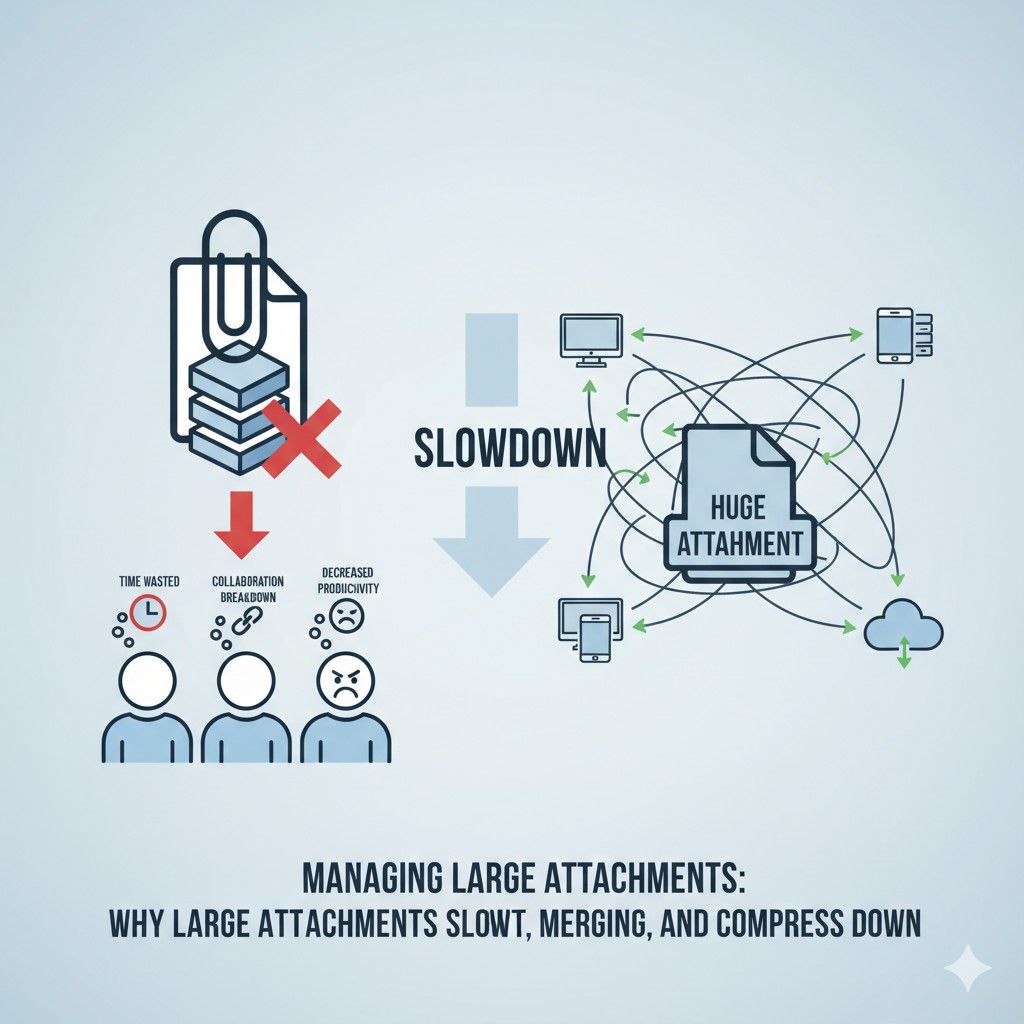
Many everyday tools perform well until they meet large files. Project systems lag. Browsers freeze. Mobile devices fail to open attachments at all. When tools slow down, people create workarounds, which often make things worse.
The solution is to test tools under real conditions, not ideal ones. Teams should regularly open, share, and move their largest files using the same tools they rely on daily.
When something breaks, it is a signal to adjust workflows before damage spreads.
Large Files Create Quiet Bottlenecks
Bottlenecks caused by large attachments are rarely loud. No alarms go off. Instead, approvals pause, reviews stretch, and feedback arrives late. Everyone feels busy, yet progress slows.
One powerful habit is to map where large files enter a process and where they leave it.
This makes hidden slow points visible. Once seen, teams can redesign those steps to reduce file size early or split work into lighter pieces that move faster.
Collaboration Suffers First
When files are heavy, collaboration shrinks. People avoid opening them. Comments get shorter. Fewer eyes review the work. Over time, quality drops because fewer people engage deeply.
Encouraging early sharing of lighter drafts changes this pattern. Teams that review small pieces sooner catch issues faster and avoid late-stage rewrites that generate massive files nobody wants to touch.
Remote Work Makes the Problem Bigger
Distributed teams feel the weight of large attachments more than anyone. Different time zones, weaker connections, and varied devices all amplify delays. What takes seconds in one office can take minutes elsewhere.

A strong practice is to design workflows for the slowest connection, not the fastest. If a file is painful to open on average internet, it is too big for smooth remote work.
Optimizing for this reality keeps global teams aligned and productive.
Stress Builds Without Being Noticed
Large attachments quietly increase stress. People worry if files sent correctly. They wonder if downloads finished. They fear losing work during transfers. This background tension drains focus and confidence.
Reducing attachment size removes that mental load. When sharing feels easy and reliable, teams spend more energy on thinking and less on checking progress bars.
Decision-Making Slows Down
When leaders cannot quickly open or review materials, decisions wait. Meetings get postponed. Feedback gets vague. Large attachments turn simple reviews into heavy tasks.
A practical adjustment is to separate decision content from supporting data. Leaders should see light summaries first, with deep files available only if needed. This keeps decisions moving without ignoring detail.
Big Files Hide Process Problems
Often, large attachments are a symptom, not the cause. They signal unclear scope, mixed goals, or late changes. Compressing files helps, but fixing the process helps more.
Teams should ask why files grew so large in the first place. Was too much bundled together? Were drafts skipped? Was feedback delayed? Answering these questions leads to cleaner workflows and smaller files naturally.
Speed Is a Competitive Advantage
In fast markets, speed matters. Teams that move information quickly learn faster and act sooner. Large attachments slow that flow and quietly erode advantage.

Treating file management as a core business skill, not an afterthought, protects speed. When files move cleanly, teams stay sharp, confident, and ahead.
How Splitting and Merging Files Keeps Work Moving
Splitting and merging files sounds like a technical chore, but in practice it is one of the simplest ways smart teams protect speed. When done right, it removes friction without changing how people think or work.
This section goes deep into how splitting and merging actually helps businesses move faster, make cleaner decisions, and avoid costly slowdowns.
Why One Big File Is Often the Real Problem
Most large attachments start as many small ideas pushed together too early. Designs, data, notes, and drafts get bundled into one heavy file because it feels tidy.
In reality, this creates a single point of failure. If that file breaks, stalls, or gets lost, everything inside it pauses too.
Splitting work into smaller files keeps progress alive even when one piece slows down.
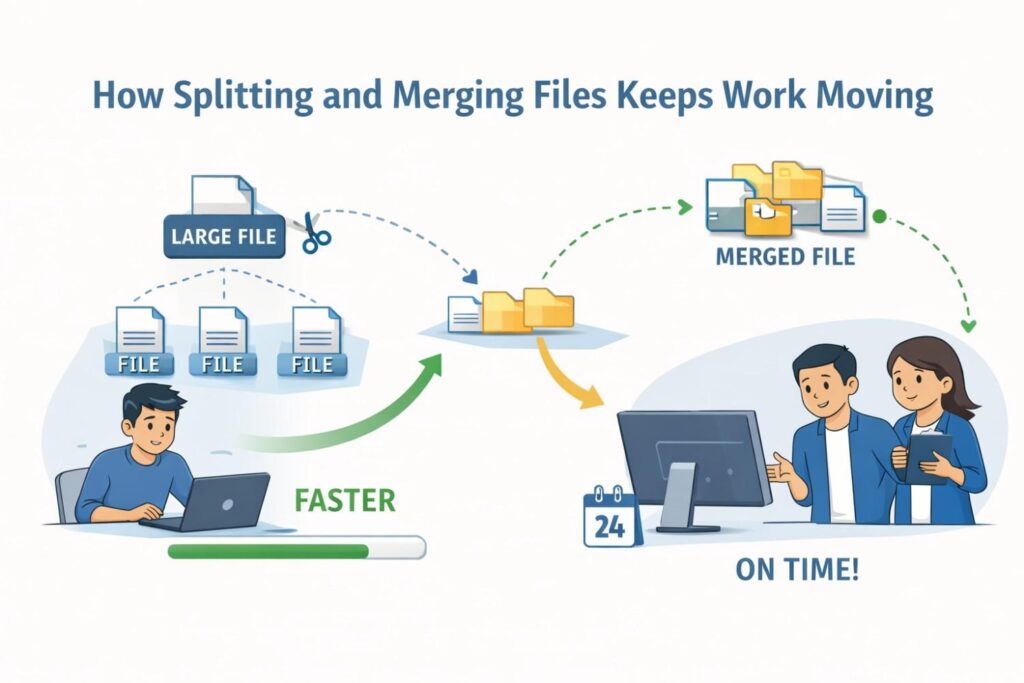
Teams can review, share, and approve parts without waiting on the whole. This approach mirrors how good products are built, piece by piece, instead of all at once.
Splitting Files Protects Momentum
Momentum is fragile. Once a team loses it, restarting costs more than most people expect. Large files interrupt momentum by demanding long attention spans and strong connections at the exact moment people are busy.
When files are split, work fits into short windows. A reviewer can open one section, give feedback, and move on.
A leader can scan a single part and make a call. This keeps work moving forward instead of piling up for a big review later.
Smaller Files Invite More Eyes
People avoid heavy files, even when they do not say it out loud. They put off opening them, skim instead of reading, or skip feedback altogether. Smaller files lower the mental barrier to entry.
When work is split into focused pieces, more people engage. Engineers review technical parts. Business leads look at summaries.
Legal or compliance teams review only what matters to them. The result is better input without added effort.
Faster Reviews Mean Better Decisions
Decisions slow down when reviewers feel overwhelmed. A single large file often hides the key point under layers of detail. Splitting allows teams to separate decision-ready content from background material.
A strong habit is to create one small file that holds the core message or request, then attach or link supporting files separately. This lets decisions happen quickly while keeping depth available when needed.
Splitting Reduces Risk During Sharing
Every time a large file is sent, it carries risk. Transfers fail. Files corrupt. Security tools block them. When a file is split, the risk spreads out. Losing one part does not stop everything.
This is especially useful when sharing outside the company. Sending only the pieces needed for that audience lowers exposure and reduces the chance of sensitive information leaking by mistake.
Parallel Work Becomes Possible
Large files force serial work. One person edits, then sends it on. Another waits. This wastes time and creates bottlenecks. Splitting files unlocks parallel work.
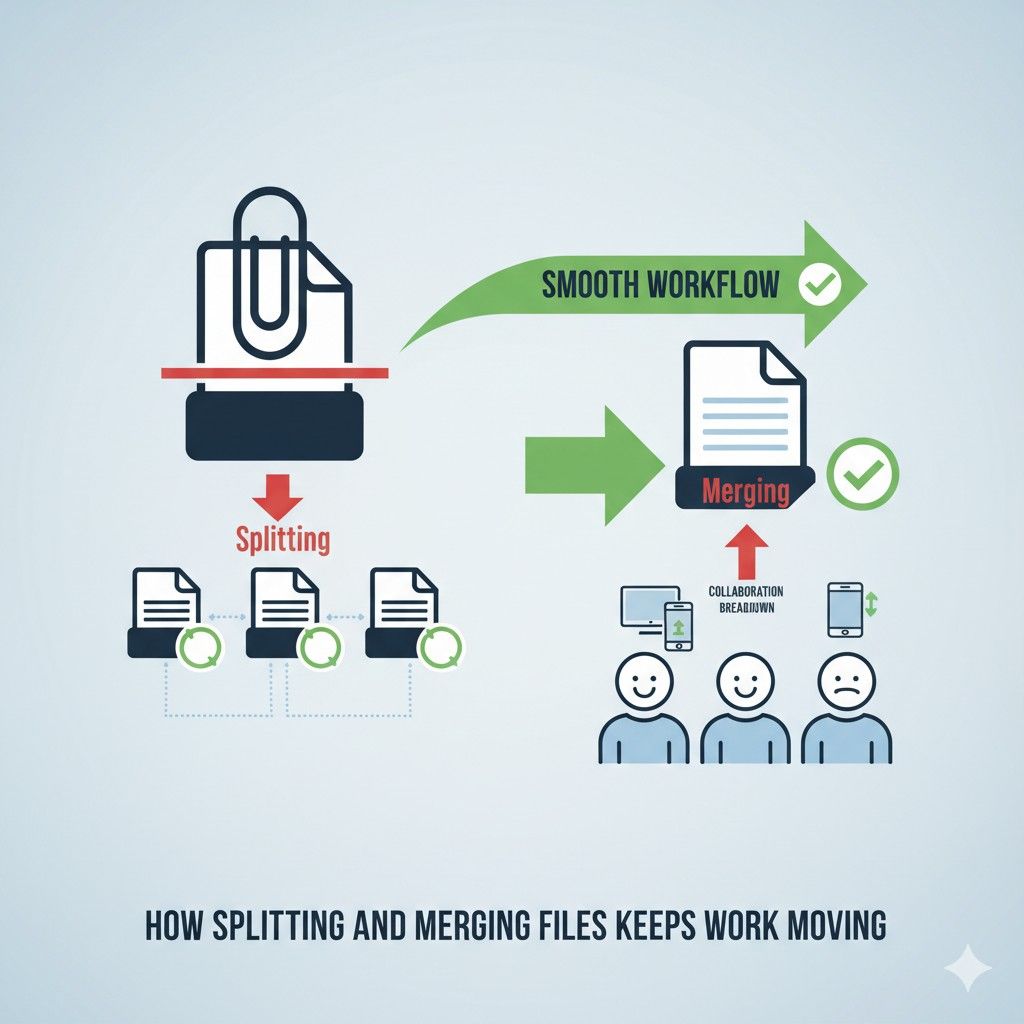
Different team members can work on different parts at the same time. Changes happen faster, and merging later becomes a controlled step instead of a scramble. This is how high-speed teams operate under pressure.
Merging Is About Control, Not Cleanup
Merging files is often treated as a cleanup task done at the end. In strong teams, it is a controlled step planned from the start. Knowing how files will come back together shapes how they are split.
Before splitting, teams should agree on simple rules for how parts connect. This makes merging smooth and predictable instead of stressful. The goal is not perfection, but clarity.
Clear Structure Makes Merging Easy
Merging fails when files lack structure. Random splits create confusion. Thoughtful splits follow logic, such as by function, topic, or stage.
When each file has a clear purpose, merging feels natural. Pieces slide back together instead of colliding. This saves time and reduces errors that often appear during last-minute assembly.
Merging Helps Preserve Context
One fear teams have is losing context when files are split. This only happens when context is not intentionally preserved. Small notes, references, or summaries inside each file keep the bigger picture visible.
When merging, those touchpoints guide how pieces fit together. Context is not lost. It is strengthened because it was made explicit instead of assumed.
Cleaner History, Fewer Mistakes
Large files hide history. Changes blur together. It becomes hard to see who did what and why. Splitting creates cleaner change paths.
Each file shows its own evolution. When merged, the final result reflects clear decisions instead of accidental overlap. This matters deeply in regulated work, technical documentation, and anything tied to legal or patent outcomes.
Teams Learn Faster Through Splitting
Splitting work forces teams to think about what matters most. It reveals which parts change often and which stay stable. Over time, this teaches teams where to invest effort and where to simplify.
This learning compounds. Future projects start cleaner because teams already know how to break work into strong pieces from day one.
Reduced Rework Saves Real Money
Rework is expensive, even when it looks small. Large files increase rework because feedback arrives late and changes ripple unpredictably.

Splitting enables early feedback on specific parts. Issues get fixed before they spread. This reduces wasted hours and protects budgets without adding process overhead.
External Partners Benefit Too
Vendors, advisors, and legal teams all struggle with large attachments. They often review only parts of a file anyway. Sending them only what they need improves response time and quality.
This also signals professionalism. Clear, focused files show respect for their time and raise confidence in how the business operates.
Splitting Makes Compression More Effective
Compression works better on smaller, focused files. When a giant file contains mixed content, compression results are uneven. Splitting first leads to better compression later.
This means faster transfers, fewer errors, and easier storage without sacrificing quality.
When Not to Split
Not everything should be split. Files meant for final delivery or archiving often belong together. The key is timing. Split during creation and review. Merge for final use.
Knowing when to switch from split to merged mode keeps work flowing without creating chaos.
Splitting and Merging as a Habit
The biggest gain comes when splitting and merging become habits, not emergency fixes. Teams that plan for this from the start avoid pain later.
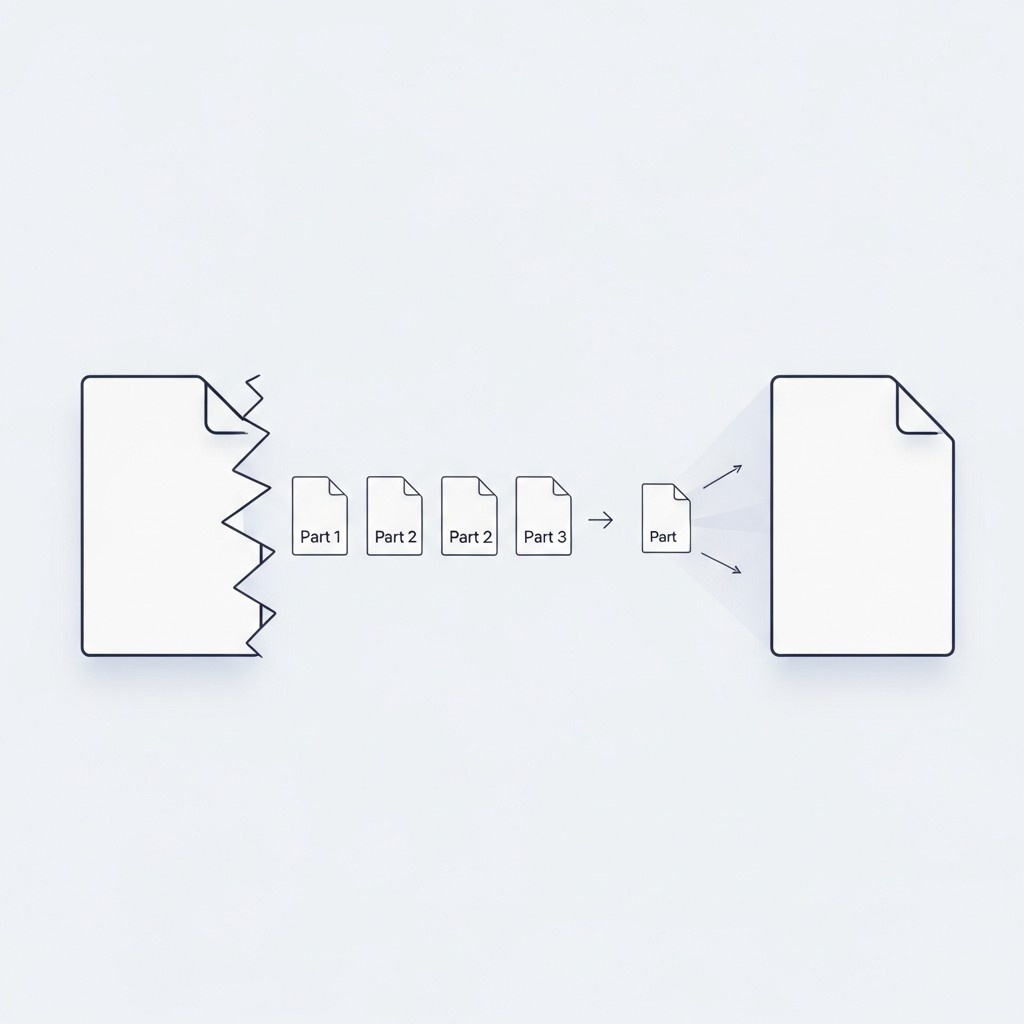
This habit supports speed, clarity, and confidence. It keeps teams moving even as work grows more complex.
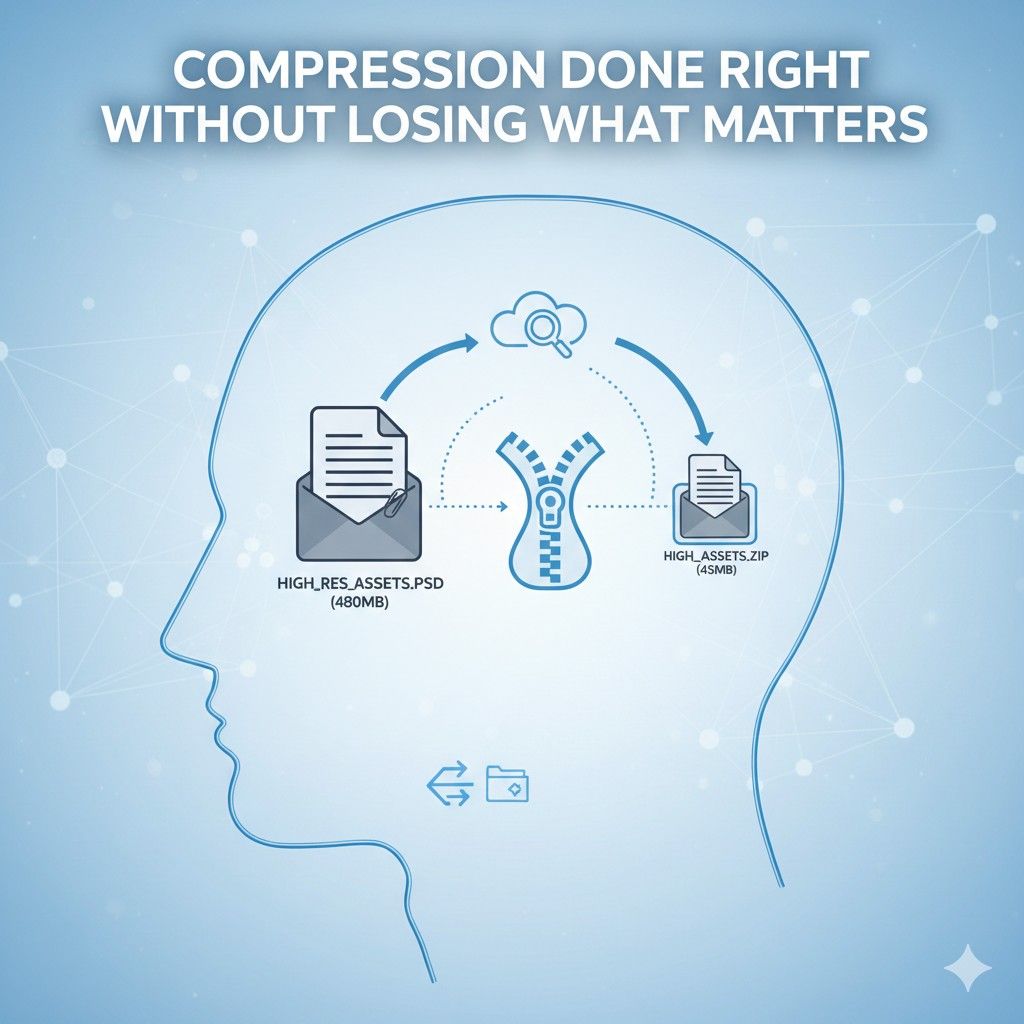
Compression Done Right Without Losing What Matters
Compression is often misunderstood. Many teams think of it as a last-minute trick to make a file small enough to send. In reality, compression is a strategic tool.
When used correctly, it protects speed, preserves quality, and reduces risk without damaging trust in the work.
This section explains how businesses can use compression intentionally, not reactively, and why that difference matters more than most teams realize.
Why Compression Is Not Just About Size
At its core, compression is about balance. It is not about making files as small as possible. It is about making them as small as they can be while still doing their job.
When teams chase size alone, they often strip away details that matter, which leads to confusion, rework, and loss of confidence.
The right mindset is to compress with purpose.
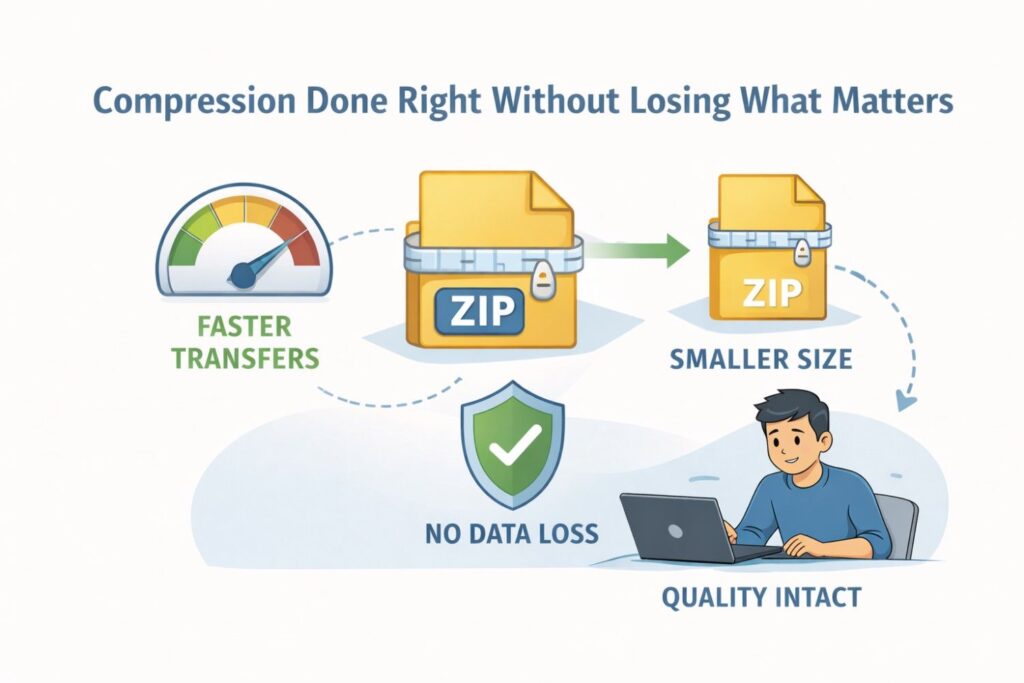
Before compressing anything, teams should be clear about how the file will be used, who will open it, and what decisions depend on it. Compression should support that outcome, not weaken it.
The Cost of Over-Compression
Over-compression creates silent damage. Images lose clarity. Data files drop precision.
Documents become harder to read. These issues rarely show up immediately. They surface later, when someone relies on missing detail and makes a wrong call.
Businesses can avoid this by testing compressed files the same way recipients will use them. If a compressed file feels even slightly harder to understand or review, it is too compressed.
That small discomfort often signals much bigger problems down the line.
Compression Builds Trust When Done Well
People trust files that open fast and look right. When a file loads quickly and shows exactly what is expected, confidence rises. When it takes time, glitches, or looks degraded, doubt creeps in.
Smart compression strengthens trust by improving the experience without changing the substance. Reviewers focus on content instead of format. Decisions happen faster because nothing feels broken or incomplete.
Different Files Need Different Compression Thinking
Not all files behave the same under compression. Text documents, images, design files, and data sets all respond differently. Treating them the same leads to uneven results.
Teams that perform well learn how their core file types react to compression. Over time, they develop an instinct for how much reduction is safe and where quality loss begins.
This knowledge becomes a quiet advantage that saves time on every project.
Compress Early, Not at the End
One of the biggest mistakes teams make is compressing only at the point of sharing. By then, files are bloated and fragile. Compression becomes risky because too much has to be removed at once.
Compressing earlier, during creation and review, keeps files lean throughout their life. This reduces stress at delivery time and avoids rushed decisions that can harm quality.
Compression as Part of the Workflow
When compression is built into the workflow, it stops feeling like extra work. Files stay manageable by default. Transfers stay smooth. Tools perform better.
This can be as simple as setting default export settings or agreeing on internal standards for file quality. Small decisions made early remove repeated friction later.
Quality Loss Is Often Invisible at First
Many compression issues do not show up immediately. A file may look fine on a large screen but fail on a smaller one. It may read well in one viewer but break in another.
The safest approach is to review compressed files on the weakest device or slowest connection expected. If it works there, it will work anywhere. This habit prevents subtle failures that only appear in real-world use.
Compression Reduces Cognitive Load
Large files do not just slow systems. They slow thinking. When files are heavy, people hesitate to open them, scroll less, and skim more. Compression improves mental flow by making interaction easier.
When a file feels light, people engage more deeply. They zoom in, leave comments, and explore details. This leads to better feedback and stronger outcomes.
Storage Costs Add Up Quietly
Many businesses overlook how file size affects storage over time. Large files get duplicated, backed up, and archived repeatedly. Each copy costs money and adds complexity.
Compression reduces this footprint without changing how teams work. Over months and years, the savings become meaningful, especially for data-heavy companies.
Compression Improves System Reliability
Systems fail more often under heavy load. Large files stress networks, servers, and tools. When files are compressed, systems run smoother and errors drop.
This matters most during high-pressure moments, such as deadlines or external reviews. Reliability during those moments protects reputation as much as results.
External Sharing Becomes Safer
Compressed files move faster and pass through security systems more easily. They are less likely to be blocked, scanned repeatedly, or flagged.
This does not replace security practices, but it supports them. Clean, efficient files reduce friction while still allowing controls to do their job.
Compression Helps Preserve Focus
When teams struggle with file size, attention shifts from content to mechanics. People talk about downloads, uploads, and failures instead of ideas.
Effective compression removes that distraction. Work conversations stay focused on substance, not logistics. This keeps meetings shorter and communication clearer.
Avoiding Compression Chaos
Chaos happens when everyone compresses differently. Files arrive in inconsistent formats with unpredictable quality. This creates frustration and distrust.
The fix is not heavy rules, but shared expectations. When teams align on how and when compression happens, outcomes stabilize without slowing anyone down.
Compression and Legal or Technical Work
In legal, technical, or patent-related work, compression carries extra weight. Details matter, and loss can have real consequences.
The key is selective compression. Reduce size where detail does not matter and preserve it where it does. This approach keeps files manageable while protecting accuracy.
Compression Is a Signal of Maturity
Teams that handle compression well signal operational maturity. They show respect for time, tools, and collaborators.
This impression matters with partners, investors, and reviewers. Smooth file handling reflects thoughtful execution across the business.
When Not to Compress
Not everything should be compressed. Files used for long-term storage, final production, or future modification may need full quality.
Knowing when not to compress is as important as knowing how. The goal is not smaller files everywhere, but the right size at the right time.
Compression as a Competitive Edge
Speed, clarity, and reliability are competitive advantages. Compression supports all three when used with intention.

Teams that master it quietly outperform those that ignore it. Work flows faster, decisions land sooner, and friction fades into the background.
Wrapping It Up
Managing large attachments is not a technical side task. It is a core business skill that shapes how fast teams move, how clearly they think, and how confidently they act. Splitting, merging, and compression are not isolated tricks. They work best as a system, supporting each other at every stage of work. When teams split files early, they create space for speed, parallel work, and early feedback. When they merge with intention, they preserve context and arrive at clean, reliable outcomes. When they compress with care, they protect quality while removing friction. Each step reduces stress, lowers risk, and keeps momentum intact.
Leave a Reply