If you are filing a patent today, you are almost certainly uploading a DOCX file into Patent Center. The USPTO wants it that way. Most founders accept that and move on. That is where trouble starts. DOCX filing looks simple. You write your patent in Word. You upload it. You click submit. But under the hood, small settings and hidden Word features can quietly break your filing, change your meaning, or create problems that only show up months later. By then, it is too late to fix. This article is written to help you avoid that outcome.
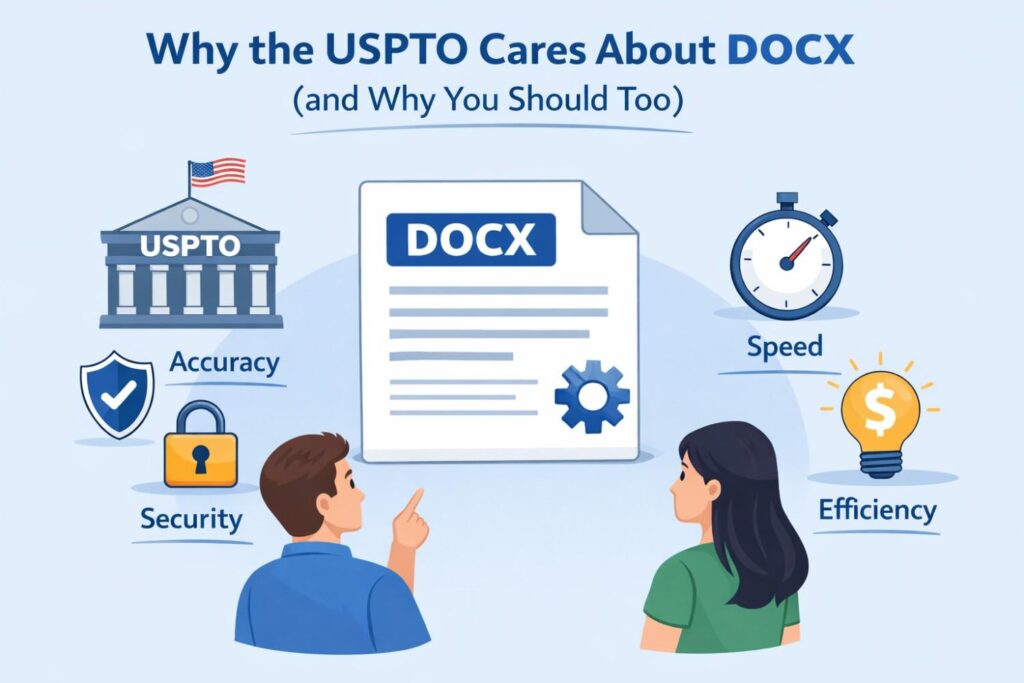
Why the USPTO Cares So Much About DOCX (and Why You Should Too)
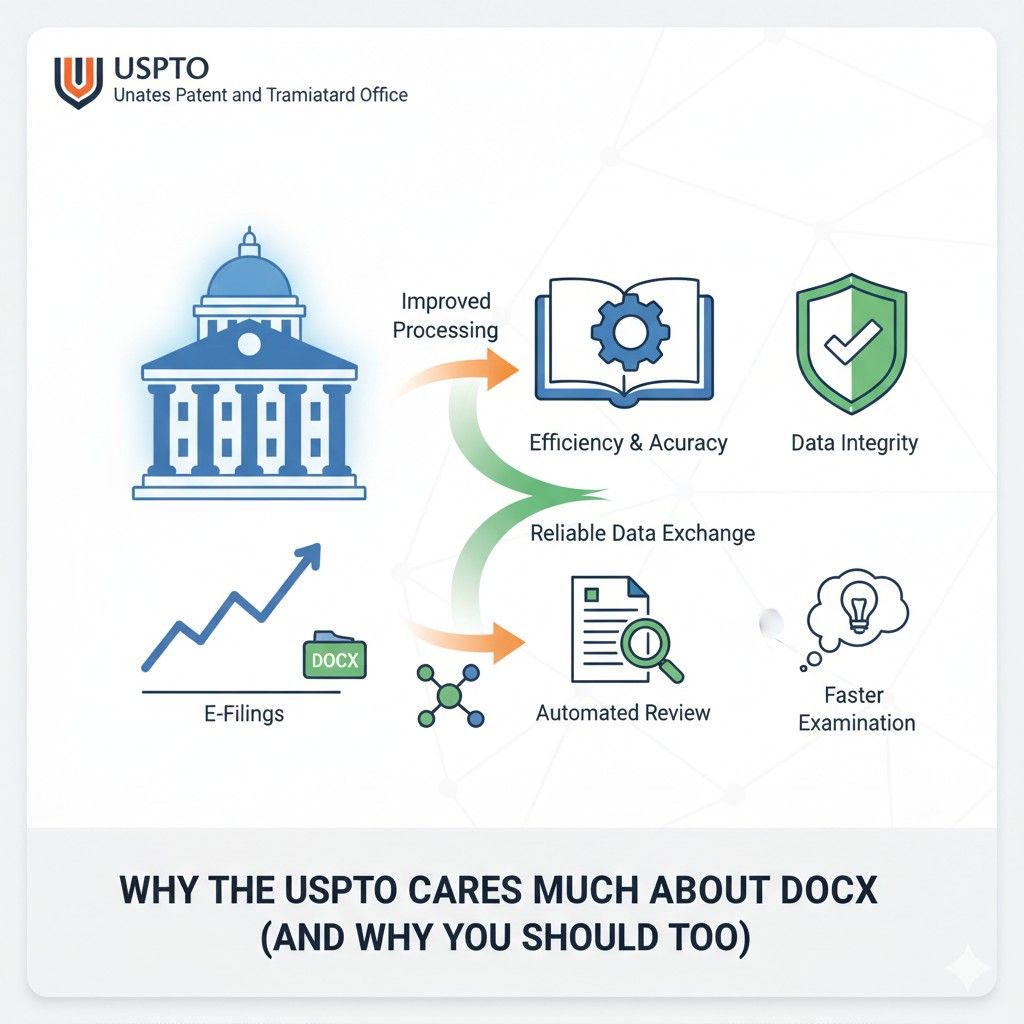
The move to DOCX was not about making life easier for founders. It was about control, automation, and speed on the USPTO side. Once you understand that, the rules start to make sense.
More importantly, you start to see where the risks are for your business if you treat DOCX like a normal Word file.
DOCX is no longer just a container for text. It is now the raw input the USPTO uses to create the official legal record of your invention. That shift changes everything.
The USPTO Is Building a Machine, Not Reading a Document
When the USPTO receives your DOCX file, a human does not open it and read it like you would. The file is ingested by automated systems that strip, convert, tag, and restructure your content.
Headings, paragraphs, equations, tables, and even spacing are parsed by software before an examiner ever sees it.
This matters because software does not understand intent. It only understands structure. If your document structure is messy, unclear, or inconsistent, the system can misread it.
That misreading becomes part of the official record.
Actionable advice here is simple but critical. You should write and format your patent assuming a machine is the first reader. Clean structure is not optional. It is foundational.
DOCX Lets the USPTO Standardize Everything
One of the USPTO’s biggest goals is consistency. They want every application to follow the same internal format so they can search, compare, and analyze filings at scale. DOCX gives them that power.
This means the USPTO cares less about how your document looks in Word and more about how it behaves when converted. Fancy formatting, custom styles, or copied text from other tools can break that consistency.
If you are a business filing patents regularly, this has a direct impact on speed. Clean DOCX files move faster through the system. Messy ones trigger warnings, conversion issues, and sometimes manual review.
The best move for a company is to standardize how patent documents are created internally. Same template. Same style rules. Same review process every time.
This is one reason platforms like PowerPatent exist, to remove that burden from busy teams. You can see how that workflow works at https://powerpatent.com/how-it-works.
The Official Record Is Not Your Uploaded File
This is one of the most misunderstood parts of DOCX filing. The Word file you upload is not the legal document. The converted version created by the USPTO is.
That converted version is what courts, investors, and acquirers will look at later. If something changes during conversion, even slightly, that change can matter.
This is why the USPTO is strict about DOCX. They want predictable conversion results. They also put the risk on you if something goes wrong.
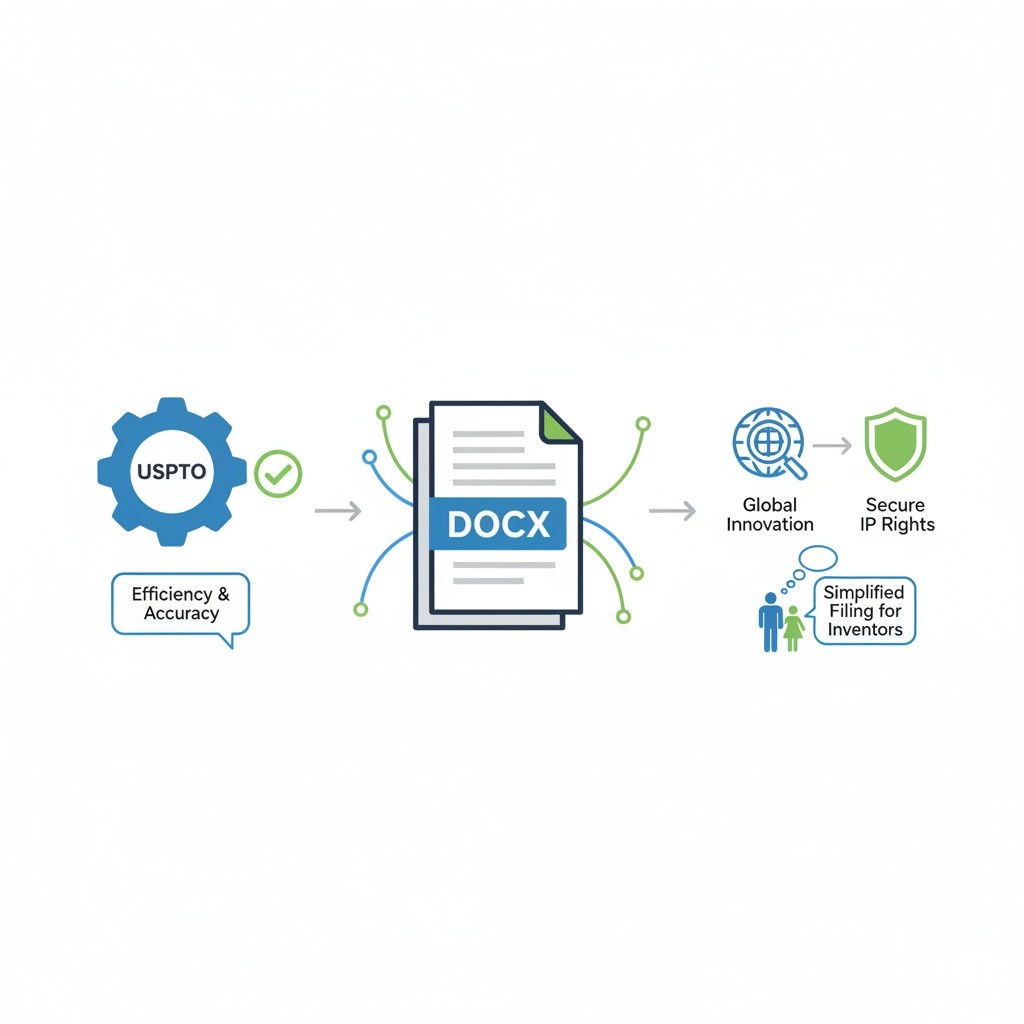
A very practical step here is to always review the USPTO-generated version immediately after filing. Do not assume it matches what you uploaded. If there is a problem, the earlier you catch it, the more options you have.
DOCX Enables Deeper Search and AI Tools
The USPTO is investing heavily in search and analysis tools. DOCX makes it easier for them to break applications into searchable chunks. Claims, descriptions, and examples become data, not just text.
This helps examiners find prior art faster. It also means vague or sloppy writing is easier to challenge.
For businesses, this is a double-edged sword. Clear, well-structured applications benefit from this system. Weak ones are exposed faster.
The actionable takeaway is to write with clarity and intent. Every sentence should earn its place. Avoid filler. Avoid unclear references. When your application is broken into pieces by software, each piece should still stand on its own.
Errors in DOCX Scale Quietly
A small formatting issue in Word can seem harmless. In DOCX filing, that issue can be repeated across every page, every claim, or every paragraph during conversion.
For example, a misused style or hidden field can cause numbering errors that affect claim structure. Claim structure is not cosmetic. It defines legal scope.
Businesses should treat DOCX preparation as a quality-controlled process, not an afterthought. One person writing and another person reviewing with fresh eyes can catch issues before they become permanent.
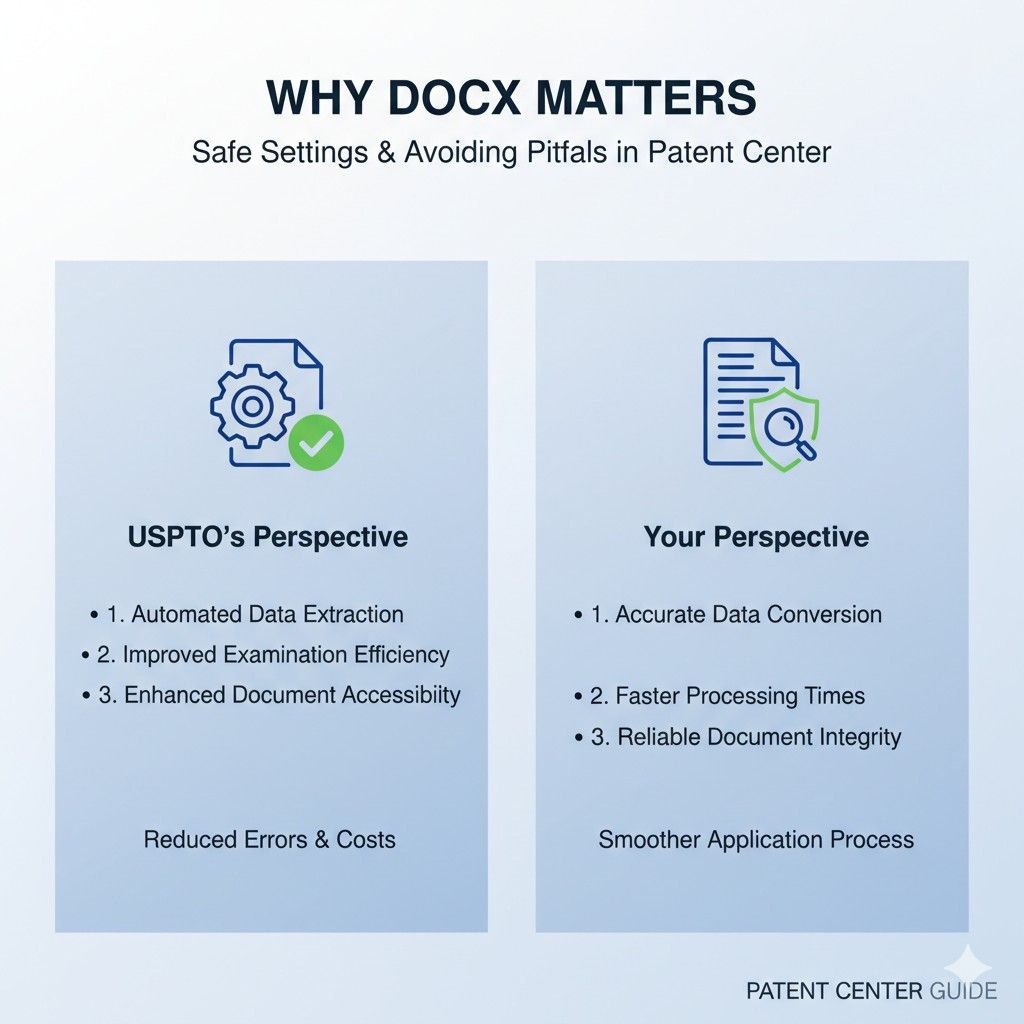
This is also where attorney oversight matters. Software alone cannot judge legal meaning. Humans are still required, especially when DOCX behavior and patent law intersect.
The USPTO Is Shifting Responsibility to Filers
By requiring DOCX, the USPTO is making it clear that filers are responsible for technical correctness. Warnings are given, but the burden is on you to fix them.
For startups moving fast, this is risky. A rushed filing with unresolved DOCX warnings can lock in mistakes that are expensive to fix later, if they can be fixed at all.
A smart business move is to slow down just enough at filing time to get it right. Filing one week later with a clean DOCX is often better than filing today with hidden issues.
DOCX Is Here to Stay
This is not a temporary experiment. The USPTO is committed to DOCX as the standard. Over time, requirements will likely get stricter, not looser.
Companies that build good DOCX habits now will have an easier time scaling their IP strategy later. Those that ignore it will keep paying in delays, fixes, and risk.
If you want a system that already handles these details and gives you confidence that your filing will not break during conversion, PowerPatent was built for exactly that use case.
You can explore the process at https://powerpatent.com/how-it-works.
What Actually Happens to Your Word File After You Click Submit
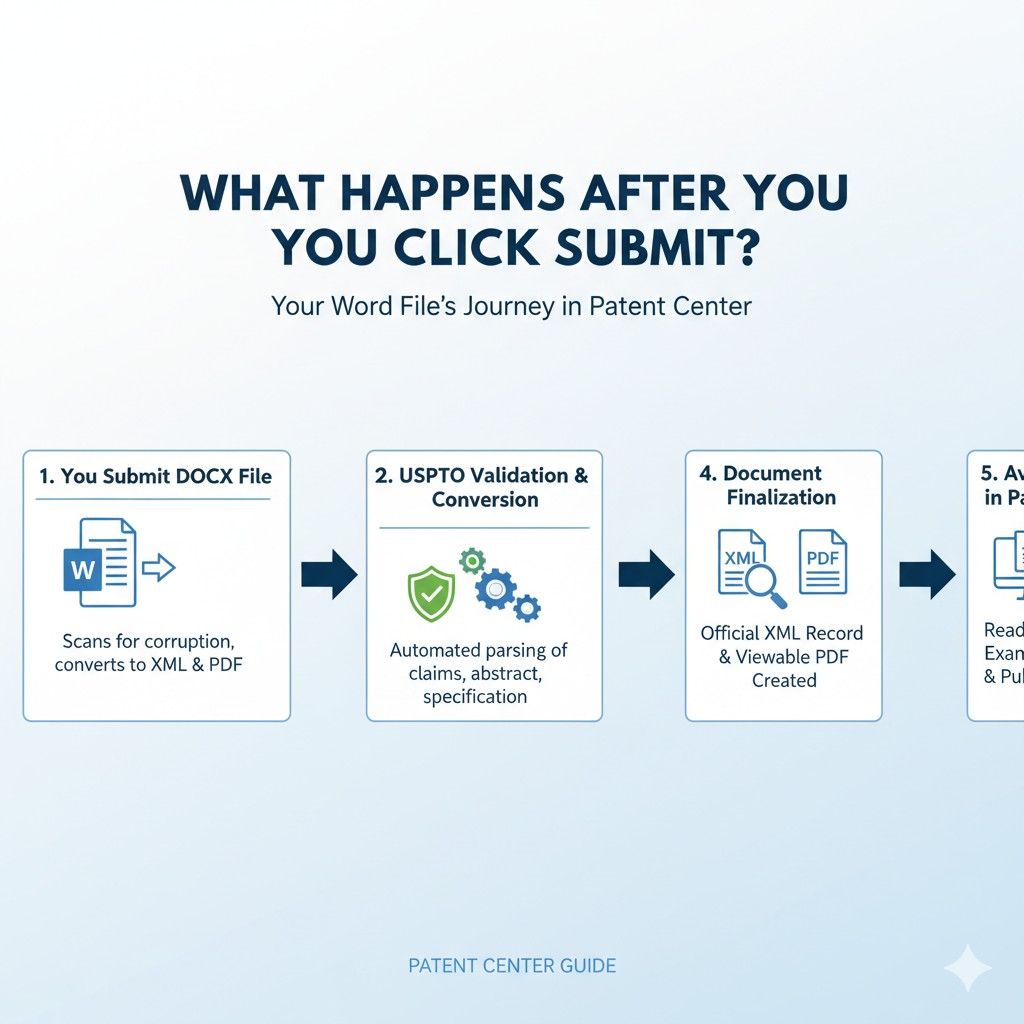
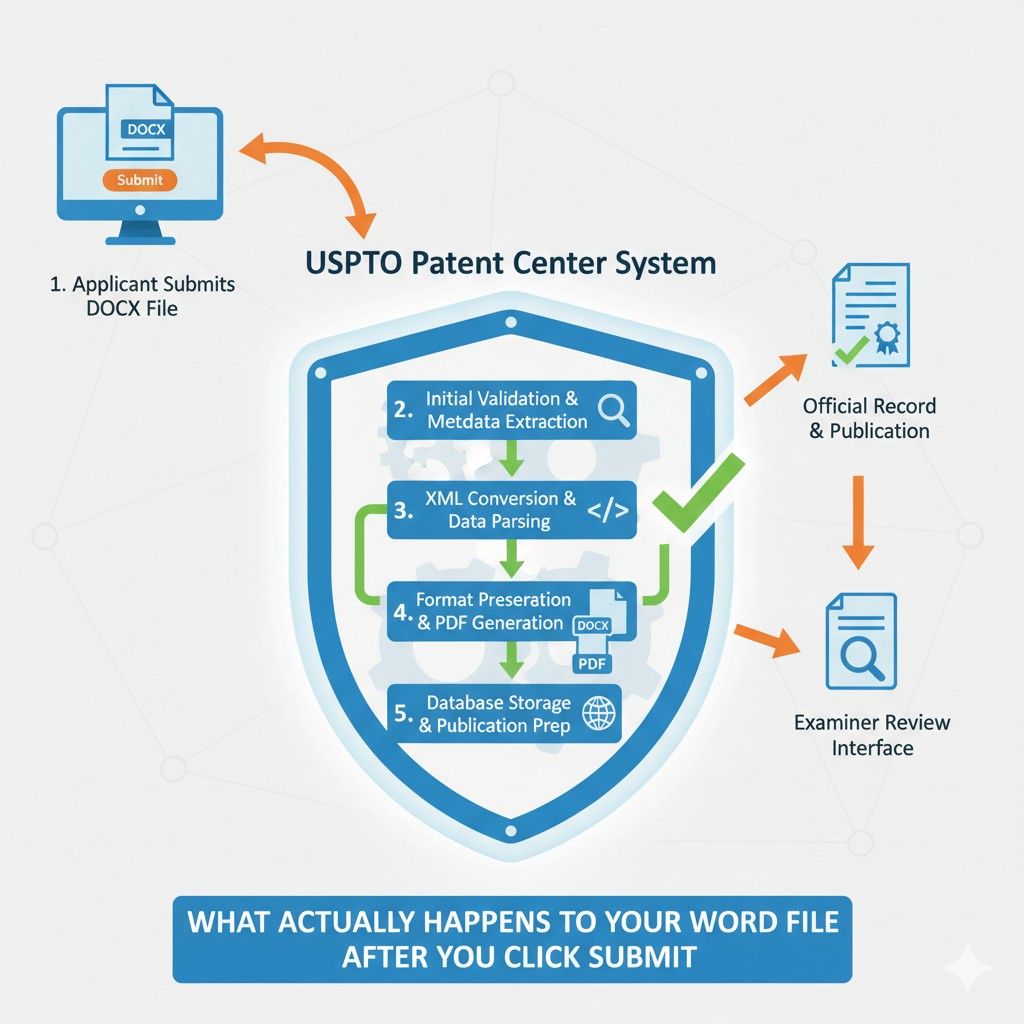
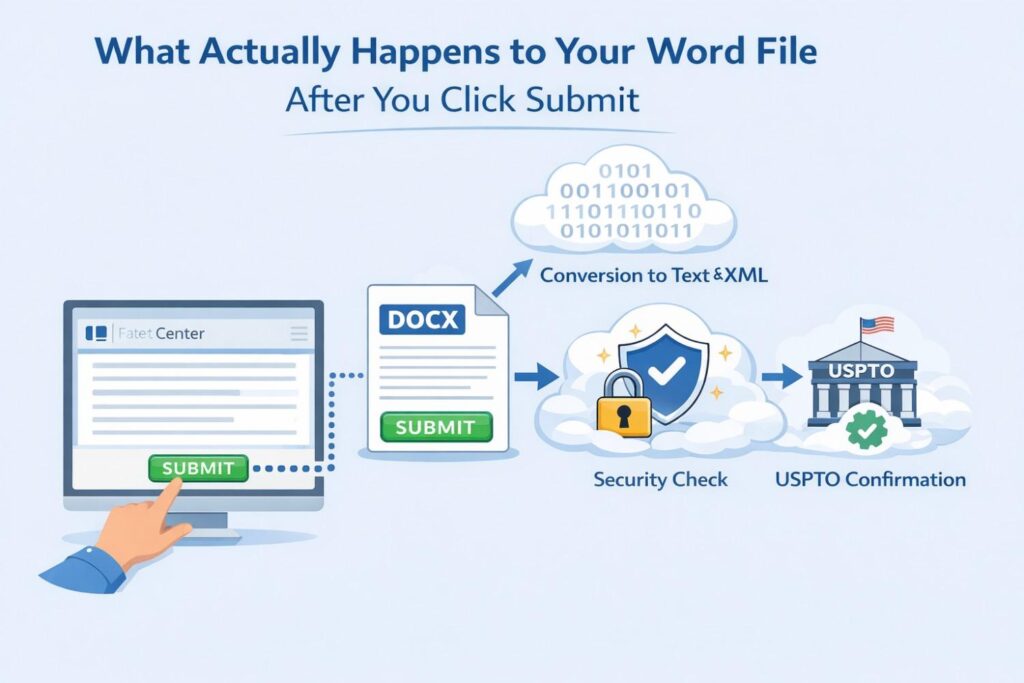
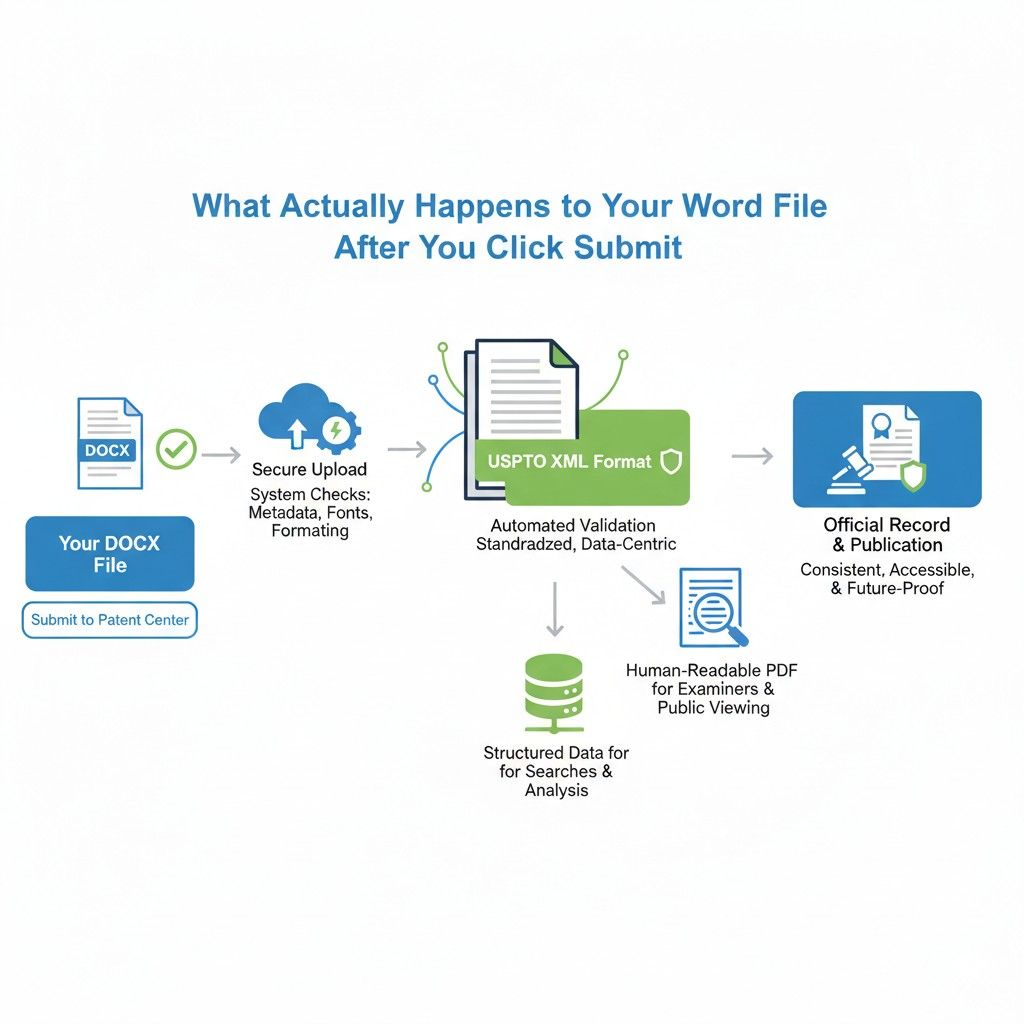
Most founders think filing ends the moment they hit submit. In reality, that is when the most important part begins. Your DOCX file starts a journey through multiple systems that reshape it into the official patent record.
Understanding this journey is one of the most powerful ways to reduce risk and protect your business.
This section explains that journey in plain language, without guesswork, so you can file with confidence instead of hope.
The Upload Is Only the First Gate
When you upload your DOCX file into Patent Center, the system does a quick surface check. It looks for basic issues like missing sections, unreadable content, or obvious formatting problems. If it finds something major, it will warn you.
What it does not do is deeply validate meaning, structure, or legal clarity. Passing this first gate does not mean your document is safe. It only means it is accepted for processing.
This is where many teams relax too early. They assume acceptance equals correctness. It does not.
The best move here is mental, not technical. Treat submission as the start of review, not the end. Plan time to inspect what comes next.
Automated Conversion Takes Over Immediately
Once accepted, your DOCX file is handed off to automated conversion systems. These systems break your document into parts. Paragraphs are re-tagged.
Headings are interpreted. Claims are separated and numbered again. Figures are linked. References are resolved.
This is not a visual conversion. It is a structural one.
The system does not care how your document looked in Word. It cares how Word encoded it. Two paragraphs that look the same on screen can behave very differently during conversion.
A practical habit is to avoid copying content from tools like Google Docs, Notion, or PDFs directly into Word. Hidden formatting comes along for the ride and can confuse the conversion engine.
Styles Matter More Than Words
One of the least understood parts of DOCX filing is how much the USPTO relies on Word styles. Headings, normal text, captions, and claim text are all expected to follow specific patterns.
If you manually format text instead of using styles, the system may misclassify it. A claim might be treated like a paragraph. A heading might be treated like body text.
For a business, this can quietly weaken a patent. Claim structure defines scope. Scope defines value.
A strong internal rule is to never override styles manually. If something needs to look different, fix the style, not the text. This keeps structure intact through conversion.
The USPTO Creates a New Version You Do Not Control
After conversion, the USPTO generates its own version of your application. This version lives in their system and becomes the official record.
You cannot edit this version freely. You can only correct it through formal processes if errors are found, and not all errors are fixable.
This is why review matters so much. Businesses that skip review are betting their IP on automation behaving perfectly.
A simple but powerful step is to assign someone the task of reviewing the converted document line by line. This should not be the same person who wrote it. Fresh eyes catch issues faster.
Small Issues Can Change Meaning
DOCX conversion errors are rarely dramatic. They are subtle. A line break disappears. A reference shifts. A numbering sequence resets. A symbol changes.
In normal writing, these things are harmless. In patents, they can change meaning.
For example, claim dependencies rely on exact numbering. If numbering is altered, the relationship between claims can break. That can weaken enforcement later.
The actionable advice is to read the converted claims as if you were trying to attack them. If something feels unclear or off, investigate immediately.
Timing Windows Are Short
There is a limited window after filing where certain corrections are easier. Once deadlines pass or examination begins, options narrow.
Businesses that file and move on often miss this window. By the time an issue is found, it is locked in.
A good operating habit is to schedule a conversion review within twenty-four hours of filing. Put it on the calendar before you submit. Treat it like a required step, not a nice-to-have.
This is one area where having a platform and attorney oversight saves real time and money.
PowerPatent builds this review into the process so founders do not have to remember every detail. You can see how that works at https://powerpatent.com/how-it-works.
The Examiner Sees the Converted Version First
Patent examiners do not start with your Word file. They start with the converted version inside the USPTO system.
If something looks confusing, inconsistent, or sloppy there, it sets the tone for examination. First impressions matter, even in formal systems.
A clean converted document signals seriousness and care. That can influence how smoothly prosecution goes.
For companies filing multiple patents, this compounds. A reputation for clean filings helps. A reputation for messy ones hurts.
Conversion Errors Are Not Always Obvious
Some errors do not show up visually. They live in metadata, tagging, or internal references. These can affect search, classification, and how prior art is applied.
You may never see the error directly, but you may feel its impact through tougher rejections or misunderstandings.
This is why DOCX filing is not just about compliance. It is about strategy. Clean structure improves how your invention is understood and evaluated.
Treat DOCX Filing as Part of Product Quality
Strong companies obsess over product quality. Patent filings deserve the same mindset.
Your patent is a product. DOCX is the manufacturing process. Conversion is quality control.
When you frame it this way, the effort makes sense. You are not doing busywork. You are protecting future value.
The next section dives into the hidden DOCX settings that most people never notice but cause the most damage when ignored.
The Hidden DOCX Settings That Can Quietly Break Your Patent
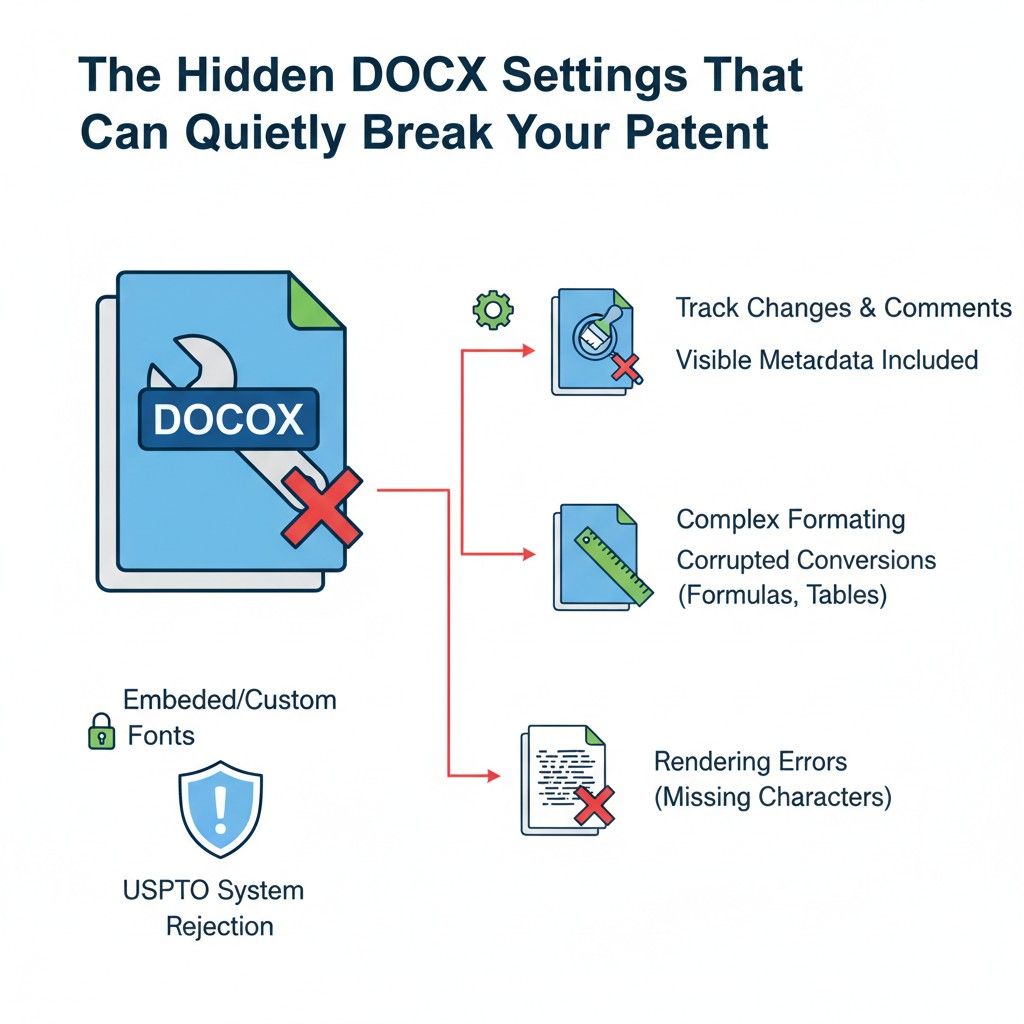
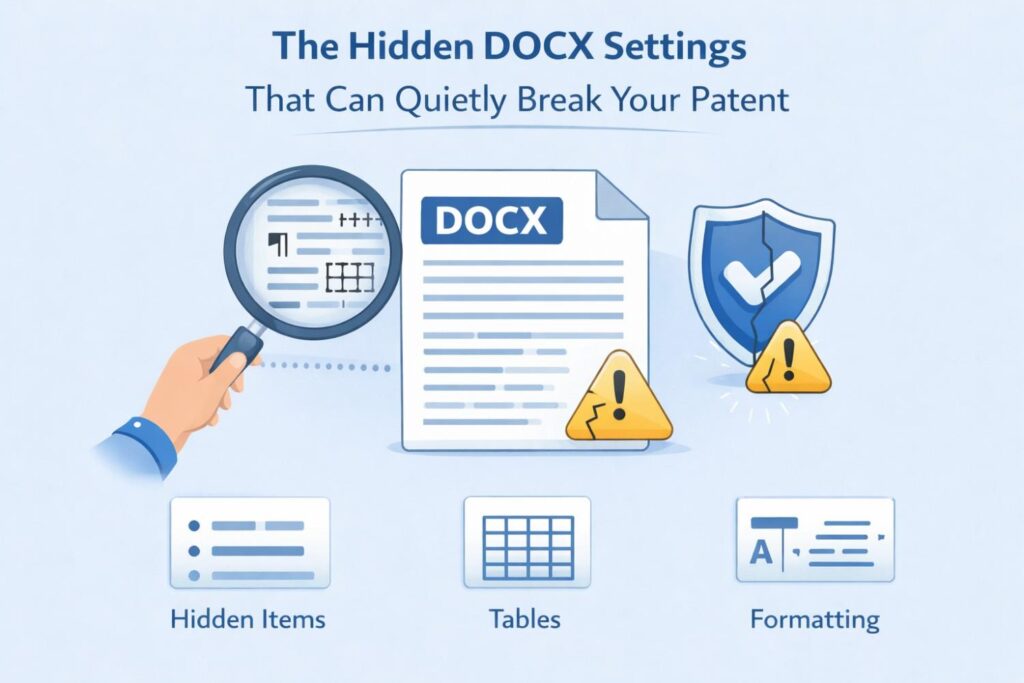
Most DOCX problems do not come from bad writing. They come from invisible settings that sit quietly inside Word and only show their impact after filing.
These settings are easy to miss because Word is designed for convenience, not for legal precision. For businesses, this gap is where real risk lives.
This section focuses on the settings that matter most and how to handle them without turning patent filing into a technical nightmare.
Default Word Behavior Is Not Neutral
Word makes decisions for you. It auto-corrects, auto-formats, auto-numbers, and auto-spaces text based on guesses about what you want. In normal documents, this is helpful. In patent documents, it can be dangerous.
For example, Word may silently change straight quotes into smart quotes or replace hyphens with longer dashes. These changes look minor, but they can alter meaning or break consistency during conversion.
The safest approach is to disable as many automatic formatting features as possible when working on patent documents. This is not about perfection. It is about predictability.
Track Changes Can Leave Ghosts Behind
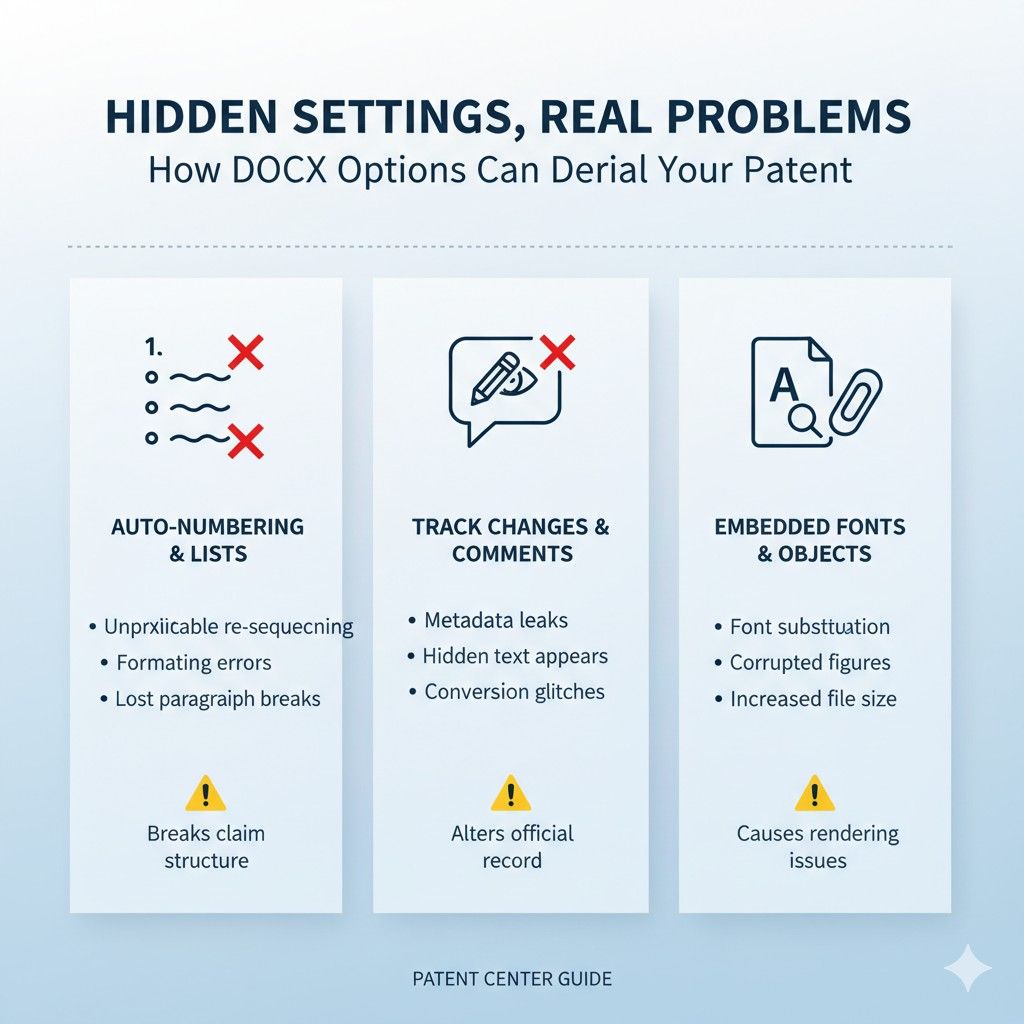
Even when track changes is turned off, remnants can remain in the file. Comments, hidden edits, and unresolved changes can confuse the conversion system.
This often happens when multiple people edit the same document over time. The file looks clean, but it is not.
A very practical habit is to accept all changes, delete all comments, and then save a fresh copy of the document under a new name before filing. This reduces the chance of hidden data interfering with conversion.
Section Breaks Can Restructure Your Document
Section breaks are powerful. They control margins, numbering, and layout. They are also easy to insert by accident.
In DOCX filing, unexpected section breaks can cause page numbering to reset or claims to be treated as separate sections. This can affect how the USPTO system parses your application.
If you do not actively need section breaks, remove them. Use simple page breaks instead. Fewer structural elements mean fewer surprises.
Headers and Footers Are Not Decorative
Many founders add headers or footers with internal notes, version numbers, or company names. These can bleed into the converted document in unexpected ways.
The USPTO does not want extra text outside the main content. Anything that looks like content may be treated as content.
The safest move is to remove all headers and footers before filing. If you need internal tracking, keep it outside the filing document.
Embedded Objects Are Risky
Charts, equations, or diagrams pasted as embedded objects may not convert cleanly. They can disappear, shift position, or lose context.
When possible, figures should be simple images inserted in a standard way, with clear references in the text. Equations should be written using plain text or standard tools that are known to convert reliably.
For businesses with technical inventions, this is especially important. If a figure supports a key concept, you do not want it compromised.
Fonts and Symbols Can Change
Using unusual fonts or special symbols increases risk. During conversion, unsupported fonts may be replaced, and symbols may be altered.
This is not just about appearance. A symbol change can change meaning, especially in technical descriptions.
Stick to standard fonts and common characters. If you need a symbol, make sure it is widely supported and used consistently.
Numbering Should Be Controlled, Not Automatic
Automatic numbering in Word is convenient, but it can behave unpredictably during conversion. Lists may renumber. Indentation may change. Hierarchies may flatten.
For claims and important sections, numbering must be stable. Many experienced filers use manual numbering or carefully controlled styles to ensure consistency.
The key is to test. Create a small sample, upload it, and see how numbering behaves. Learn before it matters.
Language Settings Can Affect Interpretation
Word supports multiple languages and regional settings. If these are mixed, the conversion system may misinterpret spelling, grammar, or symbols.
Ensure the document language is set consistently. This is especially important for international teams where content may be written or edited in different locales.
A single language setting across the document reduces ambiguity.
File History Can Carry Risk
DOCX files remember more than you think. Previous versions, authors, and metadata can persist.
While not all metadata affects conversion, some of it can. Cleaning the file before filing is a smart precaution.
Saving the document as a new file, or using Word’s inspection tools to remove hidden data, can reduce risk.
Testing Is Underrated and Powerful
One of the most effective strategies is to test your DOCX file before a real filing. Upload a draft to see what warnings appear. Review the converted output. Learn from it.
This small investment of time can prevent large problems later.
Businesses that file often treat this as part of onboarding new team members. It builds intuition and reduces errors.
Why Systems Beat Memory
Remembering all of these settings is hard. Expecting busy founders to manage them perfectly every time is unrealistic.
This is why systems matter. Templates, checklists, and guided workflows reduce reliance on memory.
PowerPatent was designed to bake these safeguards into the process so founders can focus on building, not on Word settings. If you want to see how that works in practice, you can explore it at https://powerpatent.com/how-it-works.
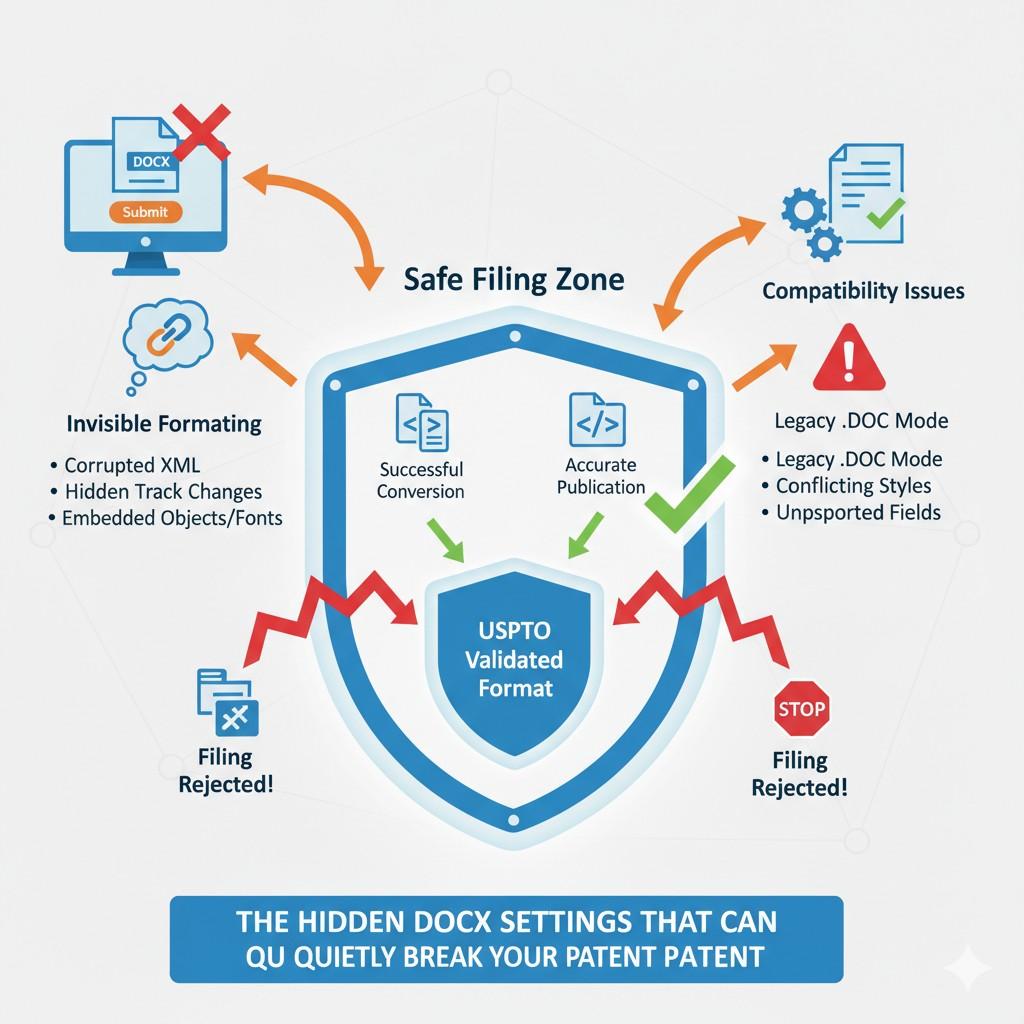
This section covers the most common hidden issues, but there are still a few high-impact gotchas that show up right at filing time.
Wrapping It Up
DOCX filing is not hard, but it is unforgiving. The rules are quiet. The risks are invisible. The impact shows up later, when fixing things is slow, expensive, or impossible. For businesses, that is the worst kind of risk because it hides until it matters most. The USPTO did not choose DOCX to make filing friendlier. They chose it to make filings machine-readable, searchable, and standardized. That means structure matters as much as words. Settings matter as much as ideas. What happens after you click submit matters more than what happens before.
Leave a Reply