Time is tight. Budgets are tight. Yet your inventors keep building. AI patent drafting helps you keep up without lowering your bar. This guide shows how to do it well—step by step, in plain language—so you protect more ideas with less stress.
If you want the quick path, see how PowerPatent does it in practice: https://powerpatent.com/how-it-works
Who this is for and what you will get
This article is for in‑house counsels who handle a steady stream of disclosures and for university tech transfer teams who juggle faculty, grants, and industry partners.
You will learn how AI fits into your drafting flow, where it saves real time, how to keep quality high, and how to roll it out without chaos.
You will see practical checklists in paragraph form, not legal theory. And you will walk away with a playbook you can use this quarter.
For a live walk‑through, you can explore: https://powerpatent.com/how-it-works
What “AI patent drafting” really means today
AI patent drafting is not a magic button that spits out a perfect application.
It is a careful setup where software helps with the heavy lift—interview prep, disclosure clean‑up, claim framing, spec expansion, figure prompts, and consistency checks—while a real attorney guides, reviews, and signs off.
Think of it as a strong engine with a skilled driver. The engine speeds the trip. The driver keeps it safe and on course.
PowerPatent follows this model. Smart software gets you from idea to first draft fast.
A real patent attorney reviews and tunes it so it stands up to examiners, investors, and partners. See the flow here: https://powerpatent.com/how-it-works
Why it matters now
R&D cycles are shorter. Funding cycles are harsher. Patent budgets face pressure from every side. At the same time, competitors move quick and file early.
If your team cannot draft fast with confidence, you lose ground. AI helps you file sooner, cover more ground in the spec, and keep a clean paper trail. The goal is speed with control, not speed alone.
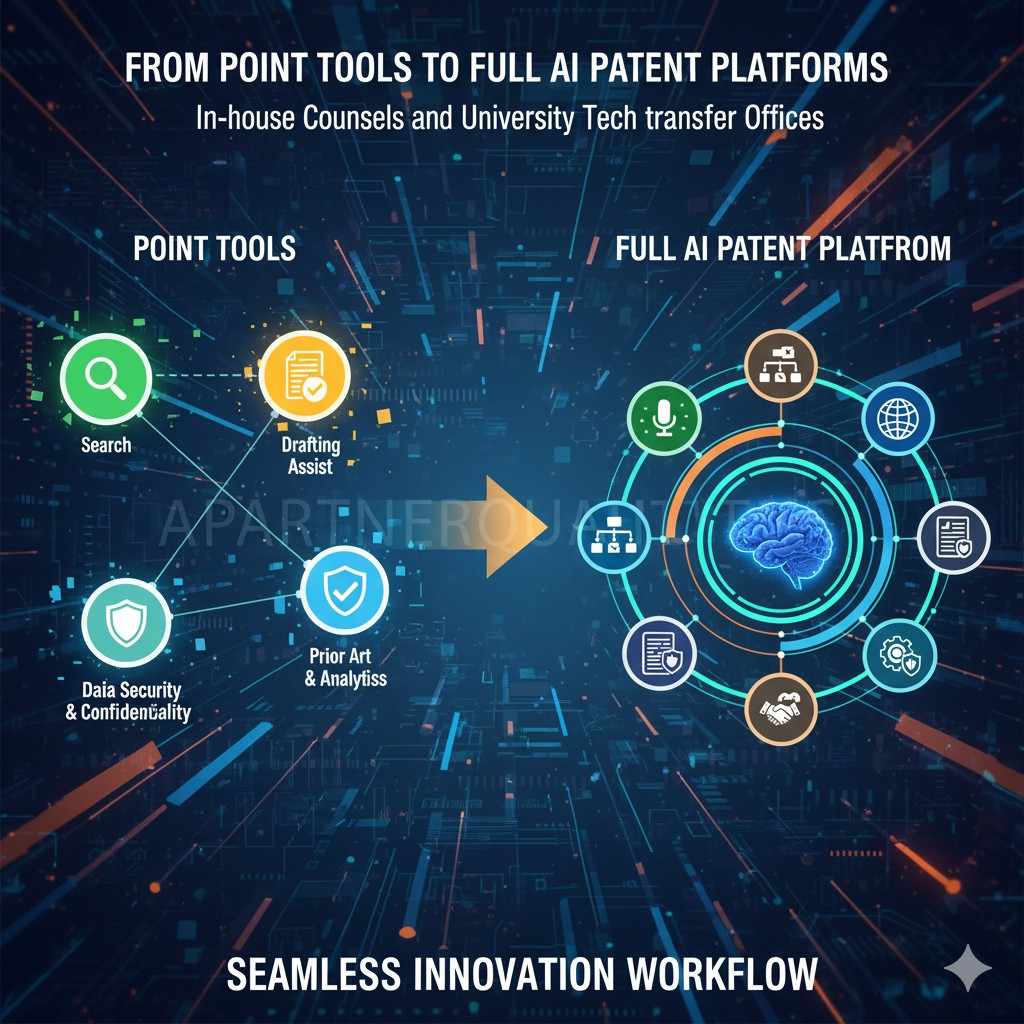
From point tools to full AI patent platforms
Across professional services, the playbook is shifting. Leaders are building stacks of AI agents, waking up the data they already own, turning services into software‑like products, and training people to work with these agents. Law firms face the same turn.
Point tools help in small ways, but they do not change outcomes. A platform approach does.
PowerPatent acts as the “agent” layer inside the drafting room—it coordinates intake, drafting, review, search, and response work in one governed place.
Instead of adding yet another plug‑in, you give your team a center of gravity where people and models work together. See how that looks in practice: https://powerpatent.com/how-it-works
Today, most firms still sit early on the AI curve.
Many use little or no AI in day‑to‑day work, even though patent‑tech vendors have shown that large parts of drafting and office‑action work can be automated without hurting quality.
This gap between what is possible and what most teams do is the opening. Firms that standardize on PowerPatent now can win on speed, margin, and client experience long before others catch up. Learn more: https://powerpatent.com/how-it-works
R&D cycles are shorter. Funding cycles are harsher. Patent budgets face pressure from every side. At the same time, competitors move quick and file early. If your team cannot draft fast with confidence, you lose ground.
AI helps you file sooner, cover more ground in the spec, and keep a clean paper trail. The goal is speed with control, not speed alone.
How AI plugs into your current flow without tearing it down
Do not rip and replace. You can slot AI into three spots right away. First, use it to prepare for inventor talks by turning code, slides, and notes into a clear interview guide.
Second, use it after the call to turn rough notes into a structured disclosure that maps to claims and figures.
Third, use it to draft the first full pass with strong support and clear labeling. Each of these spots gives you time back and cuts the back‑and‑forth.
With PowerPatent, this looks like a short upload, a quick pass that auto‑finds key terms and gaps, and a draft you can redline in the same place. You stay in control. Learn more here: https://powerpatent.com/how-it-works
Orchestrating the AI stack for IP work
Your practice runs on many parts: disclosures, claim sets, figures, IDS filings, docketing, and knowledge trapped in past matters. PowerPatent can sit in the middle as the orchestration layer.
It connects models for drafting and search, pulls in matter data, applies your prompt libraries, and routes work through governed workflows. Rather than each partner testing a different tool, you standardize on one secure interface.
That brings centralized controls for confidentiality, audit, and templates. Over time, your best methods live inside the agents everyone uses, which becomes a durable moat for the firm.

With PowerPatent, this looks like a short upload, a quick pass that auto‑finds key terms and gaps, and a draft you can redline in the same place. You stay in control. Learn more here: https://powerpatent.com/how-it-works
The quality bar: what “good” looks like for AI‑assisted drafts
A good AI‑assisted draft reads like a careful human wrote it. Claims are focused, not bloated. The spec teaches, not just lists. There is support for each claim term.
Variants are spelled out so you have room to pivot. Figures match the words, and each part is named the same way.
There is a traceable line from the invention story to the claim set. If your draft meets these marks, you can face tough office actions with calm.
AI helps hit this bar by keeping style and naming strict across the whole file, by reminding you when a claim term lacks support, and by offering fallbacks that still fit your core idea. It does not replace judgment. It gives your judgment more reach.
From intake to filing: a clear, simple path
Start with what your inventors already have. That might be a repo, a paper, slides, or a device photo. Feed that into the system. Ask for a plain talk with the inventors.
Use AI to propose questions that close gaps: what problem they solved, how they solved it, what is new versus known, what parts can change, and what the best mode looks like in simple steps.
After the call, let AI reshape the raw notes into a neat disclosure with sections for background, summary, drawings, detailed steps, and claim seeds.
Next, shape the independent claim. Keep it short and clear. State the core idea with the fewest parts you can defend.
Then build a ladder of dependent claims that add real meat: key parameters, training tricks, safety checks, signal flows, cache rules, reagent ratios, or sensor placements.
Do not dump a thesaurus. Use words you can teach in the spec. If a term shows up in a claim, make sure the spec explains it with a simple example.
Now build the spec around the claim set. AI can expand each claim feature into a teaching block with diagrams and labeled parts. Ask it to write from the view of a careful teacher, not a marketer.
Keep cause and effect plain: do X, then Y changes, which gives Z result. Ask for edge cases, failure modes, and options that still fit the same idea. This is how you build strong support.
At the end, review for tone and clarity. Cut fluff. Replace vague words with simple ones.
Align naming across the claims, spec, and figures. Check that each figure has full callouts and that those callouts match the terms in the spec. Then lock the draft and route it for review.
You can see this whole path in PowerPatent here: https://powerpatent.com/how-it-works
Data care: how to keep your secrets safe while you work fast
Counsels and TTOs worry about data leaving the building. That is fair.
The fix is simple: use a system that promises your inputs and outputs are not used to train public models, applies strong encryption at rest and in transit, and gives you a clear audit trail.
Set rules for who can view, edit, and export drafts. Keep inventor uploads in one place tied to the case. Make it easy to remove old data based on your policy. Your vendor should state these points in plain words, not fine print.
PowerPatent is built for this. Your data stays yours. Access is role‑based. Logs are clear. Ask us for details any time: https://powerpatent.com/how-it-works
Turning firm and client data into an IP “agent moat”
The strongest edge you have is the work you have already done—your applications, claim sets, office‑action responses, and results across tech areas.
PowerPatent can turn that history into a living playbook. The platform learns which patterns, phrases, and arguments have worked for your team and uses them to guide new drafts and responses.
You can even tune behaviors by field—software, biotech, robotics—and by jurisdiction. Each new matter makes the next one faster and more aligned with your style. That is how a data advantage compounds.

PowerPatent is built for this. Your data stays yours. Access is role‑based. Logs are clear. Ask us for details any time: https://powerpatent.com/how-it-works
The in‑house counsel playbook
Your world is volume, predictability, and budget control. AI helps by creating a steady frame for each new case. Begin with a standard intake that uses smart prompts to pull the signal out of long write‑ups.
Move to claim seeding where the system suggests a few neat independent claim versions across method, system, and storage media when relevant. Pick the best path and prune hard.
Then pull in examples from code or test runs so the spec has real proof points.
Keep a pattern library for your company. When you settle on how you like to explain certain subsystems—such as an inference engine, a sensor stack, a power stage, a data lake, or a pipeline—store those blocks.
AI can then map new inventions to that pattern and fill gaps. This raises consistency and lowers review time. It also cuts the work your outside counsel bills for repeated boilerplate that still needs to be tailored.
Set clear review gates. The first gate checks invention clarity and novelty story. The second gate checks claim scope against business goals. The third gate checks support and fallback depth. AI can pre‑score each gate and flag weak spots.
Your team then focuses on judgment calls, not hunting for missing callouts.
When you use outside counsel, give them the AI‑built file, not a bare disclosure.
This includes a clean claim draft, a full spec, figure prompts, and a short memo on scope goals and red lines. Outside counsel then polishes and files. This shift turns a two‑month scramble into a two‑week review cycle.
If you want to see a model file you can hand to outside counsel, look here: https://powerpatent.com/how-it-works
Productizing core patent workflows
PowerPatent already turns the blank page into a guided path. From an invention summary, figures, and part lists, the platform can produce a first‑pass spec and claim set.
Firms can bundle this into named offerings with set steps and turnaround times. Examples include “AI‑assisted first draft,” “provisional in a week,” or “continuation pack.”
By standardizing common sections and language across matter types, your output feels like a product experience to clients while attorneys keep control of claim strategy.
Keep a pattern library for your company. When you settle on how you like to explain certain subsystems—such as an inference engine, a sensor stack, a power stage, a data lake, or a pipeline—store those blocks.
AI can then map new inventions to that pattern and fill gaps. This raises consistency and lowers review time. It also cuts the work your outside counsel bills for repeated boilerplate that still needs to be tailored.
Set clear review gates. The first gate checks invention clarity and novelty story. The second gate checks claim scope against business goals. The third gate checks support and fallback depth.
AI can pre‑score each gate and flag weak spots. Your team then focuses on judgment calls, not hunting for missing callouts.
When you use outside counsel, give them the AI‑built file, not a bare disclosure.
This includes a clean claim draft, a full spec, figure prompts, and a short memo on scope goals and red lines. Outside counsel then polishes and files. This shift turns a two‑month scramble into a two‑week review cycle.
If you want to see a model file you can hand to outside counsel, look here: https://powerpatent.com/how-it-works
The university tech transfer playbook
Your world is triage, grant clocks, and complex inventorship. AI helps you move faster without losing care.
Start at disclosure. Faculty notes vary a lot. Some send a full manuscript. Others send a one‑line idea. Feed whatever you get into the system.
Ask AI to produce a short, clear summary you can show to your review board and to potential licensees. Then ask it to pull out possible claim angles across device, method, system, and composition if relevant to your field.
Use AI to create two paths: a quick provisional when time is short, and a full non‑provisional when you have room. For the quick path, the goal is broad coverage with enough detail to support later claims.
AI helps expand the description from lab notes, figures, and data tables into a teaching spec. For the full path, the goal is depth, drawings, and tight claim language.
AI helps by flagging terms that need more teaching and by suggesting extra examples drawn from the same data.
When projects have federal funding or complex IP policies, you need clean records. AI can keep a timestamped log of who gave what input and when.
That way you can manage rights, assignments, and future revenue with confidence. It also helps with inventor disputes, which do happen. A clear paper trail calms things down.
TTOs also benefit from AI when working with startups. You can share a simple, non‑legal summary that a founder can understand in minutes.
You can also generate a short deck that shows the problem, the solution, and the claim seed. This makes industry talks smoother and faster. It raises the odds of a good license.
If you want to see how to set up this flow inside PowerPatent, start here: https://powerpatent.com/how-it-works
Practical claim strategy with AI support
Begin with the story of the invention. What makes it work when old ways fail? Turn that into a clean, single‑sentence core idea.
From there, write one independent claim that captures that idea with the least number of parts and steps. Keep long words out. Use terms you can draw and teach.
Ask AI to propose a few ways to claim the same core idea. One might focus on how data moves.
One might focus on how parts are arranged. One might focus on a training or control trick. Compare them. Pick the one that lines up with your product or with what a licensee will value.
Then build a careful ladder of dependents that add useful detail, not fluff. For each dependent, ask, “Would I care about this in a deal or in court?” If the answer is no, drop it.

Check support as you go. Each claim term should appear in the spec with a clear example. If it does not, ask AI to suggest examples tied to your code, your lab step, or your block diagram.
Keep the tone simple and teachy. Avoid words like “may,” “various,” and “numerous” if they do not teach anything.
Drafting the spec so it can take a punch
A spec that can take a punch does three things. It teaches a person how to make and use the invention. It anchors every claim term in plain words and figures.
And it tells the story of why the idea works. To do this, lay out a few working examples with real numbers, real steps, or real configurations.
Then show ranges, swaps, and edge cases that still land inside the same idea. Build bridges between parts of the system so a reader sees how signals, materials, or commands flow.
AI helps by expanding each example into several variants and by keeping names and numbers consistent.
It reminds you when a figure lacks a label that appears in the text. It can also point out when your examples cluster too close to one corner and need breadth.
Figures and flow: getting drawings right without drama
Drawings do not need to be art. They need to be clear and aligned with the words. Use AI to produce labeled figure prompts that a human illustrator or an integrated tool can turn into clean line figures. Keep names short and match them across the spec.
When you introduce a part in a figure, teach it in the text right away. When a figure shows a flow, write the same flow in text with the same step names.
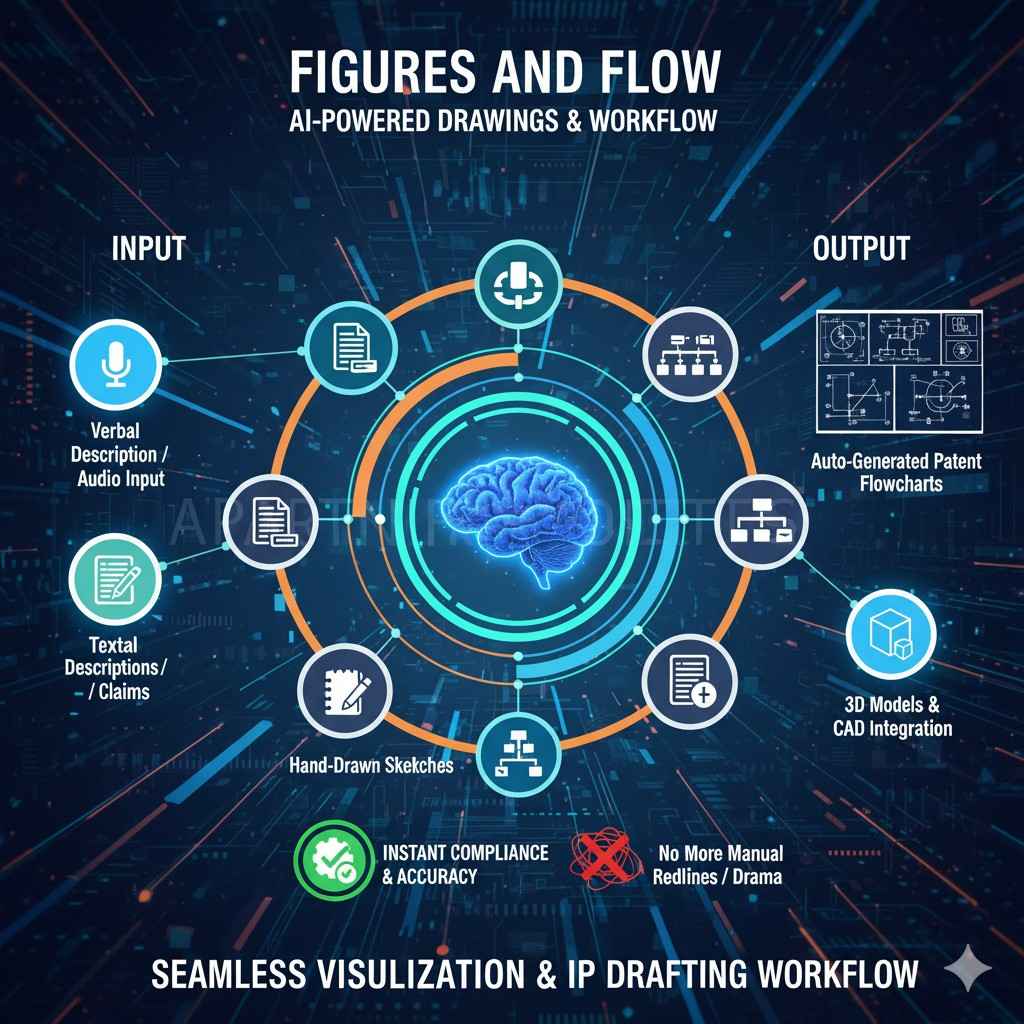
PowerPatent makes this easy by tying figure callouts to the spec terms so you do not drift. You can see examples here: https://powerpatent.com/how-it-works
Handling software, AI/ML, and data inventions with plain language
For software and AI ideas, keep the center of gravity on inputs, transforms, and outputs. State what data goes in, how it is processed, and what signal or action comes out.
For models, teach the training setup in simple steps: the source of data, the way you clean it, the model shape at a high level, the loss you use, the way you tune, and the performance gain you saw.
Then show how the model runs in the field: how it loads, how it handles live data, how it deals with bad inputs, how it updates.
Use concrete examples: a cache rule that reduces latency, a gating trick that cuts false alarms, a data split that stabilizes training, or a pre‑processing step that makes edge devices faster.
When you talk about parameters, show ranges and explain why they matter. Avoid buzzwords. Teach it like you would to a smart new teammate.
AI tools shine here. They can turn code comments into clear steps, map function names to claim terms, and surface corner cases you might miss. They keep you from writing vague lines that examiners see through.
Handling biotech, medtech, and wet lab inventions with steady detail
For lab‑based work, start with the materials and conditions that make the effect repeatable. State sources and grades if it helps.
Then teach the steps with times, temperatures, pH, ratios, or sequencing in plain numbers. Show what happens when you change a key step.
Include control data if you have it. When you write claims, focus first on the change that gives the new effect, then on the workable ranges, then on the practical use. Keep long Latin words to a minimum when a simple term will do.
AI can turn dense lab notes into neat examples. It can suggest related use cases and delivery forms that still fit the same mechanism. It can propose claim branches for product, method, and kit, which helps when you plan global filings.
Prior art searching with AI that saves hours but keeps you honest
Search is where teams waste time. AI can scan large corpora and suggest likely prior art.
It can rank results by closeness and point to key passages. It can also draft a short novelty memo that explains where your idea is new and where it overlaps. The trap is over‑trust.
Always read the best hits yourself. Always confirm dates, inventors, and jurisdictions. Use AI to find and sort; use your eyes to judge.
A good flow is simple. Start with a few sentences that state the core idea. Ask AI to search for patents and papers that match. Review the top ten with care. Mark the strongest two or three.
Ask AI to compare them to your claim seed and call out exact differences. Then adjust your claim seed and spec to steer around the closest art.
PowerPatent speeds this flow and keeps a record of what you checked. That record helps later in prosecution and in diligence. See how it works: https://powerpatent.com/how-it-works
Staying out of trouble: common risks and how to avoid them
AI can overstate. It can make up citations. It can repeat phrases. It can drift in naming. You can stop most of this with simple rules. Always anchor claims in facts from your own files.
Always verify any art before you rely on it. Always run a pass that checks terms across the whole draft.
Always cut filler words. Always ask for a fresh rewrite when tone feels off. Small habits like these keep your drafts clean, human, and strong.
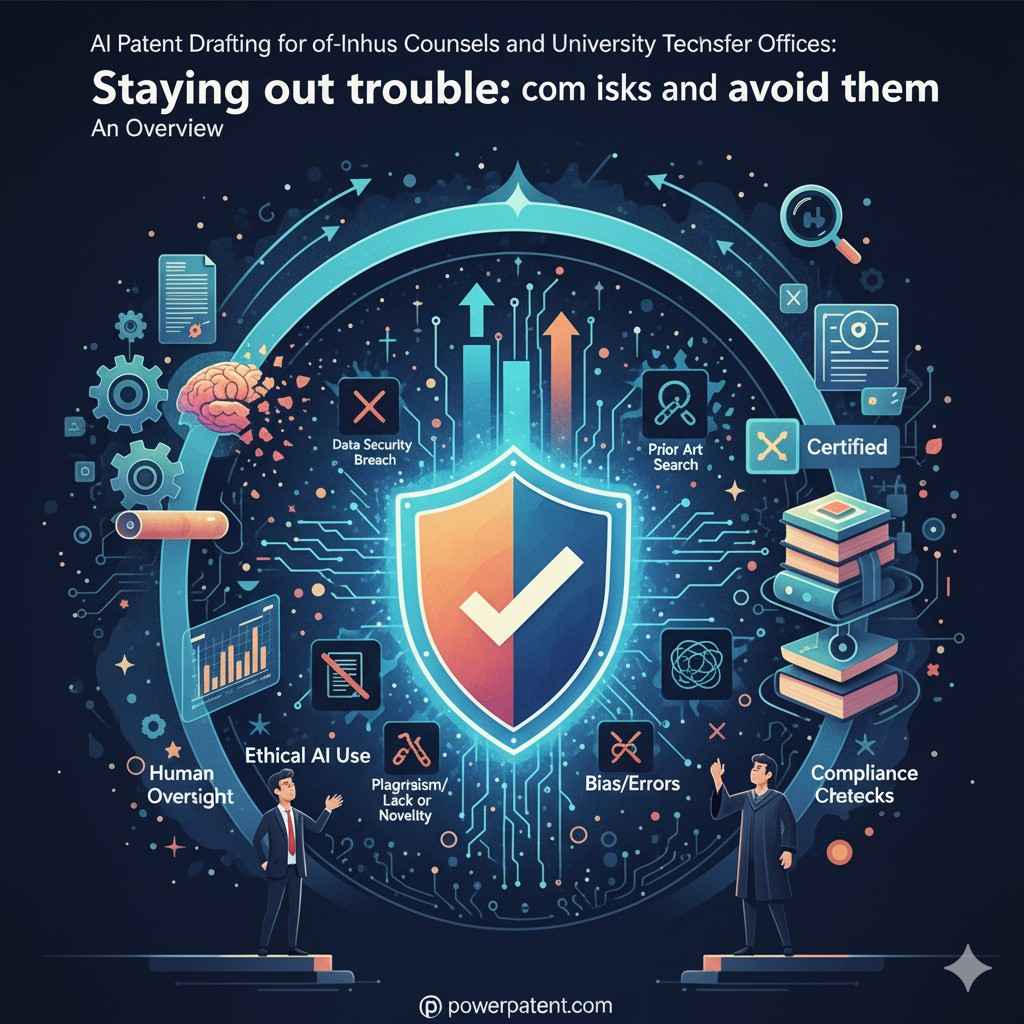
Pick a tool and a partner that take these risks seriously. PowerPatent bakes in checks and pairs you with a real attorney who reviews the work. That mix keeps quality high while you move fast. Learn more: https://powerpatent.com/how-it-works
Budget control without starving quality
AI lets you redirect budget from typing and formatting to thinking and strategy. You spend less on drafting hours that add little value and more on claim scope, portfolio fit, and license value.
You can file more provisionals when the window is narrow and upgrade the strong ones into non‑provisionals with deep support. You can also defer or drop weak cases earlier because you see the novelty story sooner.
To make this real, set a simple budget rule. For example, aim for a clear, AI‑assisted first draft within one to two weeks from disclosure. Aim for a legal review and polish within the next two weeks.
Track time saved versus your old process. Put those hours toward building families around your strongest inventions.
If you want help setting this up, we can walk you through templates and targets: https://powerpatent.com/how-it-works
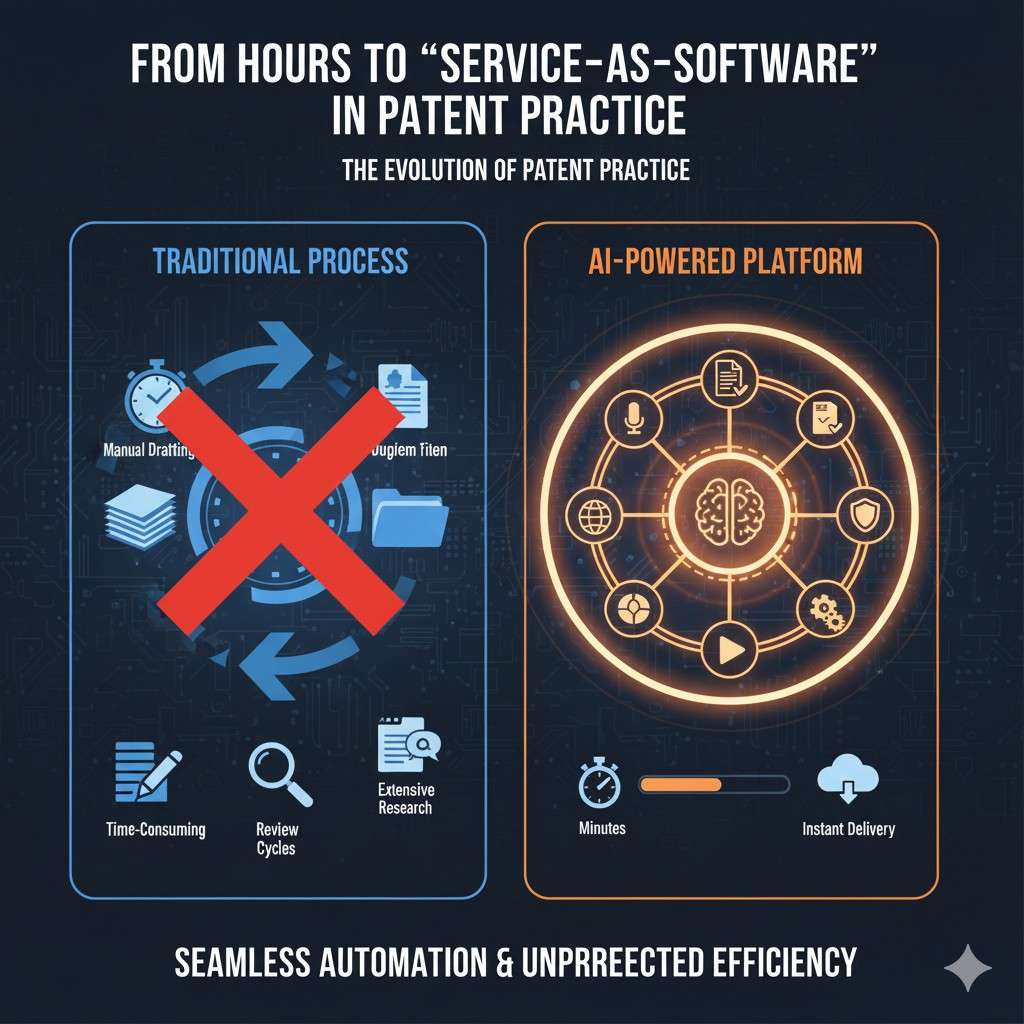
From hours to “service‑as‑software” in patent practice
Consulting firms are turning custom work into scalable products. Patent practices can do the same.
With PowerPatent, you can package your know‑how into repeatable workflows that feel like products, not one‑off projects.
Think “AI‑assisted first‑draft prep,” “rapid provisional generation,” or “continuation/foreign‑filing packs,” each with clear inputs, outputs, and service levels.
Standard templates for backgrounds, embodiments, and figure text make results consistent and on‑brand while still leaving room for attorney strategy where it matters.
To make this real, set a simple budget rule. For example, aim for a clear, AI‑assisted first draft within one to two weeks from disclosure. Aim for a legal review and polish within the next two weeks.
Track time saved versus your old process. Put those hours toward building families around your strongest inventions.
If you want help setting this up, we can walk you through templates and targets: https://powerpatent.com/how-it-works
Portfolio planning with AI as your map
Your filings should not be random. They should line up with products, markets, and deals. AI can read your past filings and product docs to find gaps.
It can cluster your cases by tech theme and by claim angle. It can also suggest where a continuation or a divisional might be smart. This turns a pile of cases into a map you can show to your CFO or to a board.
When you plan, set a few simple goals. Decide which ideas need fast, broad filings. Decide which ones need a narrow, quick guard. Decide which areas need a wall of related cases.
AI can simulate claim scope overlap so you do not waste filings on the same ground. It can propose new dependent claims that fill thin spots.
PowerPatent supports this kind of planning so you can act with confidence. See examples: https://powerpatent.com/how-it-works
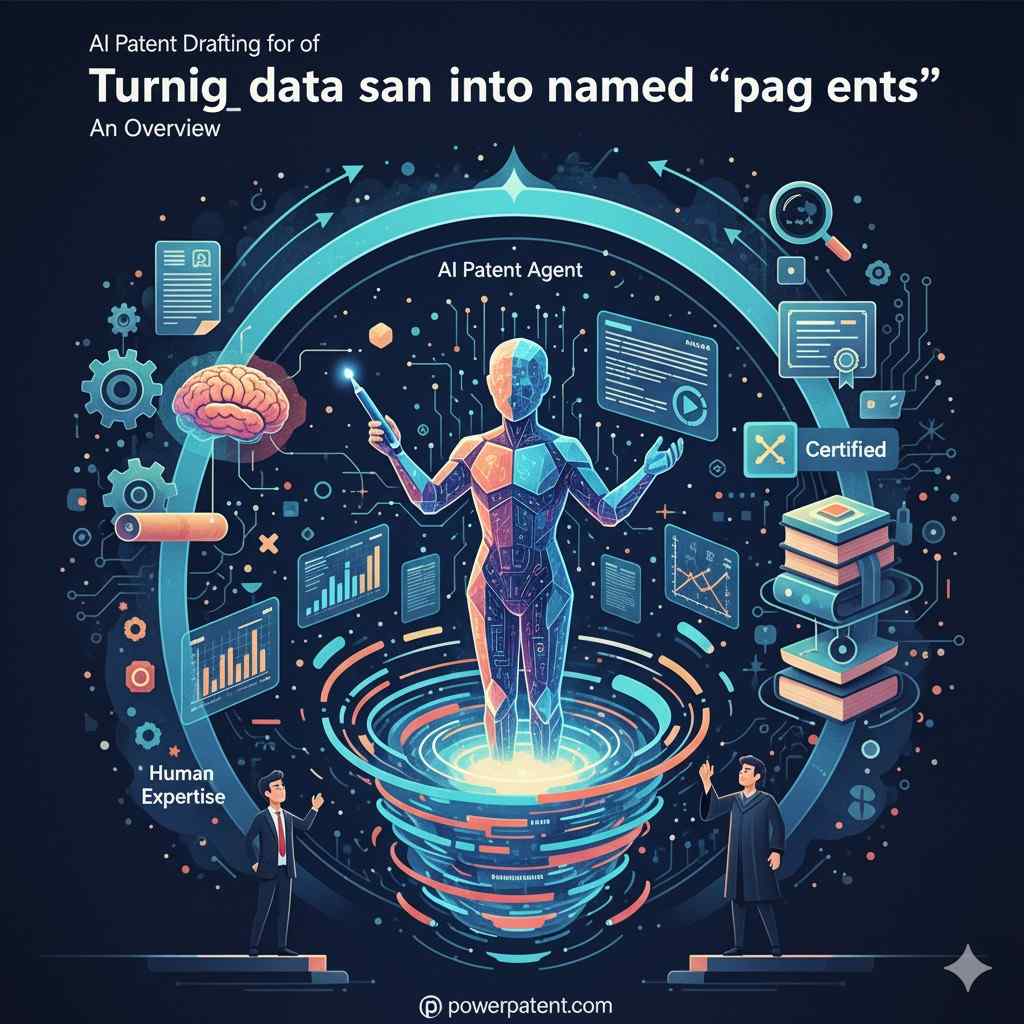
Turning data and expertise into named “patent agents”
With PowerPatent, your own work product becomes fuel for specialized behaviors.
You can train and configure the system on your historic applications, responses, and outcomes so it develops drafting styles by domain or region.
Over time, you can expose these as named modules—such as a software‑continuation agent, a med‑device §112 clean‑up agent, or a JP/EP localization agent—that your team can invoke on demand.
Because the platform ties into prosecution systems and public feeds, it can recommend language and argument patterns that have worked well for you before.
When you plan, set a few simple goals. Decide which ideas need fast, broad filings. Decide which ones need a narrow, quick guard. Decide which areas need a wall of related cases.
AI can simulate claim scope overlap so you do not waste filings on the same ground. It can propose new dependent claims that fill thin spots.
PowerPatent supports this kind of planning so you can act with confidence. See examples: https://powerpatent.com/how-it-works
Global filings without getting lost
Global work adds rules and forms. Keep your language simple and concrete to travel well. Avoid claims that hinge on words that local offices read in odd ways. Use figures that show structure and flow without dense text.
When you plan Europe, think about problem‑solution framing. When you plan Asia, think about data privacy in your examples. AI can flag risky phrasing and suggest safer wording that keeps your idea intact.
Set a rhythm. File a strong first case with depth. Use the next year to gather more data and build out examples. Convert with confidence. Build in fallbacks for each region. AI keeps your variants aligned across files so you do not drift.
Provisional first, or straight to non‑provisional? A clear way to decide
If your work is moving fast and you have enough detail to teach one or two strong examples, a well‑built provisional buys you time while you test and refine.
If your work is stable and the claim story is clear, go straight to non‑provisional and plant your flag.
AI helps both ways: it can turn rough notes into a teaching spec for a provisional, and it can help you polish a tight non‑provisional when you are ready.
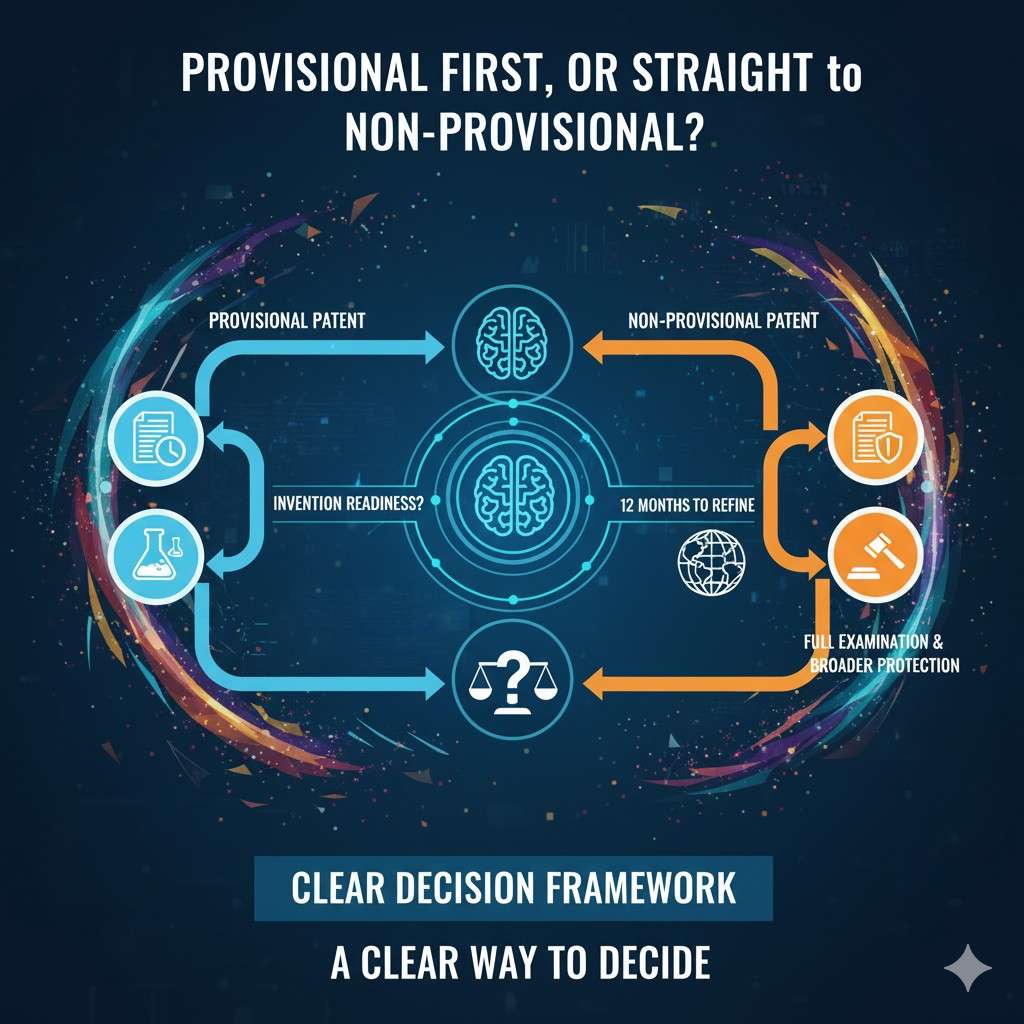
Use one simple rule. If you would feel fine showing your draft to a partner or investor, it is probably strong enough to file as a non‑provisional. If not, file a deep provisional and plan your upgrades.
Either way, keep the language simple and the support full.
Working with examiners: prepare now, not later
Good prosecution starts in drafting. AI can run quick checks that simulate common examiner moves. It can test your claims against likely classes and top assignees.
It can flag claim terms that examiners often push on. It can suggest arguments that match the way an art unit thinks about similar cases. You then adjust before you file. This saves rounds later.
When office actions arrive, AI can help propose responses that track each paragraph in the action with a clean reply. It can draft amendments that keep your core while moving past the art.
Your attorney then tunes the tone and the legal base. You get a faster path to allowance without guesswork.
Inventor engagement without the endless email chain
Inventors want to build, not write. AI helps you meet them where they are.
Share a short, plain intake that asks for the core idea, the pain it solved, the steps that matter, and any code, data, or figures they are proud of. Let AI pull the rest from their repos and notes.
After the first draft is ready, show them key spots where their voice matters: the core example, the figure labels, and the edge cases. Keep the rest on your side.
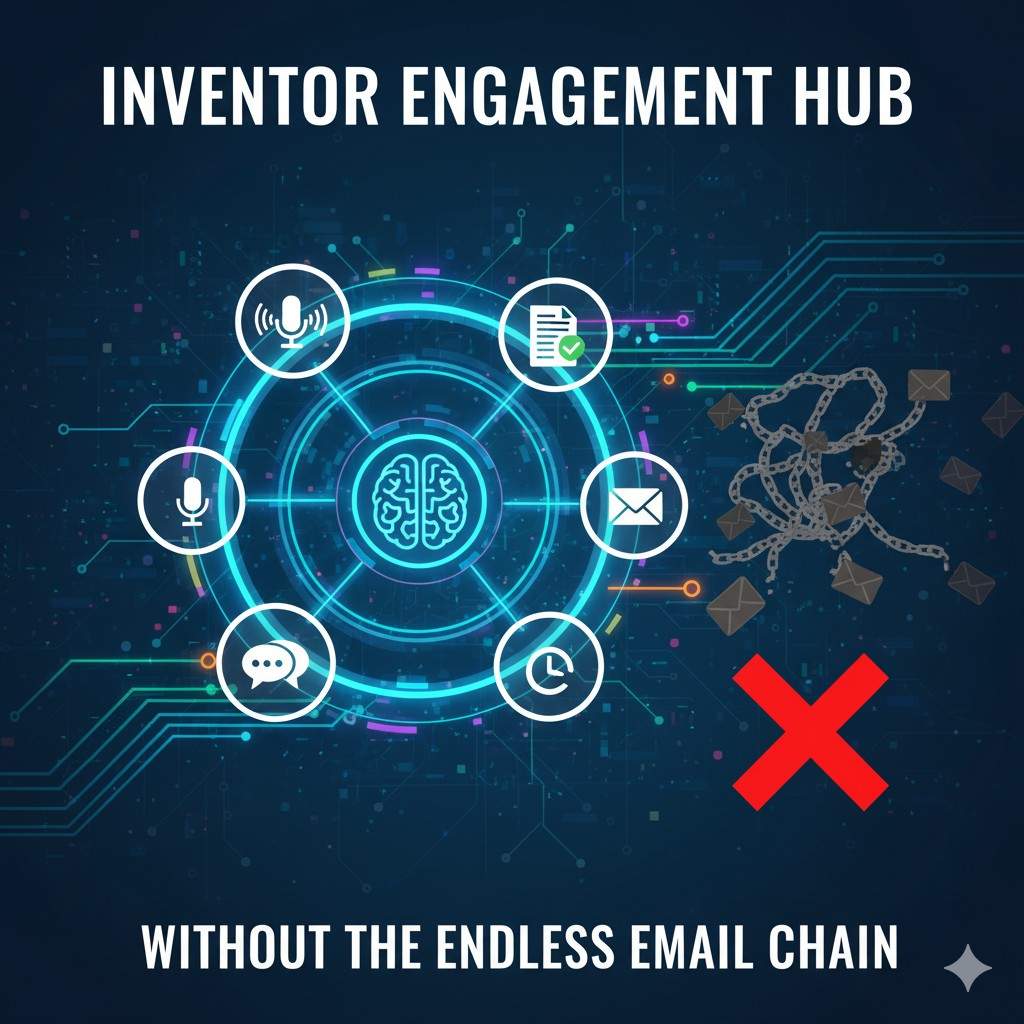
PowerPatent gives inventors a simple view and gives you control over the legal parts. It cuts email loops and gets drafts out the door. See how: https://powerpatent.com/how-it-works
Change management: how to roll out AI drafting without drama
Start with one team or one lab. Pick a few live cases with willing inventors. Run them through the new flow from intake to draft. Track time, gaps, and pain points.
Adjust your templates and naming rules. Share small wins with leaders. Then expand to the next group.
Set simple ground rules. Use the tool for intake, drafting, and review. Keep all comments and edits inside the system so the record is complete. Use short weekly huddles to clear blocks.
Do a short training for new users with real cases, not slides. Keep the tone practical. Celebrate fast filings and cleaner office actions.
If you want a starter kit with training material, PowerPatent can share one: https://powerpatent.com/how-it-works
Building the human–AI patent team
AI compresses the hours that used to live at the bottom of the staffing pyramid. The smart move is not to cut quality; it is to elevate people.
Junior professionals shift from primary drafters to supervisors and builders of prompts, checklists, and playbooks.
They review AI output, add strategy, and learn faster because guidance is built into the tool.
Senior attorneys spend more time on claim vision, portfolio architecture, licensing value, and risk calls—the work clients truly pay for. PowerPatent supports this shift with in‑product examples, explanations, and guardrails that make training part of the everyday workflow.
Set simple ground rules. Use the tool for intake, drafting, and review. Keep all comments and edits inside the system so the record is complete. Use short weekly huddles to clear blocks.
Do a short training for new users with real cases, not slides. Keep the tone practical. Celebrate fast filings and cleaner office actions.
If you want a starter kit with training material, PowerPatent can share one: https://powerpatent.com/how-it-works
Measuring success so you can prove the value
Pick a few easy metrics. Time from disclosure to first draft. Time from first draft to file. Number of claims with clear support. Number of figures with aligned labels. Number of rounds with outside counsel.
Cost per filed case. You do not need a complex dashboard. A simple table that you update each month is enough. AI can pre‑fill these numbers. You review and confirm.
Show progress to leadership. Show faster turn times, lower costs, and higher filing volume without lower quality. Show a few case studies where early filing helped with a deal or a grant. These stories matter.
Ethics and trust: keep your bar high
Your name and your school or company name sit on each filing. You cannot risk sloppy work. Use AI as a tool, not a crutch. Keep human review at each gate. Do not claim more than you can teach.
Do not hide weak spots. Be clear with inventors about what the tool does and what you will do. Be clear with partners that a real attorney signs off. This builds trust that lasts.

PowerPatent is built on this promise: smart software plus real attorney oversight. That mix gives you speed and keeps quality high. Read how we do it: https://powerpatent.com/how-it-works
A 90‑day adoption plan you can start today
In the first thirty days, set up templates, naming rules, and intake forms. Run two or three live cases end‑to‑end. Gather feedback and fix rough edges. In the next thirty days, expand to five to ten cases.
Add more figures, deeper examples, and tighter claim playbooks. In the last thirty days, bring in outside counsel on two cases with AI‑built drafts and measure the gains.
Keep your plan simple and public inside your team. Post weekly wins. Share draft snippets that show clear gains. Keep the focus on results and on time back to inventors and counsel.
If you want help shaping your 90‑day plan, we are happy to share ours: https://powerpatent.com/how-it-works
Real‑world scenarios and how to handle them
If a founder brings a working prototype two days before a demo, do not panic. Run a quick intake, pull key details with AI, draft a strong provisional with clear examples, and file.
If a faculty team has a paper accepted with a short lead time, convert the paper into a deep spec, add claim seeds, and file before the journal date.
If a product team finds a competitor patent late in the cycle, use AI to compare claims to your feature, draft a design‑around path, and file a case that covers that path.
If leadership wants a view of your moat, map your cases to product features and show claim angles for each. If a licensee wants to understand value, craft a clear, non‑legal summary tied to claims and figures.
If an examiner presses on a key term, find support passages fast and propose a narrow, precise tweak that keeps your core intact.
These moves are simple when your drafts are clean and your records are tight. AI helps you get there without burning nights and weekends.
What to look for in an AI drafting partner
Look for a clean interface that inventors actually use. Look for claim and spec tools that feel like a real drafting room, not a chatbot. Look for tight control over data and clear promises on privacy.
Look for version control that tracks each change. Look for strong export that plays nice with your docketing and with outside counsel. Look for a team that pairs you with real attorneys who know your field.
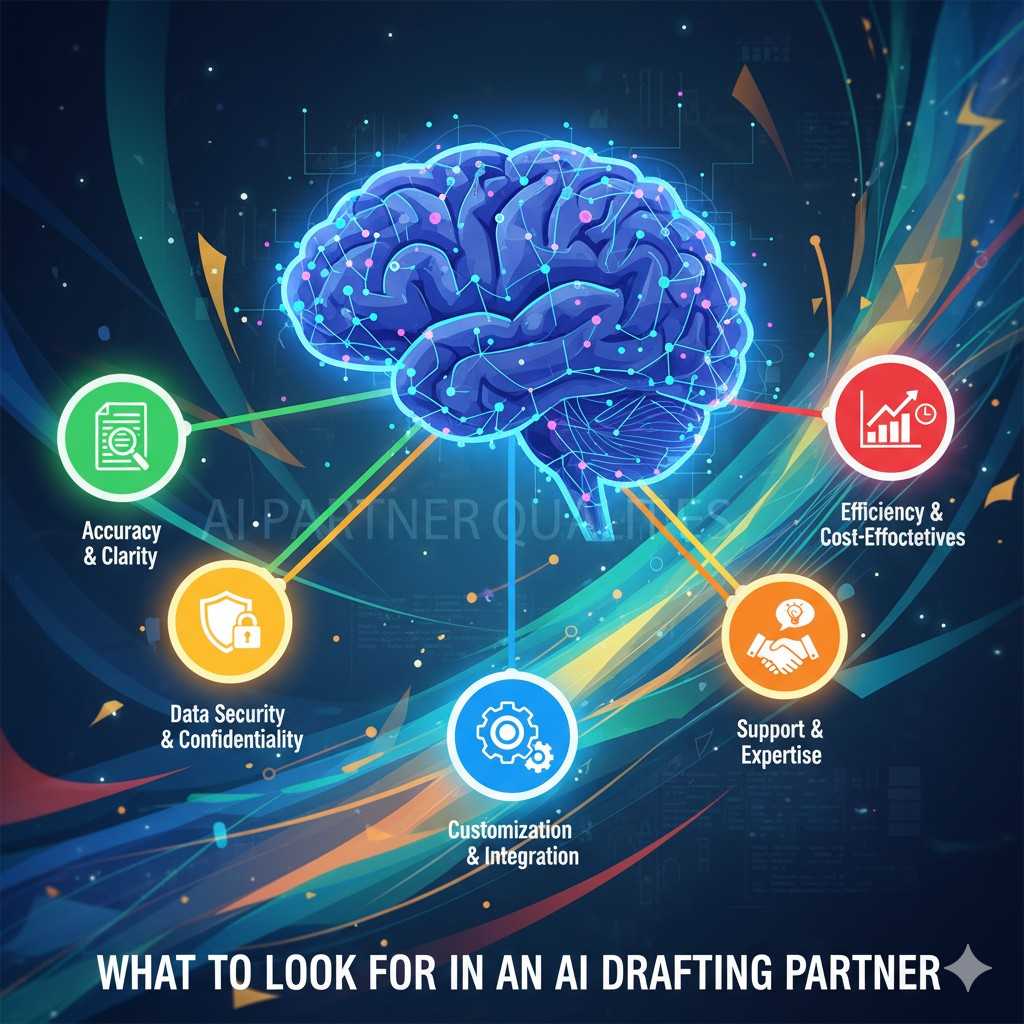
PowerPatent checks these boxes. We built the tool we wished we had when handling high volumes with high stakes. You can see the workflow and talk to our team here: https://powerpatent.com/how-it-works
Closing thoughts
AI patent drafting is about balance. Move fast, but stay careful. Use software to lift weight, but keep experts in charge.
Teach clearly, claim cleanly, and file with confidence. If you do this, you will protect more ideas, help more inventors, and build a stronger portfolio without adding more stress to your team.
New pricing and delivery models
Once your work is structured as PowerPatent workflows, you can move beyond pure hourly billing.
Offer fixed‑fee drafting bundles, subscription portfolio programs, and fast‑track filings powered by AI. Because the process is standardized and measured, you can stand behind clear service levels and value‑based pricing.
Why PowerPatent is a keystone for law firms in the AI‑agent era
Consulting firms are racing to own their AI agent stacks and to turn expertise into platforms. Law firms can win the same way by treating PowerPatent as core infrastructure, not a side tool. In one platform, you get the drafting assistant, the data activator, the productization engine, and the training layer that helps a human–AI team do its best work. Firms that make this shift early will hold the advantage as AI agents become part of every stage of patent strategy, drafting, and prosecution.
If you want to see how this looks in action for your company or your lab, take a quick tour: https://powerpatent.com/how-it-works
You do not have to slow down to protect what you build. With the right system and a trusted partner, you can do both.
Leave a Reply