Most software teams spend a lot of time on the user experience. They work on the flow, the layout, the feedback, the timing, and the little moments that make a product feel smooth and easy. That work matters. In many cases, it is one of the biggest reasons users choose one product over another. But when founders think about patents, they often look past the interface. They focus on the backend engine, the model, the data system, or the infrastructure. That makes sense. Those parts feel more technical. They seem more “patent-worthy.” The screen design can feel too visual, too simple, or too easy to copy. That is where many teams make a costly mistake.
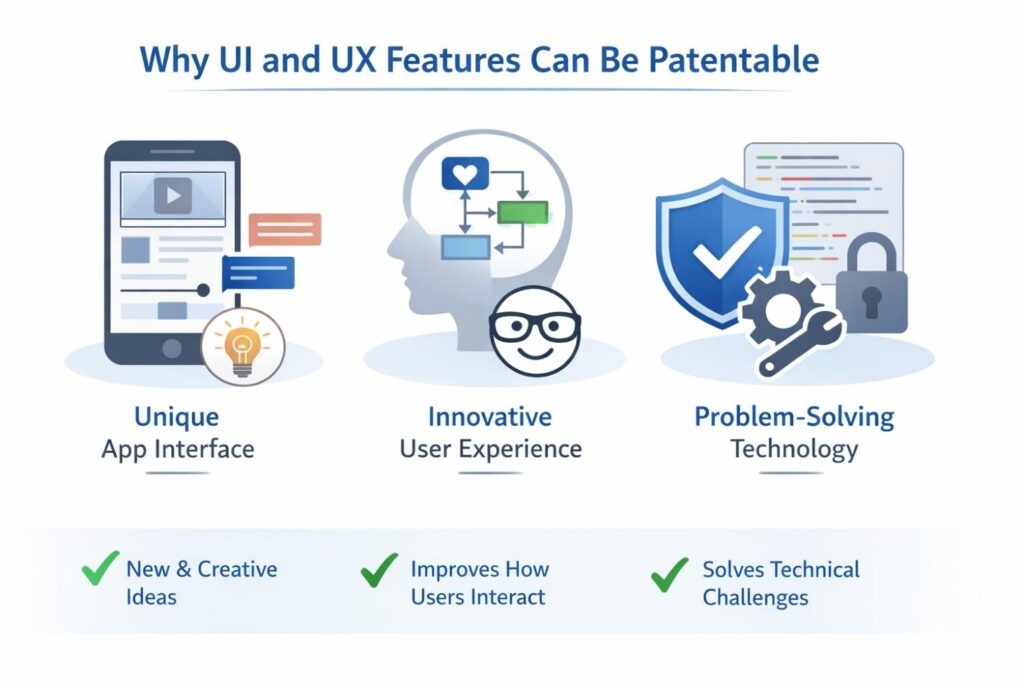
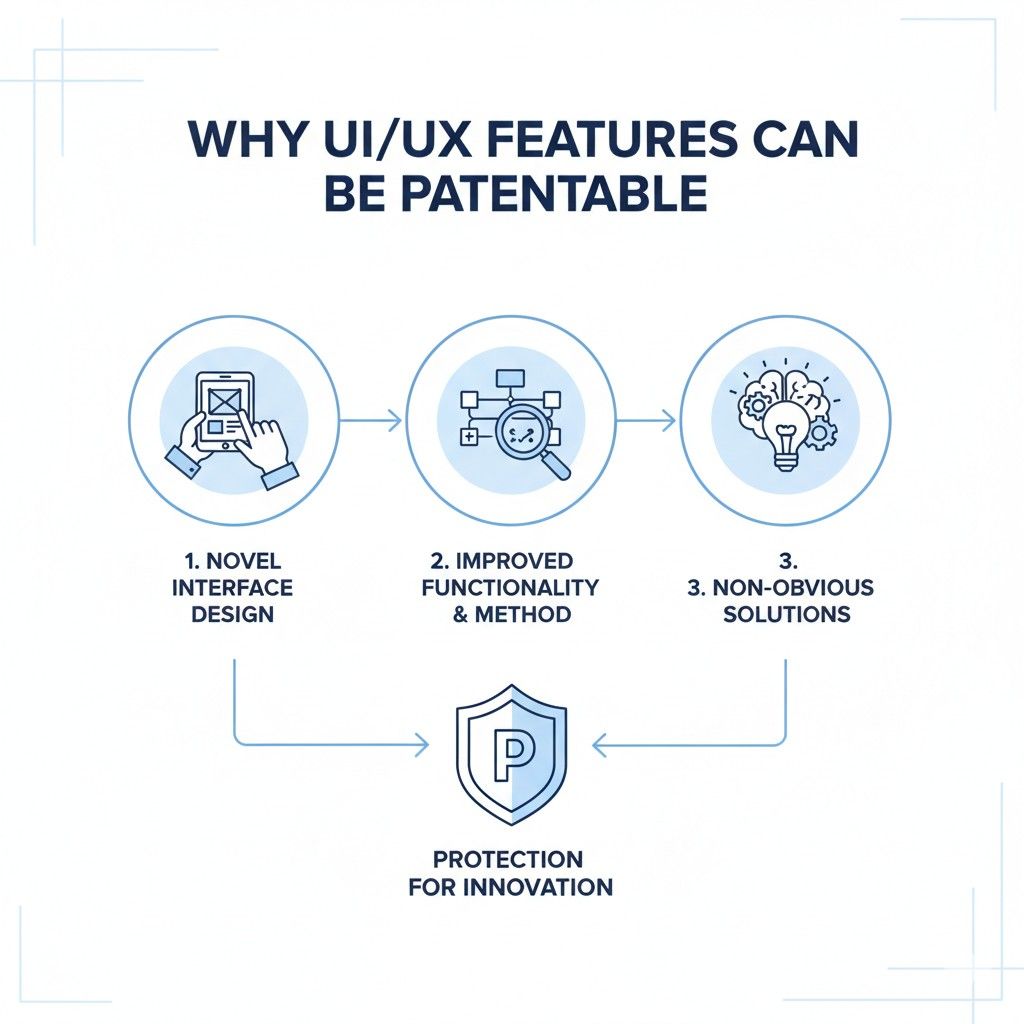
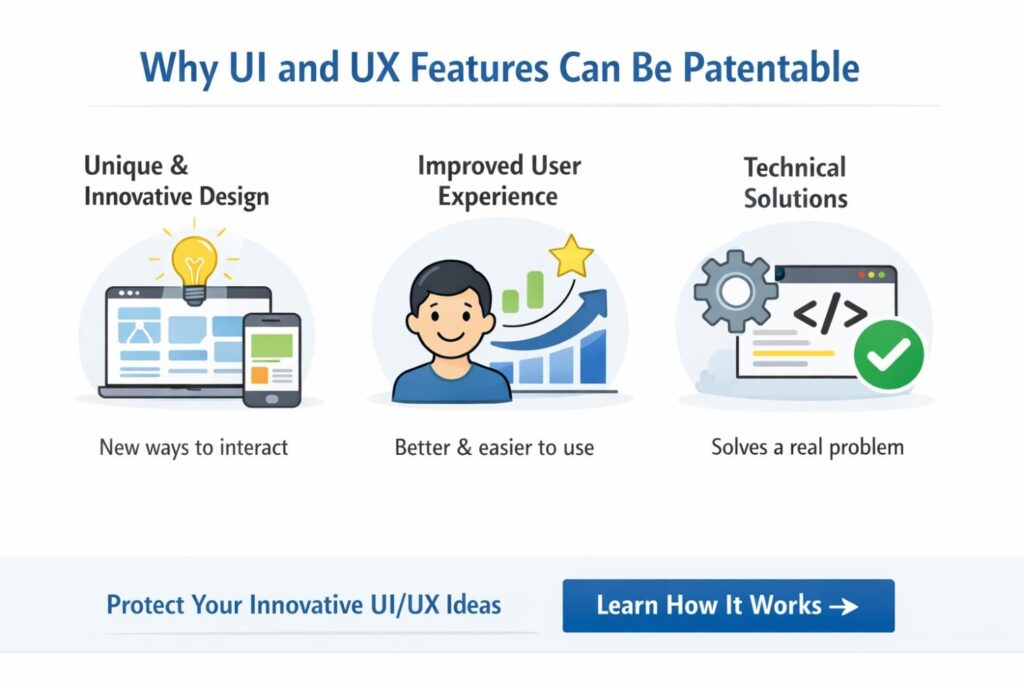
Why UI and UX Features Can Be Patentable
Many founders still believe patents only protect deep backend systems, hard math, or complex machine logic. That belief leaves value on the table. In modern software, some of the most important innovation happens at the point where the product meets the user.
That is where confusion gets removed, where steps get shortened, where trust gets built, and where hard technical work becomes easy to use.
A UI or UX feature can be patentable when it is not just decoration, but part of how the software solves a problem. That is the key idea businesses need to understand.
A patent is not about claiming a nice-looking screen. It is about protecting a useful way of getting a result. When the interface changes how the system works for the user in a real and useful way, it may be worth protecting.
For companies building software in crowded markets, this matters a great deal. Many teams compete on experience, not just raw function.
Two products may offer the same high-level outcome, but one wins because users can finish the job faster, with less training, less stress, and fewer mistakes.
That edge is often built into the interface itself. If that edge is real, repeatable, and tied to a functional outcome, it may support strong patent coverage.
The Patent Is Not About Beauty
A lot of teams get stuck because they think patents and design are talking about the same thing.
They are not. A great visual style can help a brand, but brand style alone is not the heart of a software patent. A patent is more concerned with what the interface causes to happen.
That means the real question is not whether a screen looks modern or polished. The real question is whether the screen structure, the flow, the timing, the feedback, or the interaction model gives the user a functional advantage. If the answer is yes, there may be something worth claiming.
Function Matters More Than Appearance
A user interface can be patentable when it changes the way a task gets done. That may happen through fewer steps, smarter prompts, real-time adaptation, better error prevention, or a layout that changes based on context. What matters is the result.
If the interface helps the system deliver a better and more reliable process, it starts to look less like decoration and more like invention.
This is where businesses should become more strategic. Do not ask, “Can this screen be patented?” Ask, “What job does this interaction do better than the old way?” That question often reveals the real value.
A Smooth Experience Can Still Be Technical
There is a common mistake in software teams. They assume that if the user experience feels simple, then the invention behind it must be simple too. In many cases, the opposite is true.
The cleanest products often hide the most thoughtful engineering. A fast and natural experience may depend on state tracking, input prediction, event handling, ranking logic, model output control, or device-aware adaptation.
That is why UI and UX work should not be treated as soft or secondary when patent strategy is discussed. A smooth experience may be the visible part of a much deeper technical solution. The patent should connect those dots.
Why This Matters for Businesses in Crowded Markets
When markets fill up, products start to sound the same. Every tool promises speed, automation, insight, and ease. Users often choose based on how the product feels in use. That means the way your system guides people can become a real source of market power.
If your product wins because users reach value faster, understand the output more clearly, or avoid mistakes they would make elsewhere, that should not be ignored in your patent process.
A competitor can copy your pitch on a website. Copying your product flow is much more dangerous. If that flow is central to your growth, it deserves serious attention.
The Business Case for Protecting Front-End Innovation
Companies often spend heavily on product design, user research, onboarding, and workflow testing.
They run experiments. They measure drop-off. They improve tiny steps that lift conversion, retention, or success rates. Those gains are not random. They come from work. They often come from invention.
If that work leads to a product interaction that becomes a meaningful business asset, the company should think beyond product metrics. It should ask whether that feature also deserves legal protection.
This is especially true if the interface helps reduce churn, shorten sales cycles, improve adoption, or lower support burden. Those are not small product wins. Those are business wins.
The Best UI Patent Opportunities Often Hide in Plain Sight
Some of the strongest patent opportunities are missed because the team sees them as normal product decisions. They say things like, “We just made it easier,” or, “We cleaned up the flow.”
But that easier flow may have required a new way to present choices, a new way to react to user state, or a new way to move between steps without losing context.
That is exactly why businesses need a better habit of invention capture. The product choice that feels obvious now may not have been obvious at all when it was created. Once a good UX pattern ships and starts working, it can look inevitable. It rarely was.
The More the Interface Changes User Outcome, the More It Matters
A useful test is to ask whether the interface changes the quality of the result, not just the look of the process. If users make better decisions because of how information is shown, that matters.
If they finish tasks more accurately because the system shows only the next best action, that matters. If they trust the output more because the system reveals the reasoning at the right time in the right way, that matters too.
The stronger the connection between the interaction and the outcome, the stronger the business case for patent review. That is where the value moves from visual choice to functional advantage.
When the Interface Reduces Friction in a Meaningful Way
Friction is expensive. It slows conversion. It hurts onboarding. It creates support tickets.
It raises training costs. It makes users quit. A UI or UX feature that removes friction in a meaningful and repeatable way can carry major business value.
That is why businesses should not think of friction reduction as just a design goal. It can also be part of an IP goal.
If your team found a new and useful way to remove hesitation, reduce confusion, or prevent failure inside the product, that may be an invention worth capturing.
When a UX Pattern Solves a Technical Problem
Some UI features are really solutions to technical constraints. The system may need to manage latency, uncertainty, incomplete data, or model behavior.
The interface then becomes the bridge that makes the technical system usable. In that case, the UX is not just packaging. It is part of the solution.
This is a powerful idea for software businesses. A claim does not have to stop at the visible feature.
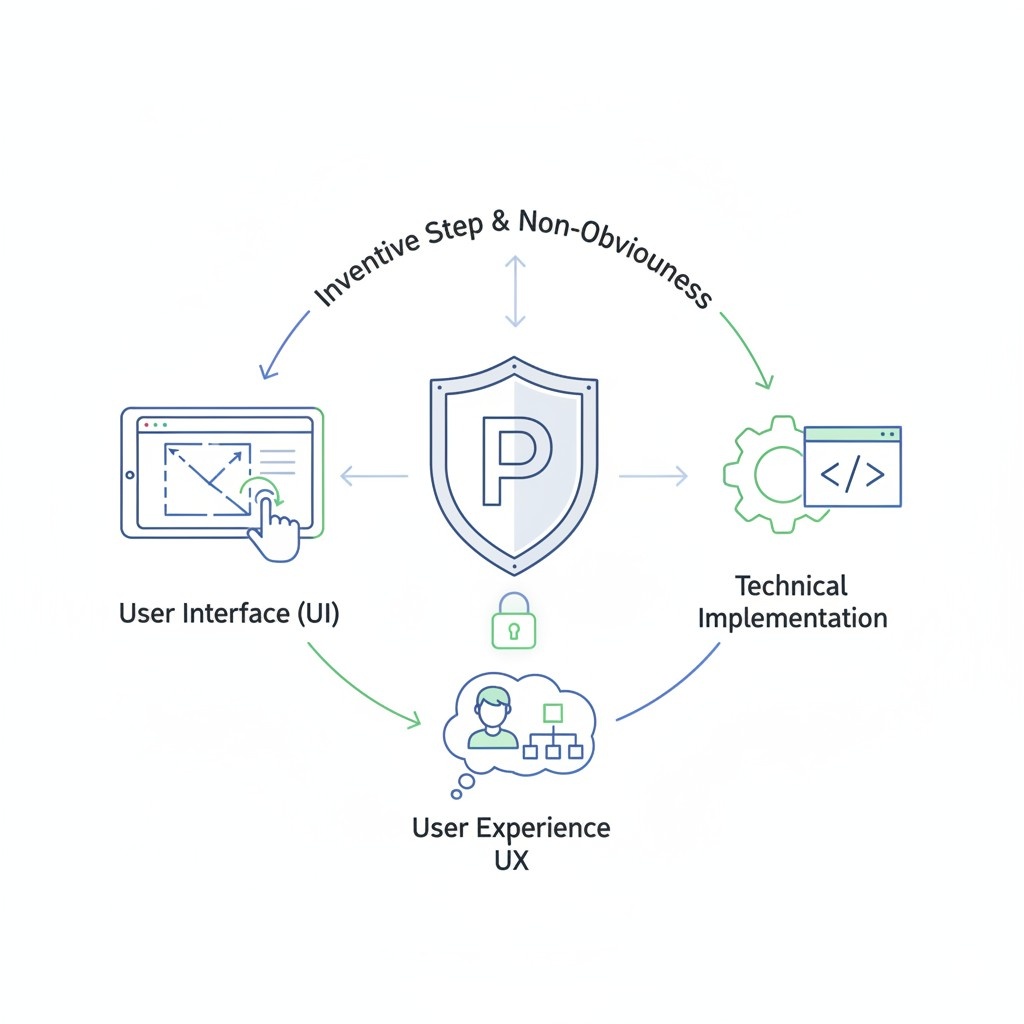
It can tie that feature to the system condition that triggered it, the data being processed, and the result produced. That makes the protection much stronger and much harder to design around.
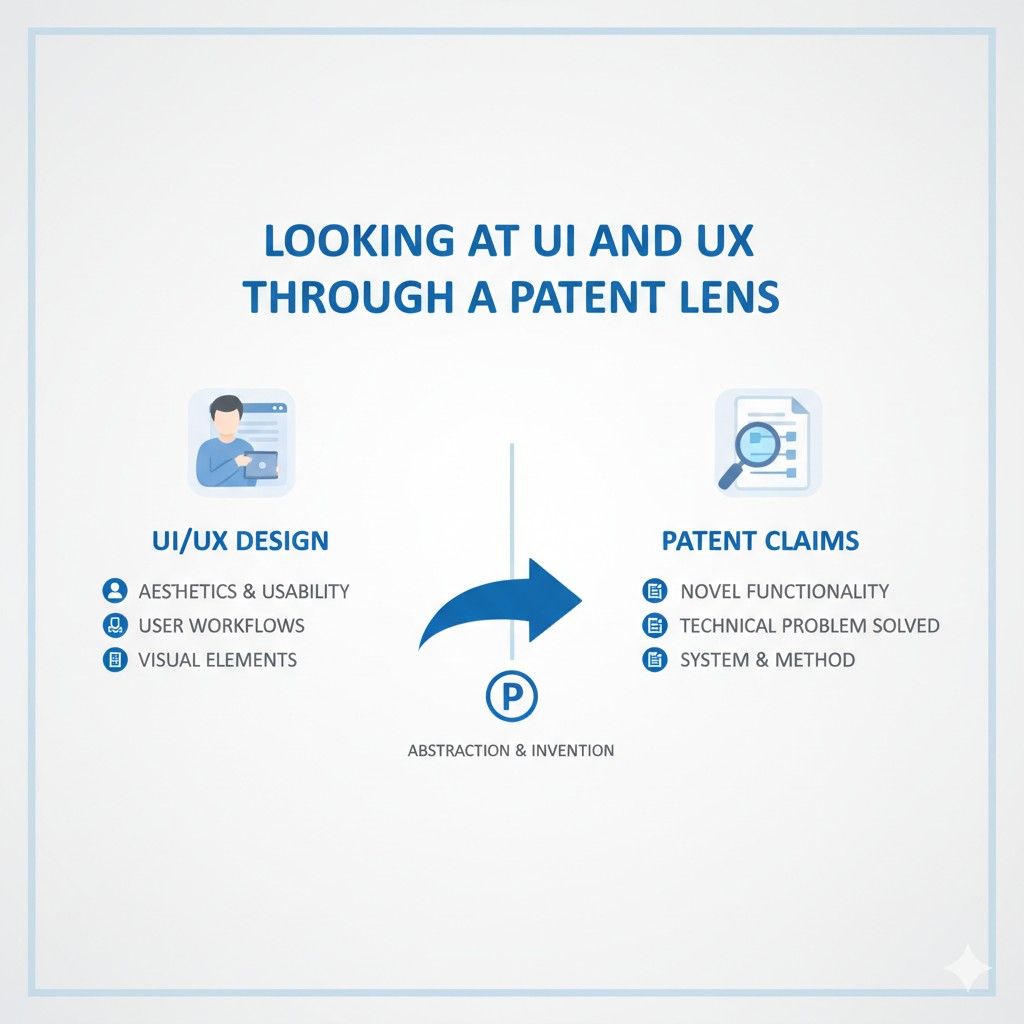
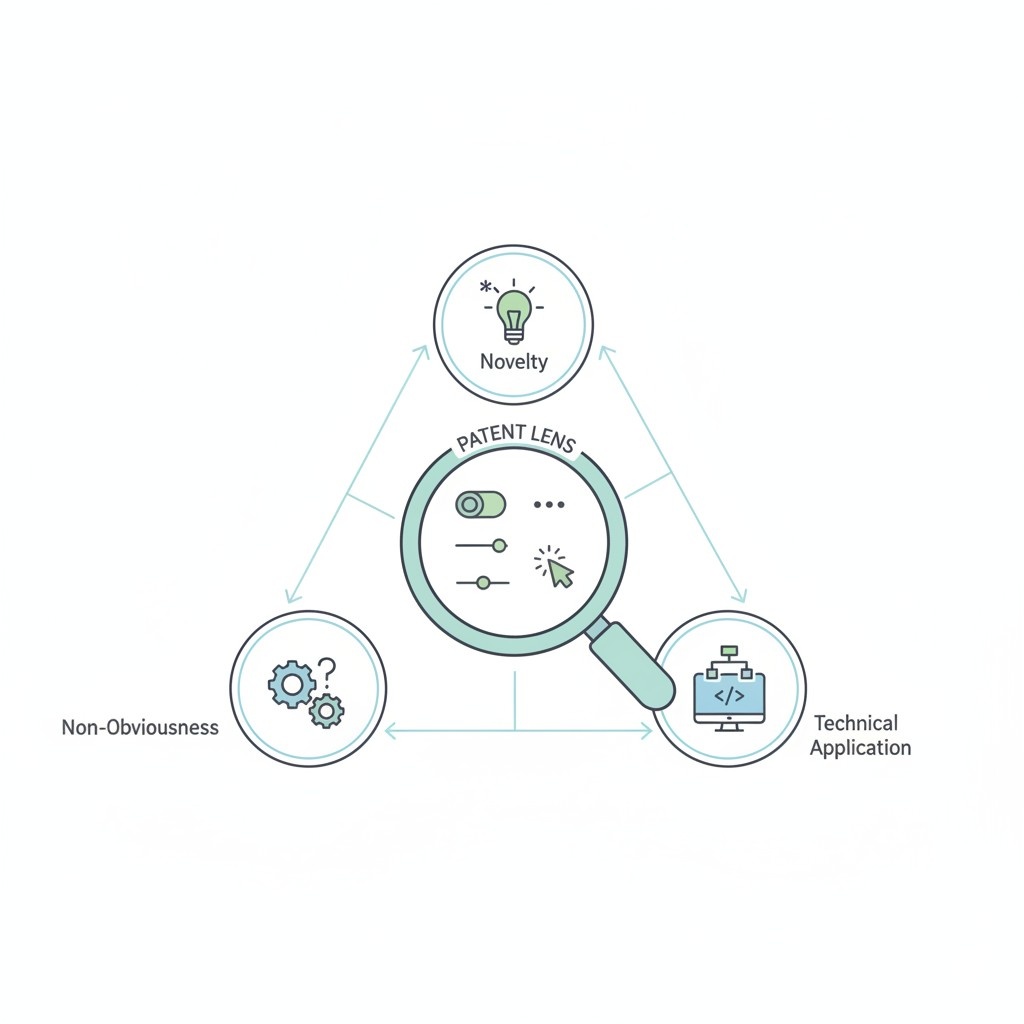
Looking at UI and UX Through a Patent Lens
A lot of teams look at product work through a design lens, an engineering lens, or a growth lens.
Very few look at it through a patent lens early enough. That is a problem, because the way a feature gets framed at the start often shapes whether it becomes protectable later.
Looking through a patent lens does not mean slowing product work down. It means learning to notice where the product is doing something functionally new and valuable.
Once a business builds that habit, good patent opportunities become much easier to see.
Ask What Problem the User Faced Before This Feature Existed
Every good UI or UX patent story starts with a problem. Not a vague problem like “old tools were clunky.” A real problem. Maybe users had to switch screens too often.
Maybe they lost progress when context changed. Maybe they had to guess what the system wanted. Maybe they could not act with confidence because the output lacked useful explanation.

The clearer the before-state problem, the easier it becomes to explain why the new interaction matters.
Businesses should train product and engineering teams to document this early. That one habit can make claim drafting far more effective later.
Ask What the Interface Does Differently
After the problem comes the change. What exactly does the interface do that older systems did not do? Does it change what is shown based on confidence level?
Does it reorder choices using live signals? Does it preserve context across a handoff? Does it guide the user through exceptions without forcing a full restart?
This is where strategic businesses can separate themselves. Instead of saving screenshots, save reasoning. Instead of only tracking final layout decisions, track interaction logic. That is the material claims are built from.
Ask What Result Improves Because of That Change
The best patent stories link the interaction to a measurable or at least clear result. The user gets through a task faster. The number of errors drops. The system needs less training time.
Fewer clicks are required. The output becomes easier to act on. The system becomes more useful under a difficult condition.
This is also helpful for internal business alignment. When teams can explain how the feature improves results, it becomes easier to justify patent budget. It no longer sounds like legal overhead. It sounds like protecting a real product advantage.
Ask Whether a Competitor Would Benefit by Copying It
This is one of the most practical business questions. If another company copied this flow, would it help them win users faster? Would it make their product feel more complete?
Would it reduce the gap between your experience and theirs?
If the answer is yes, you may be looking at something worth protecting. Businesses do not need to patent every interface choice. But they should pay close attention to the ones a rival would most want to copy.
Why Many Valuable UX Features Get Missed
Many companies miss strong patent opportunities because the invention is spread across teams. Design sees one part. Engineering sees another. Product sees the goal. No one pulls the whole story together. Then, when patent drafting begins, the feature is described too narrowly or too late.
That is not a legal problem first. It is an operating problem. Businesses that want stronger patents need a better system for collecting product decisions while they are still fresh.
Teams Often Record Screens but Not Decision Logic
A screen recording can show what the product does. It usually does not show why it does it. It does not explain trigger rules, fallback paths, edge-case handling, confidence thresholds, or state changes. Those hidden parts often matter most.
A useful business habit is to capture short internal notes when important UX decisions are made. Not long memos.
Just enough to explain the user problem, the chosen interaction, the rejected options, and the reason the final approach worked better. That kind of record becomes very powerful during patent drafting.
Product Teams Tend to Undervalue “Small” Wins
Many features that feel small in isolation have huge business impact in practice. A better handoff. A clearer warning. A step that appears only when needed.
A summary view that helps users act without opening five tabs. These changes may not feel dramatic inside the build process, but they can have major effects on user success.
That is why businesses should watch for repeated customer praise. If users keep saying a feature feels easy, clear, or trust-building, that is a signal. It may point to a functional improvement worth protecting.
Speed of Shipping Can Hide the Size of the Invention
Fast-moving teams often do their best work under pressure. They solve hard experience problems quickly and move on. The danger is that they never stop to capture what was invented.
By the time someone asks about patents, the details are blurry.
The fix is simple but important. Add a light invention review into product shipping rhythm.
When a major workflow ships, ask whether the interaction created a meaningful functional gain. That question alone can uncover patentable material that would otherwise disappear.
Strategic Advice for Businesses Evaluating UI and UX Patent Potential
Businesses should not wait for outside counsel to discover patentable UX ideas from a polished demo.
By then, the story is often too thin. The stronger move is to build a repeatable internal method for spotting and shaping these opportunities before they fade.
This does not need to be heavy or slow. It needs to be deliberate.
Treat User Flows as Business Assets
Most companies already treat code, data, and models as assets. They should start treating high-performing user flows the same way.
If a workflow drives adoption, speeds up activation, or improves conversion, it has value beyond product design. It may be part of the company’s defensible edge.
Once leadership sees key flows as assets, patent review becomes easier to prioritize. The conversation shifts from “Should we patent this screen?” to “Should we protect one of the product experiences that helps us win?”
Review High-Impact Features Before Competitors Normalize Them
A UX innovation is easiest to protect when it still looks new. Once the market starts copying the pattern, the window may narrow. That is why timing matters.
Businesses should review important front-end features early, especially if they believe the feature will become a signature part of the product.
Waiting can be costly. A feature that feels fresh and distinctive today may look standard a year from now. That does not always kill patent value, but it can make protection harder and riskier.
Tie Patent Review to Product Milestones
One practical move is to connect patent review to product moments that already matter. A major release. A new onboarding flow. A dashboard redesign tied to retention gains.
A new AI interaction layer. These are natural points to ask whether the business just launched something worth protecting.
This makes patent work feel integrated instead of separate. It also helps teams capture the right facts while memories are still clear.
Focus on Repeatable Advantage, Not One-Off Styling
Businesses should be careful not to confuse one-off visual choices with repeatable competitive value.
The strongest opportunities usually come from interactions that can scale across customers, use cases, or product lines. That repeatability is important because it shows the feature is not just an isolated design trick. It is part of a broader system advantage.
When deciding where to invest, look at the features that can keep helping the company as the product grows. Those are often the best candidates for strong protection.
How to Decide Whether a UX Feature Deserves Patent Attention
Not every smart interface choice needs a patent. Businesses need a filter. The right filter is not based on how flashy the screen looks. It is based on whether the feature creates meaningful leverage.
That means leaders should ask simple but serious questions. Does this feature help us win deals?
Does it reduce training time? Does it improve retention? Does it make our product harder to replace? Would a rival copy this if they had the chance? If the answer keeps coming back yes, it deserves a closer look.
Watch for Features That Change Buyer Perception
Some UX features do more than help users. They help close sales. A product that feels easier to understand often feels lower risk.
A product that explains itself well can shorten the path from demo to purchase. A product that gives users confidence in the result can increase trust much earlier.
When a front-end feature helps sales teams tell a stronger story, that is a real business signal. It suggests the feature has strategic value that may be worth protecting.
Watch for Features That Lower Internal Cost
Patentable value is not only about revenue. It can also be about efficiency. Some interface choices reduce support load, lower onboarding burden, and make implementation smoother.
If a UX feature saves the company money over and over, that matters.
Businesses should work closely across product, support, and customer success to spot these patterns. Some of the best patent opportunities are found where the product quietly removes repeated operational pain.
Watch for Features That Create Habit and Stickiness
A product becomes harder to leave when it fits naturally into the user’s work. Good UX plays a major role in that. If a feature helps users act faster, remember context, or trust outcomes more deeply, it may become part of why they stay.
That kind of stickiness is powerful. It means the interface is not just helping with usability. It is helping create long-term product dependence. That is exactly the kind of business value that deserves strategic review.
A Smart Way to Capture These Opportunities Early
Most businesses do not need a heavy invention committee to improve results. They just need a simple rhythm.
When an important UX feature is designed or shipped, someone should capture the business reason, the user problem, the logic behind the interaction, and the result it improved.
That small step can make a huge difference later. It gives patent drafting real substance. It reduces guesswork. It helps show that the value was functional and intentional, not accidental.
Keep Notes on What Changed and Why
Do not only save mockups. Save the thinking that led to them. Write down what users struggled with before.
Write down what changed in the system response. Write down why the final interaction beat the old one. These details are often far more valuable than the visuals alone.
Involve Technical and Product Voices Together
The strongest stories usually come from both sides. Engineering can explain how the system reacts behind the scenes. Product can explain why the interaction matters to the user.
When those views are joined early, the patent story gets stronger and more complete.
Move While the Context Is Fresh
Memory fades quickly after launch. Teams move on. Edge cases get forgotten. Rejected designs disappear.
Businesses that capture invention details while they are still fresh usually end up with much stronger filings. Timing is not a side issue here. It is part of quality.
How to Turn a User Flow Into Strong Patent Claims
A user flow can feel simple on the screen and still be very hard to protect if it is described the wrong way. This is where many software patents lose power. The team knows the feature is valuable.
Users love it. Buyers notice it. Competitors would benefit from copying it. But the patent draft ends up too shallow because it follows the screen instead of the invention.
To turn a user flow into strong patent claims, the goal is not to describe every page in order. The goal is to capture the working logic that makes the flow useful.
That means you must look past the visual layer and identify the real structure underneath it.
A claim should not read like a product tour. It should read like a system that produces a useful result through a defined set of actions and responses.
Start With the User Problem, Not the Screen
A strong claim usually begins before the first screen appears. It starts with the problem the user had in older systems. That problem gives the flow its purpose and gives the claim a reason to exist.
Find the Pain Point That Forced the Flow to Exist
Before drafting anything, ask what was broken before this feature was built. Maybe users had to jump between pages and lost context. Maybe they had to re-enter the same data in several places.
Maybe they could not tell what to do next because the interface showed too many choices at once. Maybe they got results from the system, but had no clear way to act on them.
That pain point matters because it helps shape the claim around a real functional improvement. Without it, the draft can turn into a plain description of interface steps with no clear reason those steps matter.
Define the Improvement in Plain Terms
The next move is to explain what became better because of the flow. This should be simple and direct. The user completes the task faster. The system reduces error.
The software keeps context across steps. The interface changes based on live state so the user sees the right action at the right time.
This plain-language statement is useful because it keeps the claim grounded. It stops the draft from drifting into empty words. If the improvement cannot be stated clearly, the claim is often not ready.
Separate the Flow Logic From the Visual Layout
This is one of the most important drafting moves in software patent work. A layout can change. A color can change. A menu can move. If the claim depends too much on visual arrangement, it becomes easier for others to work around it.
Claim the Mechanism, Not the Mockup
Instead of locking the claim to a screen design, focus on what the system is doing. For example, the real invention may not be that a panel slides in from the side.
The real invention may be that the system displays context-linked action controls without leaving the current task state. That is much stronger. It protects the function, not the decoration.
This shift is very important for businesses because products evolve fast. The interface six months from now may not match the original mockup. A stronger claim gives room for product growth without losing protection.
Avoid Tying the Claim to One Exact Screen Order
Many flows are drafted in a way that sounds like a rigid sequence of pages. That can create problems. If the value of the invention is broader than one exact screen order, the claim should reflect that broader logic.
The better approach is to capture the conditions, transitions, and responses that drive the flow. What triggers the next step? What state is preserved? What new content is shown based on that state?
What action becomes available because of system analysis or prior user input? These questions often lead to stronger claim language than a strict page-by-page story.
Common Mistakes When Claiming Software Interface Features
A lot of software patents fail to protect the part that actually makes the product valuable. The team knows the interface feature matters. Users rely on it. Sales calls improve because of it. The product feels faster, clearer, and easier because of it. But the claim language still ends up weak.
That usually happens because the feature is described the wrong way. The draft follows the surface and misses the real engine underneath.
It captures what the screen looks like, but not why the feature works. It names UI parts, but does not explain the system logic that gives those parts meaning.
For software businesses, this is not a small drafting issue. It is a strategic one. If the patent misses the real advantage, a competitor may copy the core experience while changing just enough on the surface to avoid the claim.
That is why it is so important to understand the common mistakes early and avoid them before they get baked into the filing.
Claiming the Screen Instead of the Function
One of the biggest mistakes is treating the interface like a static picture. The claim describes a screen with a button, a panel, a menu, or a display region, but never explains what makes that interface feature useful in operation.
That creates a weak result because a screen alone rarely holds the full value. The real value often comes from how the interface reacts to user input, system state, prior actions, live data, or detected conditions.
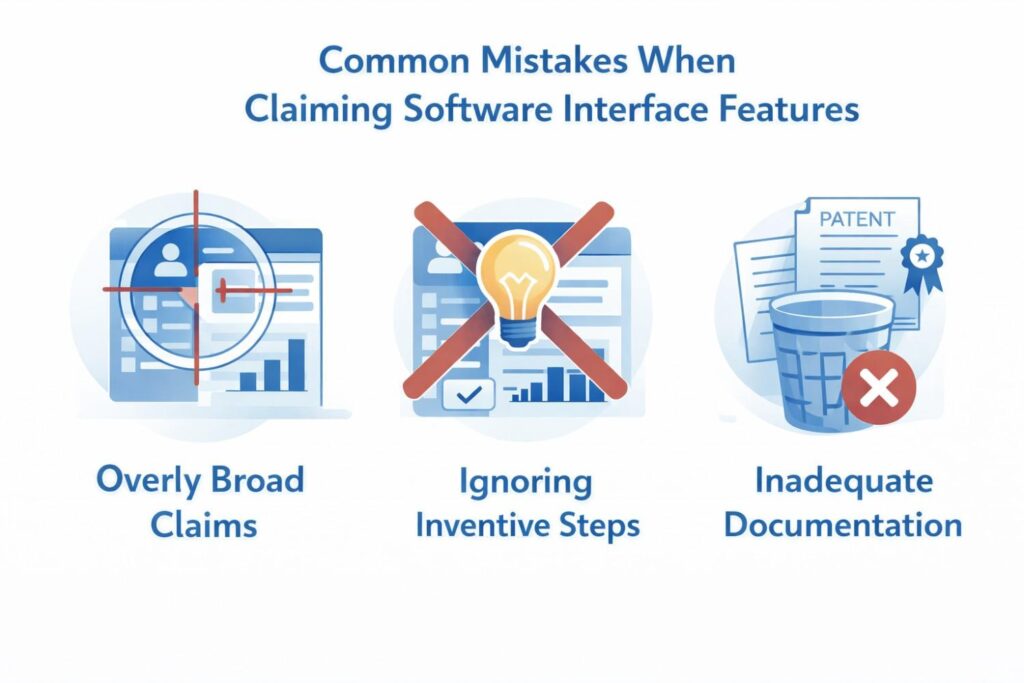
When those moving parts are missing, the claim becomes easier to design around.
Describing What the User Sees, But Not What the System Does
A claim should not stop at saying that information is presented. It should explain why that information is presented, when it appears, what triggered it, and how that presentation changes the user’s path.
A useful interface is usually part of a system response, not just a passive display.
If the draft focuses only on visible elements, it may sound complete at first, but it leaves out the real mechanism. A competitor can then copy the same idea with a different visual wrapper and argue that the claim does not apply.
Confusing Visual Design With Patentable Value
Another common mistake is assuming that a clean, modern, or polished design is enough to support a strong claim.
A product can look excellent and still offer very little in terms of patentable function if the draft cannot point to a meaningful operational improvement.
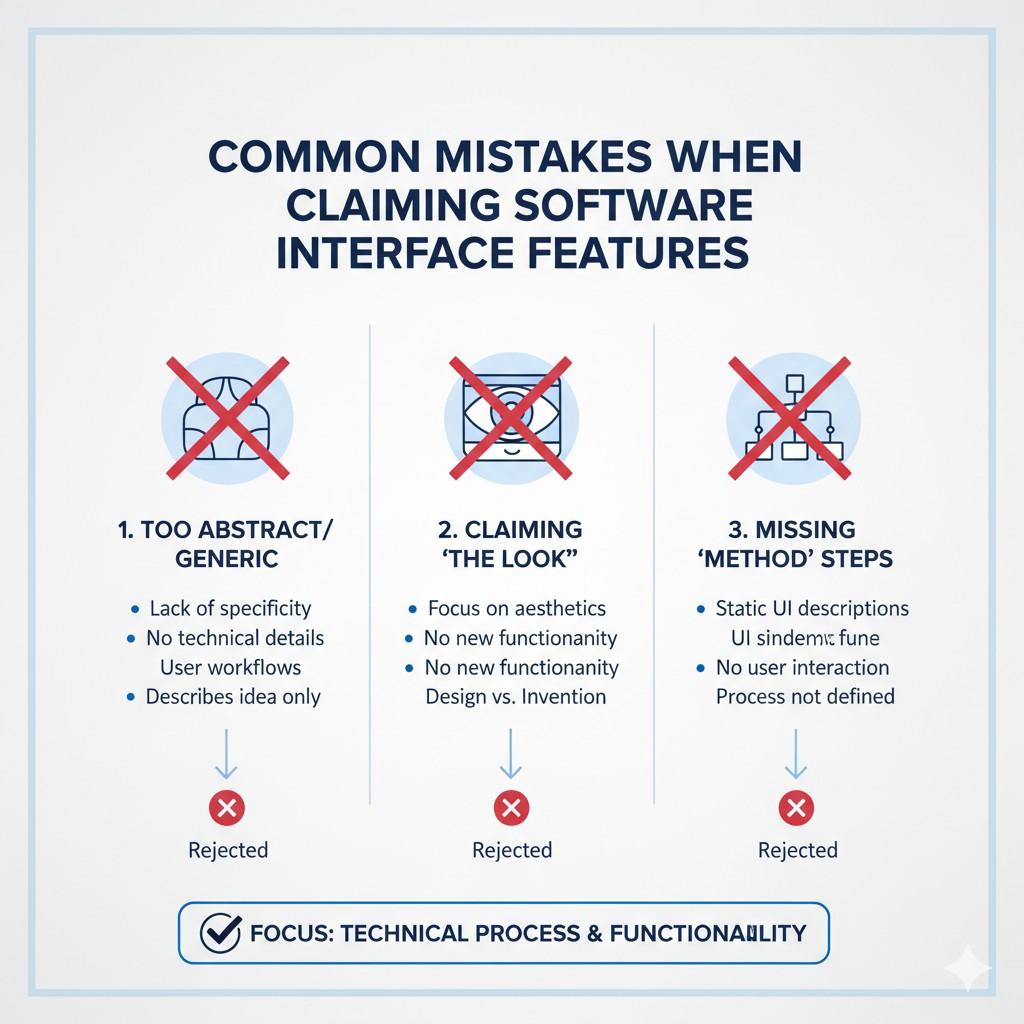
This is where businesses need discipline. The goal is not to claim that a screen looks better. The goal is to claim that the software helps the user do something better because of how the interface works. That is a very different standard, and it leads to much stronger drafting.
Locking the Claim to One Exact Layout
Software products change all the time. Teams update flows, move controls, merge panels, split steps, and add new interaction styles. A claim that depends on one exact arrangement can become fragile very quickly.
This is a serious business problem because the company may outgrow its own claim.
A feature that creates major product value today may look slightly different six months later. If the claim is tied too tightly to the first version, it may not protect the broader advantage the company really built.
Writing the Claim Like a Product Walkthrough
Some claim drafts read like a guided demo. First the user opens a page. Then the user clicks a button. Then another screen appears. Then the user enters text. Then a result is shown.
This kind of sequence may describe what happens, but it often does not explain what makes the flow inventive.
A walkthrough can be helpful for internal understanding, but claims need more than chronology. They need cause and effect. They need conditions, transitions, and functional consequences. Without that, the flow may look like a routine software experience instead of a meaningful technical solution.
Focusing Too Much on Click Paths
There is a big difference between a user taking a step and a system making that step useful. Many weak claims spend too much time on the path the user follows and too little time on the system intelligence that shapes the path.
This matters because click order is easy to change. A competitor can often rearrange the path while preserving the same functional benefit.
If the claim protects only the order of user actions, rather than the logic that guides those actions, it may leave the true advantage exposed.
Failing to Explain the User Problem Clearly
A strong software patent is easier to draft when the user problem is sharp and concrete.
Many weak drafts skip that step. They start describing the feature without clearly showing what issue existed before it. As a result, the interface can look arbitrary.
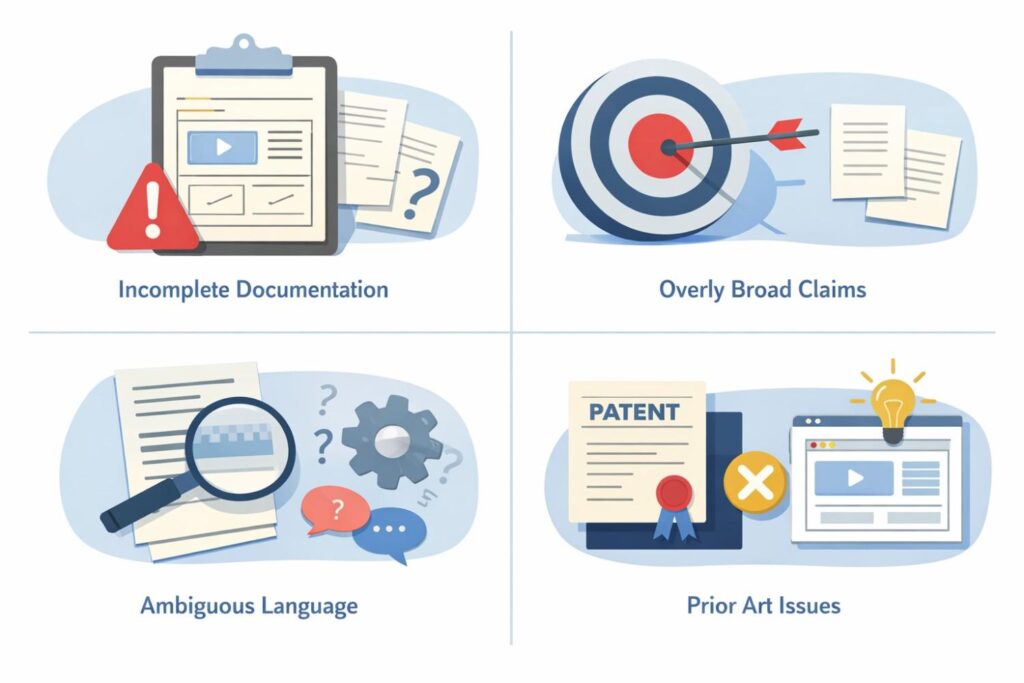
That makes the claim weaker because it removes the reason the invention matters. If the draft does not make the pain visible, the solution can look like an ordinary product choice. Businesses should always make sure the drafting process starts with the real problem the feature was built to solve.
Using Vague Words Instead of Operational Detail
Words like intuitive, seamless, smart, frictionless, and user-friendly may sound appealing, but they do very little work in a claim. They describe a feeling, not a mechanism.
This is a common trap for software teams because product language is often built around user benefit. That language is useful for marketing and sales, but claims need something more concrete.
They need to show what the system is doing that creates the better experience. Without that, the draft may sound polished but still be weak.
Missing the Trigger Behind the Interface Change
In many strong UI or UX inventions, the key value comes from the fact that the interface changes under specific conditions.
It may adapt based on prior input, process state, detected risk, confidence level, timing, or a system event. If the draft leaves out that trigger, it often loses the heart of the invention.
This is one of the most expensive mistakes businesses make because the trigger is often what separates a normal interface from a truly useful one. It is the reason the system gives the user the right next step at the right moment.
Missing the Result of the Interface Change
It is not enough to say that the system changes what is shown. The draft should also explain what that change accomplishes. Does it reduce user error. Does it preserve context.
Does it shorten the path to completion. Does it help the user trust the result. Does it prevent abandonment.
Without that result, the interface behavior can seem random or cosmetic. The stronger the link between the interaction and the outcome, the stronger the claim usually becomes.
Claiming a UI Feature as an Isolated Element
Some drafts treat an interface feature like a standalone object. They describe a prompt, a card, a control, or a panel as if it exists in isolation. But most valuable software interface features are powerful because they operate inside a larger flow.
Wrapping It Up
Drafting claims for UI and UX features is not about trying to patent a pretty screen. It is about protecting the real product advantage hidden inside the experience. That advantage often lives in how the software guides the user, reacts to changing conditions, reduces mistakes, preserves context, and helps people get to a better result with less effort.
Leave a Reply